> ## Documentation Index
> Fetch the complete documentation index at: https://docs.osvi.ai/llms.txt
> Use this file to discover all available pages before exploring further.

# Ozonetel Integration

> Connect your Ozonetel telephony infrastructure with Osvi AI conversational agents for inbound and outbound calling.

<div style={{display: 'flex', alignItems: 'center', justifyContent: 'center', gap: '2.5rem', padding: '1.75rem 2rem', background: '#ffffff', borderRadius: '12px', margin: '1.5rem 0', flexWrap: 'wrap', boxShadow: '0 1px 2px rgba(0,0,0,0.04)'}}>
  <img src="https://mintcdn.com/osviai/72IncIb9hk2inxpP/logo/logo-osvi.png?fit=max&auto=format&n=72IncIb9hk2inxpP&q=85&s=258868231c43cb5d7f6f971ef2fa6ea0" alt="Osvi AI" style={{height: '40px', width: 'auto'}} width="268" height="268" data-path="logo/logo-osvi.png" />

  <span style={{fontSize: '1.75rem', fontWeight: 300, color: '#a1a1aa'}}>×</span>

  <img src="https://mintcdn.com/osviai/KXPY2vBHfqbxQyjo/logo/integrations/ozontel.png?fit=max&auto=format&n=KXPY2vBHfqbxQyjo&q=85&s=1c2f63ba4a8bb36e0bd00d737fb9fc36" alt="Ozonetel" style={{height: '40px', width: 'auto'}} width="215" height="36" data-path="logo/integrations/ozontel.png" />
</div>

This guide explains how to connect your Ozonetel telephony infrastructure to Osvi AI’s conversational AI agents.

Once connected, your Osvi agents can handle both inbound and outbound calls across India with real-time performance and multilingual support - without requiring migration of your existing Ozonetel SIP trunks or DIDs.

***

# Prerequisites

## From Ozonetel

### Required Before Starting

Ensure the following details are available from your Ozonetel account:

* Active Ozonetel account
* SIP domain\
  Example: `sip2.cloud-connect.in:7065`
* Assigned DIDs / CLIs / phone numbers
* SIP username and password for registration-based trunk
* Admin credentials and admin login URL\
  Example: `crm2.cloud-connect.in`
* Sufficient SIP channels procured
  * `1 channel = 1 concurrent call`

***

## From Osvi AI

### Required Before Starting

Ensure the following is configured on the Osvi side:

* Active Osvi AI account
  * SIP and WebSocket support are enabled by default
* Add the SIP endpoint and phone number directly to the agent for outbound calling
* Obtain UDP SIP server details from your Osvi account manager for inbound routing

***

# Platform Configuration

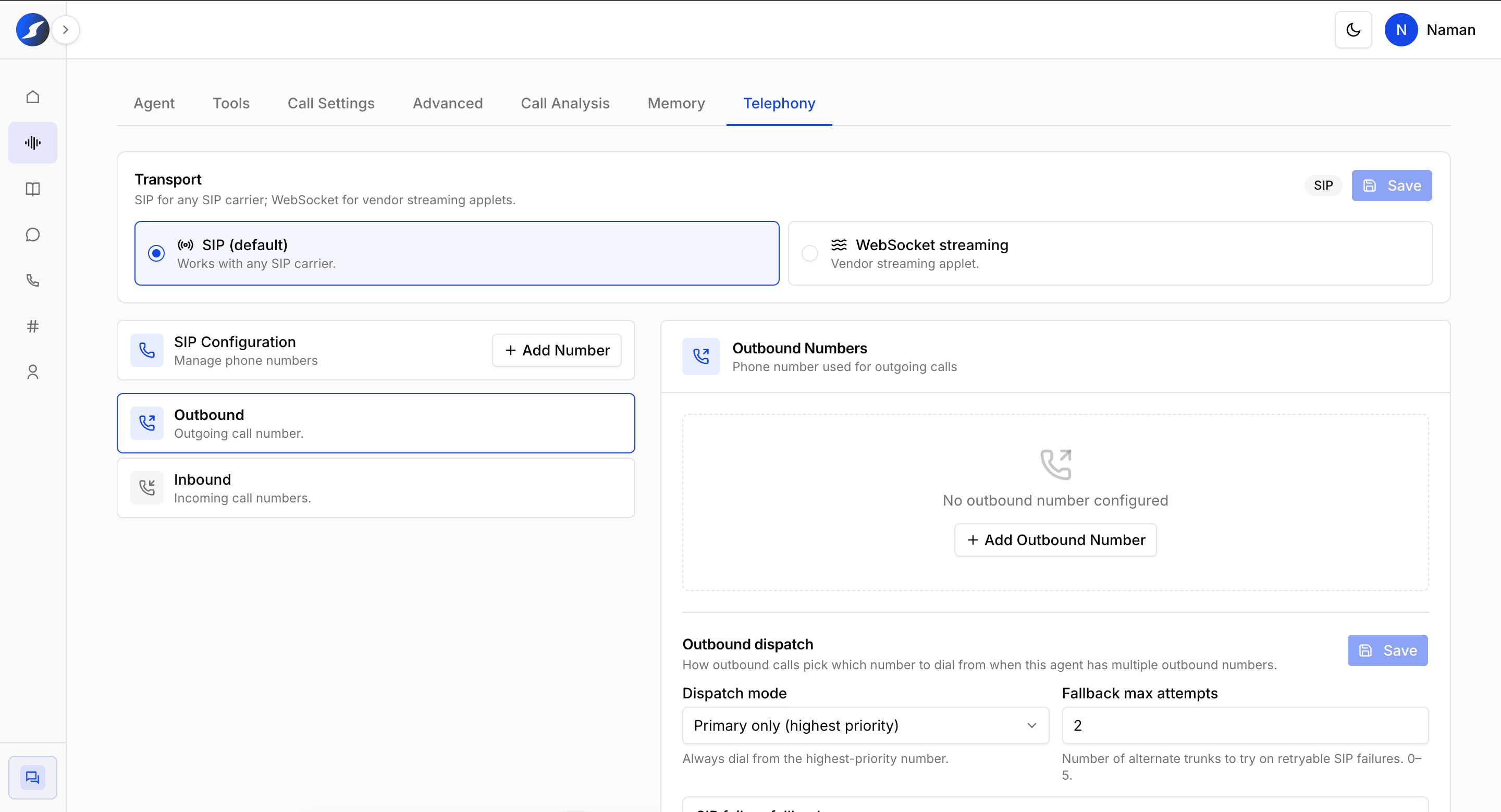
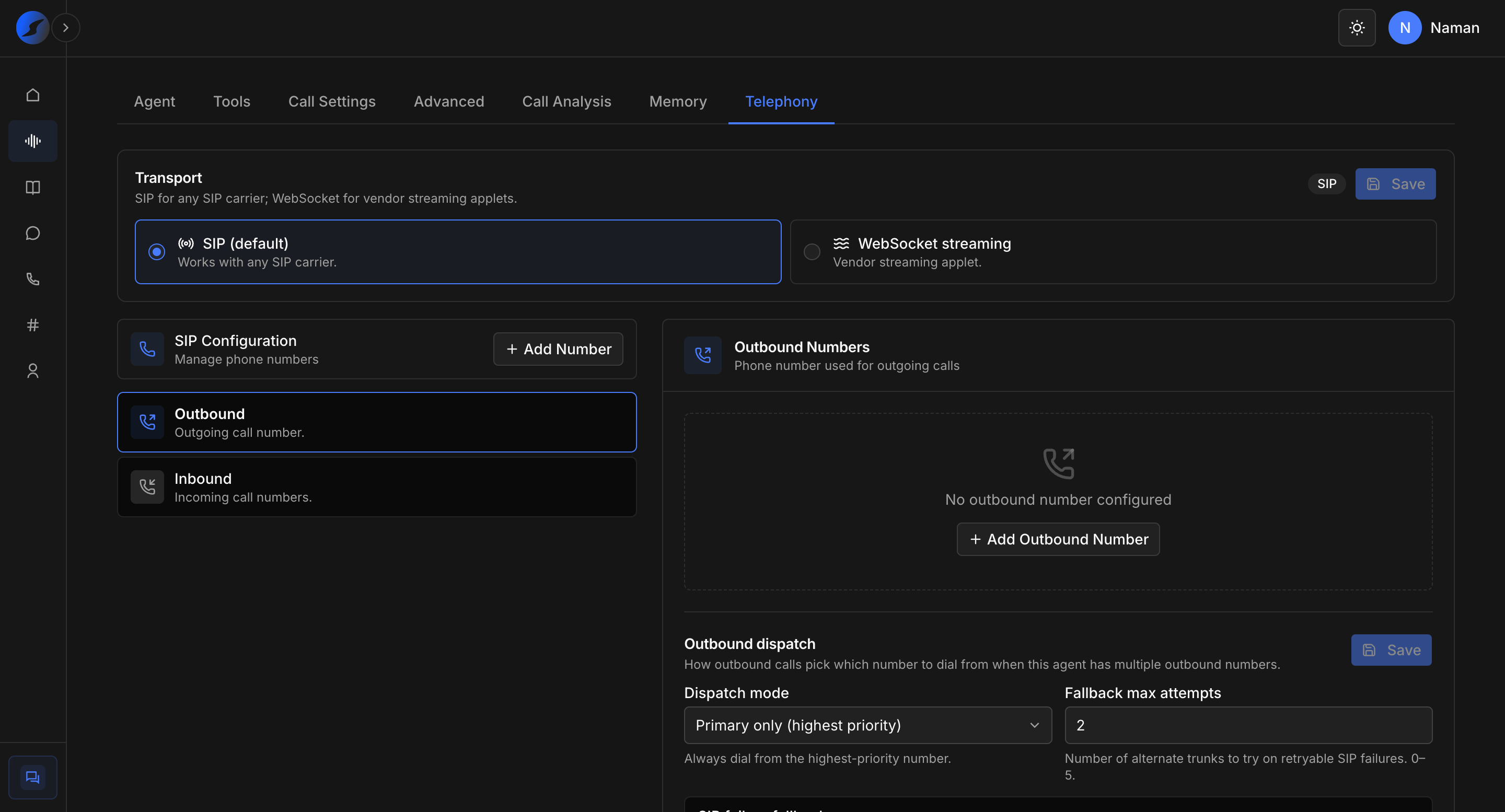
Osvi AI supports simple SIP number configuration directly at the agent level.

Supported connectivity methods:

* SIP Configuration
* WebSocket Streaming

This allows seamless integration with your existing Ozonetel infrastructure while enabling AI-powered inbound and outbound voice workflows.
<Frame>
  <img src="https://mintcdn.com/osviai/elBpq05M7GLGKNwO/images/Screenshot-2026-05-21-at-3.20.49-PM.png?fit=max&auto=format&n=elBpq05M7GLGKNwO&q=85&s=591d17e8f82bff842fae7559ec45125f" alt="Image" title="Image" lightAlt="Image" darkAlt="Image" className="dark:hidden" width="2880" height="1558" data-path="images/Screenshot-2026-05-21-at-3.20.49-PM.png" />

  <img src="https://mintcdn.com/osviai/elBpq05M7GLGKNwO/images/Screenshot-2026-05-21-at-3.20.57-PM.png?fit=max&auto=format&n=elBpq05M7GLGKNwO&q=85&s=9d21612003088698a28021b27bd79004" alt="Image" title="Image" lightAlt="Image" darkAlt="Image" className="hidden dark:block" width="2880" height="1554" data-path="images/Screenshot-2026-05-21-at-3.20.57-PM.png" />
</Frame>

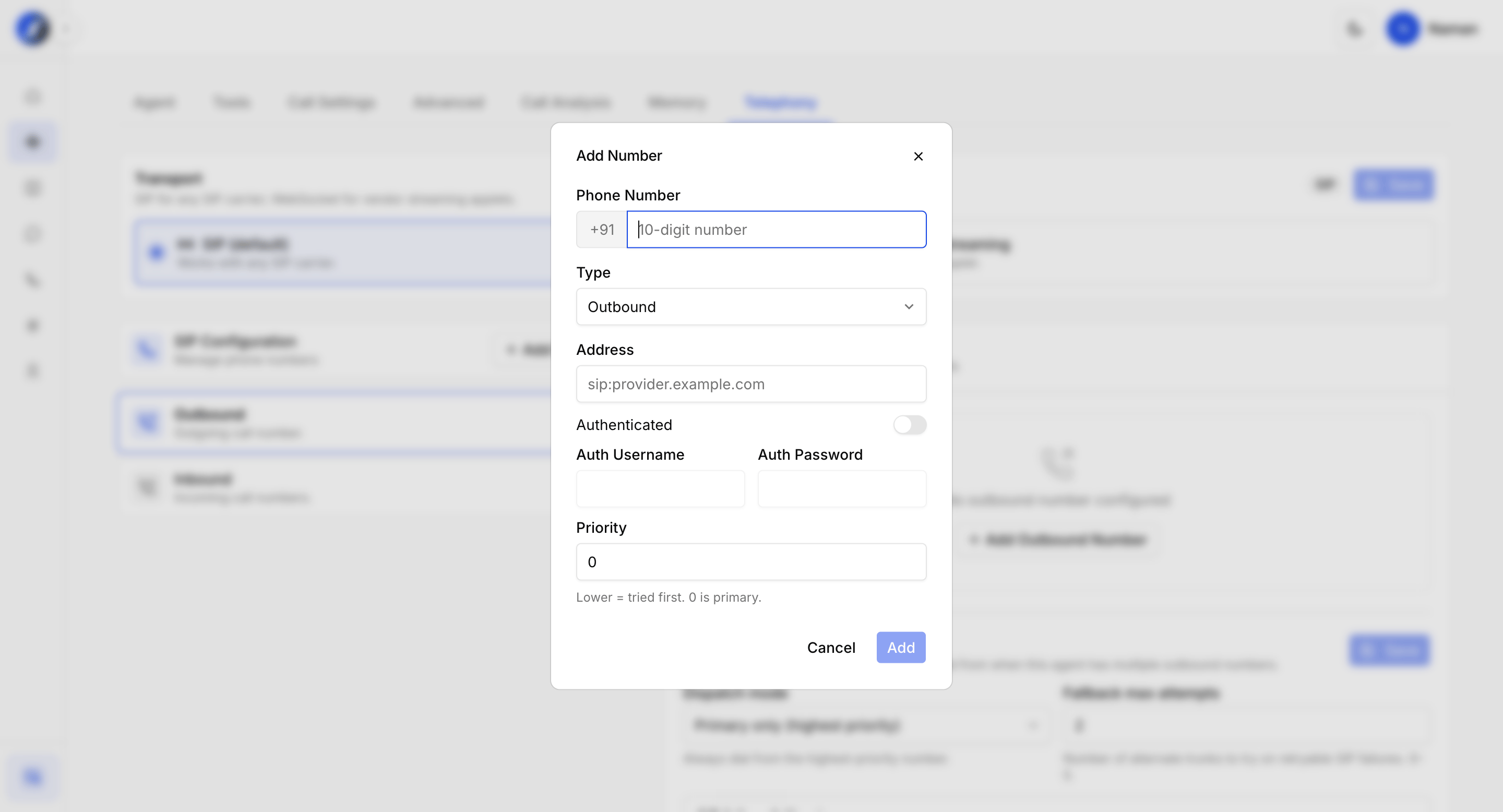
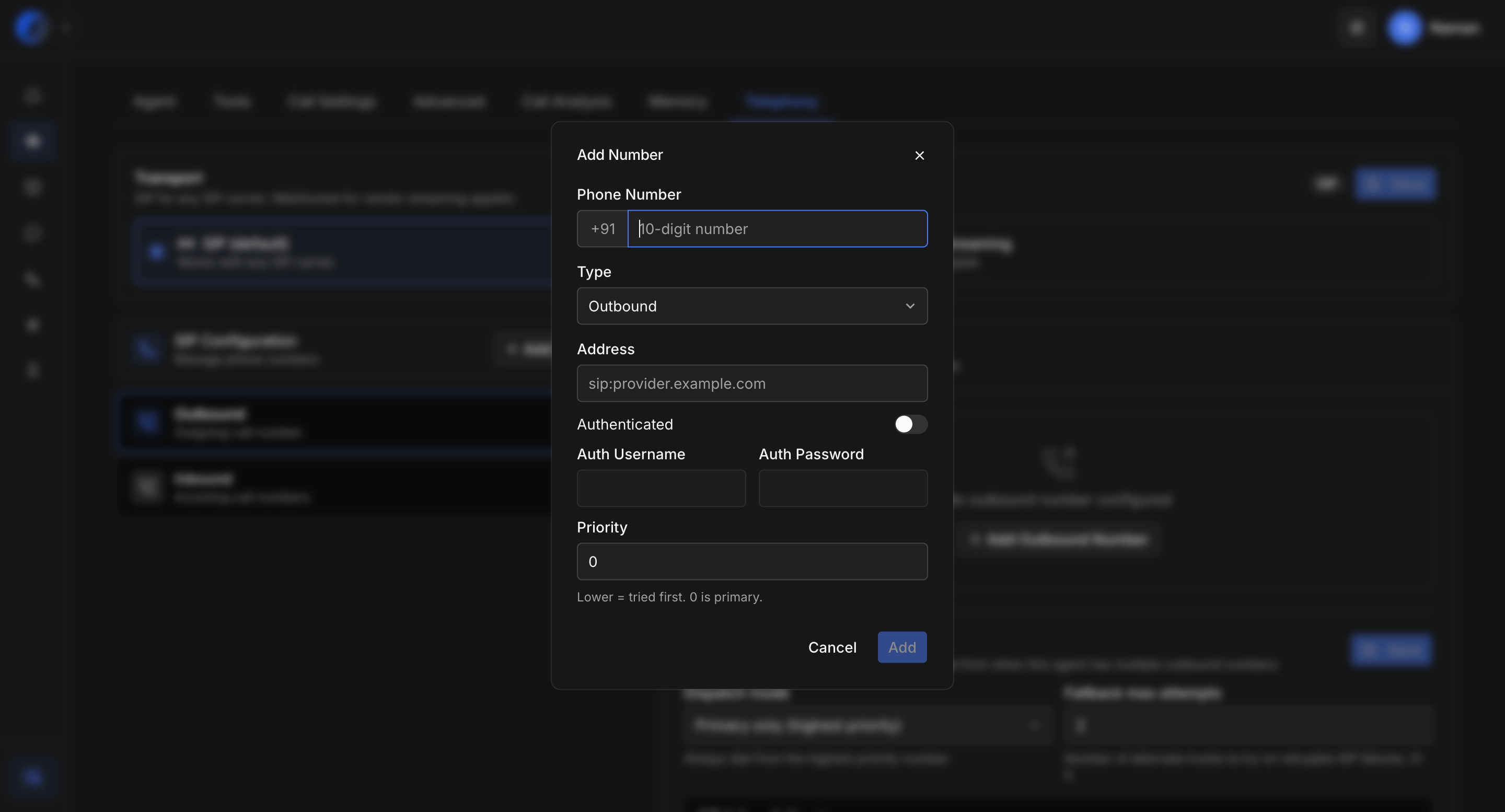
To add a SIP number for outbound, just paste the SIP URL from Ozonetel and the phone number. For inbound, you can get the forwarding URL from the assigned FDE.\
SIP supports authentication-based handshakes for more reliable connections.
<Frame>
  <img src="https://mintcdn.com/osviai/elBpq05M7GLGKNwO/images/Screenshot-2026-05-21-at-3.22.16-PM.png?fit=max&auto=format&n=elBpq05M7GLGKNwO&q=85&s=95209c4dda57de7ac34af246160f7012" alt="Screenshot 2026 05 21 At 3 22 16 PM" title="Screenshot 2026 05 21 At 3 22 16 PM" lightAlt="Screenshot 2026 05 21 At 3 22 16 PM" darkAlt="Screenshot 2026 05 21 At 3 22 16 PM" className="dark:hidden" width="2880" height="1556" data-path="images/Screenshot-2026-05-21-at-3.22.16-PM.png" />

  <img src="https://mintcdn.com/osviai/elBpq05M7GLGKNwO/images/Screenshot-2026-05-21-at-3.22.07-PM.png?fit=max&auto=format&n=elBpq05M7GLGKNwO&q=85&s=100f49728593e461e9dff3e4e6aae160" alt="Screenshot 2026 05 21 At 3 22 16 PM" title="Screenshot 2026 05 21 At 3 22 16 PM" lightAlt="Screenshot 2026 05 21 At 3 22 16 PM" darkAlt="Screenshot 2026 05 21 At 3 22 16 PM" className="hidden dark:block" width="2880" height="1554" data-path="images/Screenshot-2026-05-21-at-3.22.07-PM.png" />
</Frame>
