> ## Documentation Index
> Fetch the complete documentation index at: https://docs.osvi.ai/llms.txt
> Use this file to discover all available pages before exploring further.
# Models and Speech
> Choose the model, voice, and transcription behind your agent, and cap how many calls it takes at once
The model that decides what your agent says, the voice it says it in, and the transcription that lets it hear — all three are set on the agent's **Advanced** tab, along with its knowledge base and call limits. The tab has five sections — **LLM**, **Text to Speech**, **Speech to Text**, **Knowledge Base**, and **Concurrency** — listed on the left, with the settings for the selected one on the right. LLM, Text to Speech, and Speech to Text each have their own **Save Configuration** button; Knowledge Base and Concurrency save as you change them.
A new agent built by hand — rather than with [Conductor](/platform/conductor) — has **no** LLM, voice, or transcription set. Until all three are configured, activating it fails with *Missing LLM configuration*, *Missing STT configuration*, or *Missing TTS configuration*. This tab is a setup step, not optional tuning.
If a provider has trouble mid-call, Osvi switches to a backup automatically so the call keeps going. A transcript may therefore show a different provider from the one set here.
## Recommended stack
Measured on Osvi production calls, from the caller finishing speaking to the agent starting to reply. **Over 3s** is the share of replies that kept the caller waiting past the point a pause starts to feel like dead air. Your numbers will move with prompt length, connection quality, and language.
| Use case | LLM | Speech to Text | Text to Speech | Network | Over 3s |
| ----------------------------- | ------------------------------------------------ | ----------------------------- | ------------------------------ | ------- | ------- |
| **Fastest overall** | `gemini-3.1-flash-live-preview` (voice-to-voice) | — | — | 0.7s | 0% |
| **Indian languages** | `gemini-2.5-flash` | Sarvam `saaras:v3` | Cartesia `sonic-3.5` | 1.7s | 2.6% |
| **Mixed-language callers** | `gemini-2.5-flash` | Deepgram `flux-general-multi` | Cartesia `sonic-3.5` | 1.6s | 2.6% |
| **ElevenLabs voice** | `gemini-2.5-flash` | Deepgram `nova-3` | ElevenLabs `eleven_flash_v2_5` | 1.7s | 5.2% |
| **English, most widely used** | `gemini-2.5-flash` | Deepgram `nova-3` | Cartesia `sonic-3.5` | 1.7s | 8.1% |
Several stacks land at the same **Network** figure, so **Over 3s** is what separates them: the English stack in the last row is three times more likely to leave a long pause than the Indian-languages one above it.
**The model you pick matters most.** `gemini-2.5-flash` starts replying in about half a second; `gemini-3.5-flash` and `gpt-4.1-mini` take roughly twice as long, and every stack built on them is slower end to end.
Sensible starting values for the rest:
| Setting | Start with |
| --------------------------------- | ------------------------------------------- |
| **Temperature** | 0 – 0.3 for agents that must stay on script |
| **Max Tokens** | 1024 |
| **Speed** / **Volume** (Cartesia) | 1.0 |
| **Index type** | `hybrid` |
| **Concurrent calls** | 1, then raise as needed |
## LLM
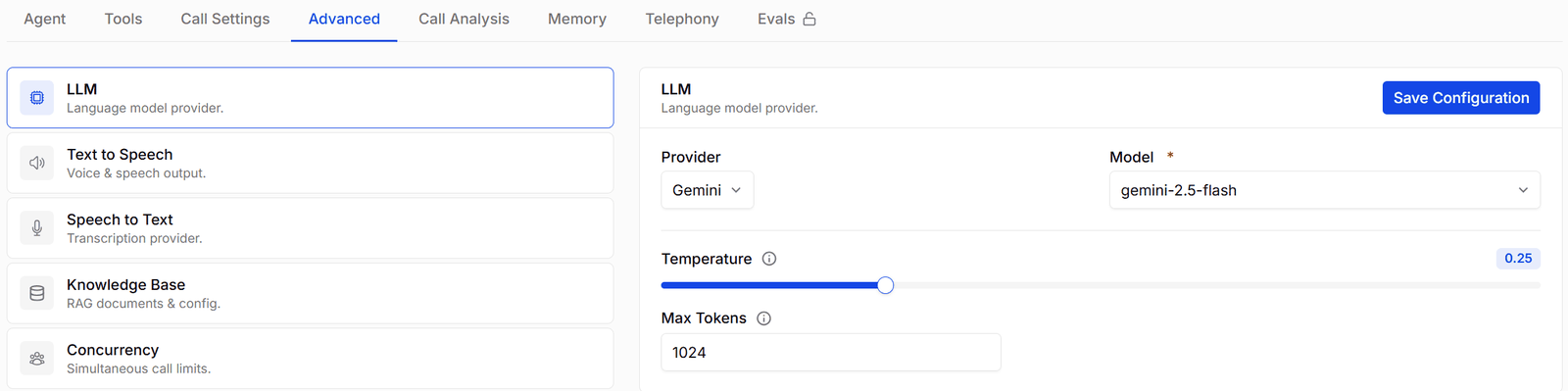
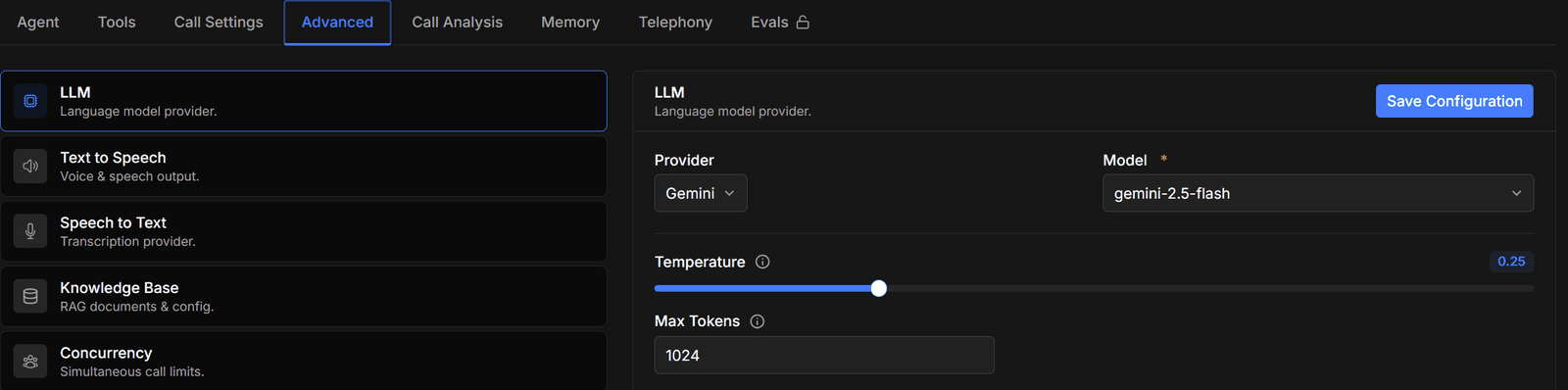 Pick a **Provider** and a **Model**, then the settings that provider offers.
| Setting | Default | What it does |
| ------------------------ | ------- | ---------------------------------------------------------------------------------------------------------------------------------------------- |
| **Provider** / **Model** | — | The model that decides what the agent says. Retired models disappear from the list; agents already using one keep running until you change it. |
| **Temperature** | 0 | 0 to 1. Lower is more consistent and on-script; higher is more varied. |
| **Max Tokens** | 1024 | The longest reply the model may produce. At least 1. Long replies are slow to speak — keep it modest for voice. |
Each provider keeps its own settings. Switch provider and switch back, and your earlier configuration is still there.
The **Supporting LLM** — a small helper model for filler speech — is on the [Call Settings](/platform/call-settings) tab, not here.
## Text to Speech
Pick a **Provider** and a **Model**, then the settings that provider offers.
| Setting | Default | What it does |
| ------------------------ | ------- | ---------------------------------------------------------------------------------------------------------------------------------------------- |
| **Provider** / **Model** | — | The model that decides what the agent says. Retired models disappear from the list; agents already using one keep running until you change it. |
| **Temperature** | 0 | 0 to 1. Lower is more consistent and on-script; higher is more varied. |
| **Max Tokens** | 1024 | The longest reply the model may produce. At least 1. Long replies are slow to speak — keep it modest for voice. |
Each provider keeps its own settings. Switch provider and switch back, and your earlier configuration is still there.
The **Supporting LLM** — a small helper model for filler speech — is on the [Call Settings](/platform/call-settings) tab, not here.
## Text to Speech
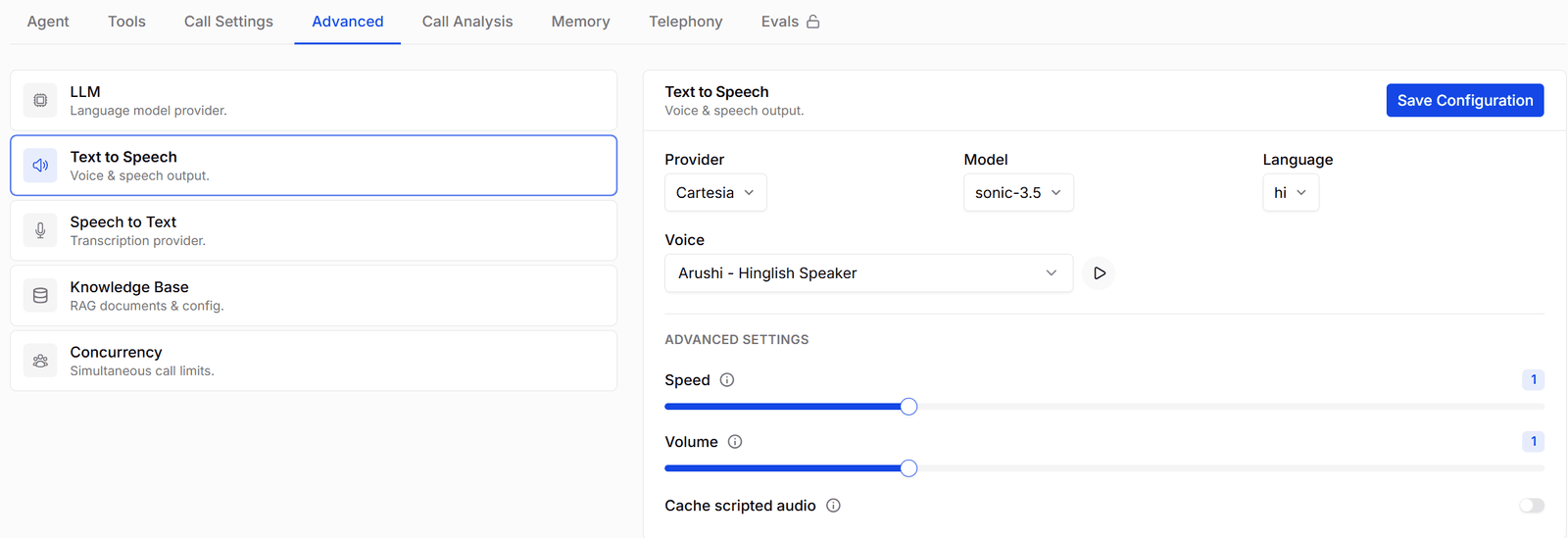
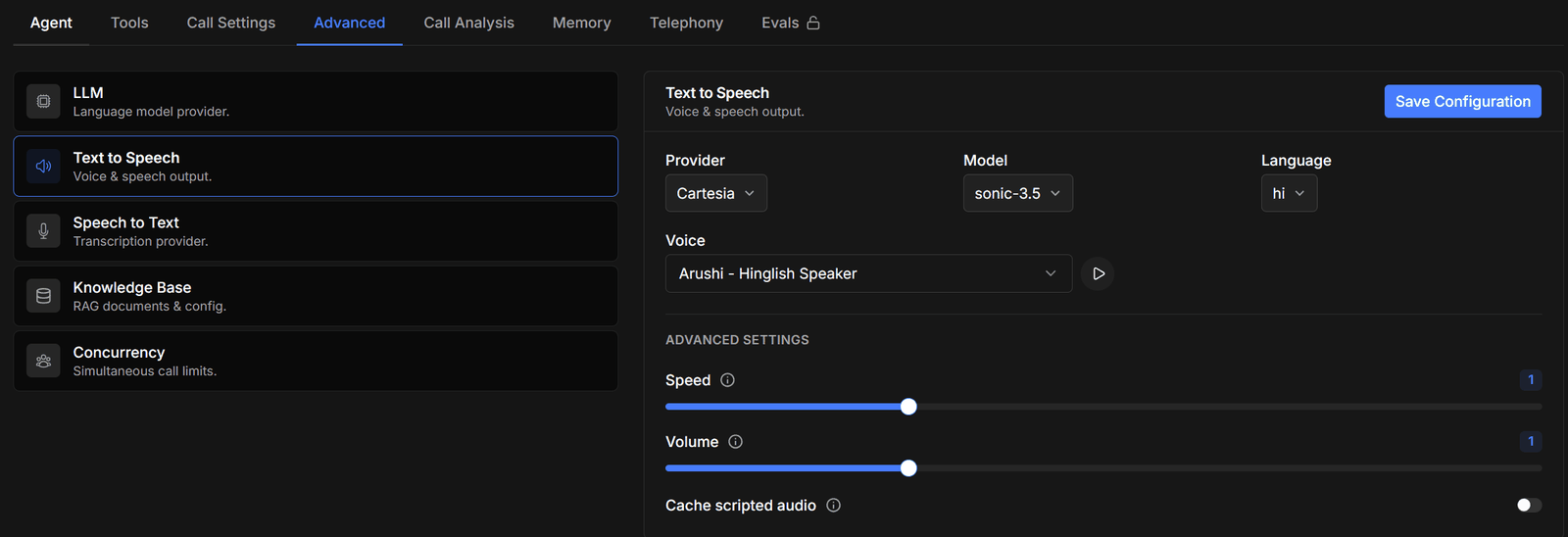 Choose **Provider**, **Model**, and **Language**, then a **Voice**. The voice box searches the catalogue for that provider, and you can paste a voice ID from the provider directly. Press play to hear a sample.
Under **ADVANCED SETTINGS**, providers offer their own controls — for example **Speed** and **Volume** (Cartesia), or **Stability** and **Similarity boost** (ElevenLabs). Cartesia also has **Cache enabled**, which replays stored audio for fixed lines such as transfer notices and the goodbye instead of re-synthesising them each call.
Browse the full voice catalogue and set pronunciation rules on the [Voices](/platform/voices) page.
Voice language and transcription language are set separately. Make sure both match the language your callers actually speak.
## Speech to Text
Choose **Provider**, **Model**, and **Language**, then a **Voice**. The voice box searches the catalogue for that provider, and you can paste a voice ID from the provider directly. Press play to hear a sample.
Under **ADVANCED SETTINGS**, providers offer their own controls — for example **Speed** and **Volume** (Cartesia), or **Stability** and **Similarity boost** (ElevenLabs). Cartesia also has **Cache enabled**, which replays stored audio for fixed lines such as transfer notices and the goodbye instead of re-synthesising them each call.
Browse the full voice catalogue and set pronunciation rules on the [Voices](/platform/voices) page.
Voice language and transcription language are set separately. Make sure both match the language your callers actually speak.
## Speech to Text
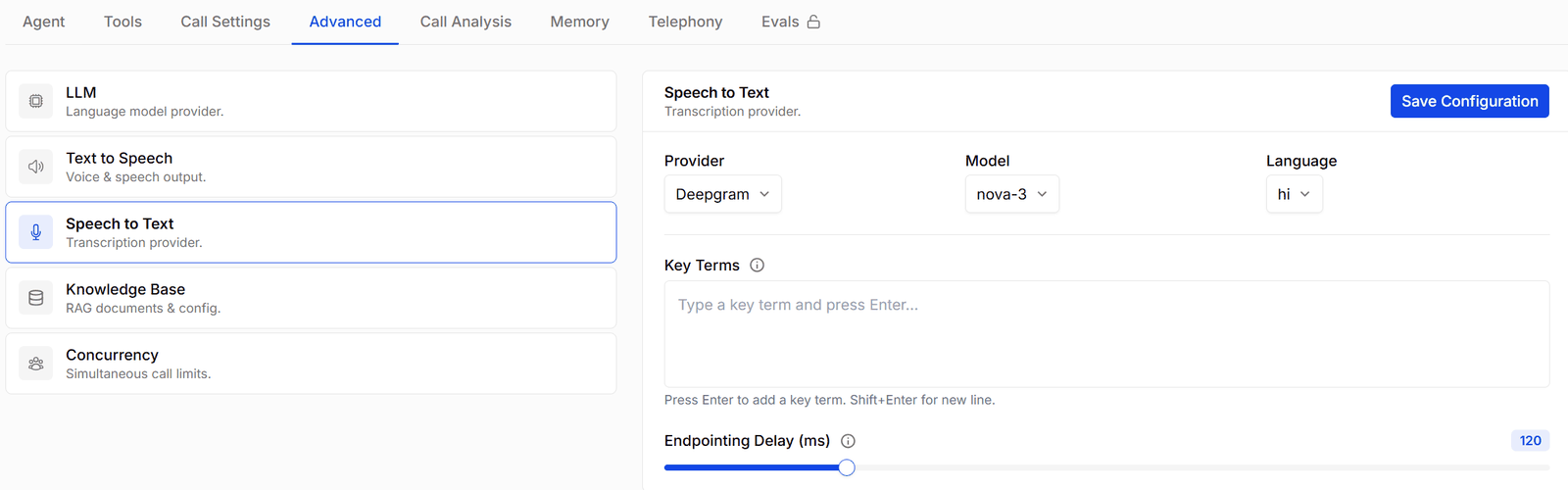
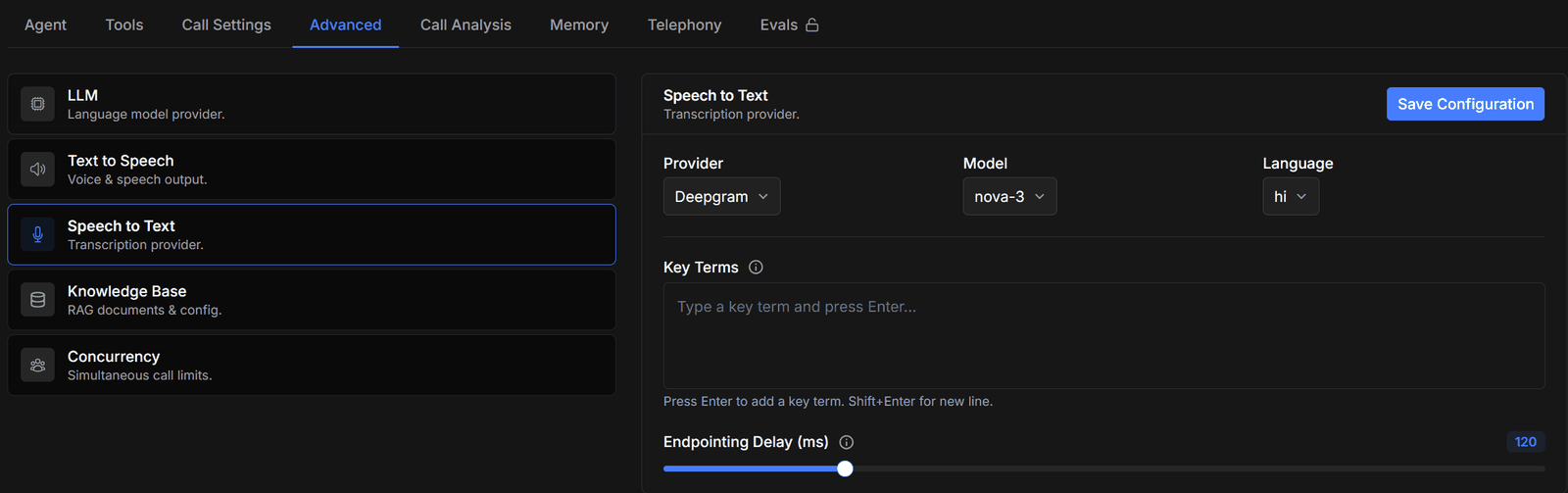 Choose **Provider**, **Model**, and the **Language** your callers start in. Depending on the model you also get:
| Setting | What it does |
| --------------------------- | ------------------------------------------------------------------------------------------------------------------------------------------------------------------------------------------------------------------------------------------------------------------------------------------------------------------------------------------------- |
| **Language Hints** | Other languages callers may mix in. Leave empty and the model detects freely — saving without hints warns you it will auto-detect. |
| **Custom vocabulary** | Names, acronyms, and jargon to bias recognition toward — for example *Osvi, Exotel, NEFT*. |
| **Keywords** / **Keyterms** | Deepgram only. `nova-2` models take **Keywords**, each with a boost above 0; `nova-3` models take **Keyterms** instead. |
| **Endpointing** | Deepgram `flux` models only — **eot threshold**, **eager eot threshold**, and **eot timeout**. They control how certain the model must be that the caller has finished, and how long it waits before deciding. Raise the thresholds if the agent cuts callers off; lower them if it feels slow to respond. These models take no language setting. |
The language here is where the call **starts**, not a lock — the Language switch tool changes both transcription and voice mid-call when a caller asks. Language switching doesn't work with Deepgram `flux` models.
Not every model covers every language. Gemini Transcribe, for example, doesn't support Tamil — use Sarvam or ElevenLabs for Tamil calls.
## Voice-to-voice models
Some models, such as **Gemini Live**, listen and speak for themselves. When one is selected:
* **Speech to Text is greyed out** — the model hears the caller directly, so there's nothing to configure.
* **Text to Speech becomes System Voice** — the agent's voice comes from the **Voice** setting in the LLM section. Your saved text-to-speech settings are only used for scripted system messages, such as the transfer announcement.
* **Response Timing and Supporting LLM** on the Call Settings tab are unused too.
Your previous settings are kept, and apply again in full if you switch back to a standard model.
## Knowledge Base
Choose **Provider**, **Model**, and the **Language** your callers start in. Depending on the model you also get:
| Setting | What it does |
| --------------------------- | ------------------------------------------------------------------------------------------------------------------------------------------------------------------------------------------------------------------------------------------------------------------------------------------------------------------------------------------------- |
| **Language Hints** | Other languages callers may mix in. Leave empty and the model detects freely — saving without hints warns you it will auto-detect. |
| **Custom vocabulary** | Names, acronyms, and jargon to bias recognition toward — for example *Osvi, Exotel, NEFT*. |
| **Keywords** / **Keyterms** | Deepgram only. `nova-2` models take **Keywords**, each with a boost above 0; `nova-3` models take **Keyterms** instead. |
| **Endpointing** | Deepgram `flux` models only — **eot threshold**, **eager eot threshold**, and **eot timeout**. They control how certain the model must be that the caller has finished, and how long it waits before deciding. Raise the thresholds if the agent cuts callers off; lower them if it feels slow to respond. These models take no language setting. |
The language here is where the call **starts**, not a lock — the Language switch tool changes both transcription and voice mid-call when a caller asks. Language switching doesn't work with Deepgram `flux` models.
Not every model covers every language. Gemini Transcribe, for example, doesn't support Tamil — use Sarvam or ElevenLabs for Tamil calls.
## Voice-to-voice models
Some models, such as **Gemini Live**, listen and speak for themselves. When one is selected:
* **Speech to Text is greyed out** — the model hears the caller directly, so there's nothing to configure.
* **Text to Speech becomes System Voice** — the agent's voice comes from the **Voice** setting in the LLM section. Your saved text-to-speech settings are only used for scripted system messages, such as the transfer announcement.
* **Response Timing and Supporting LLM** on the Call Settings tab are unused too.
Your previous settings are kept, and apply again in full if you switch back to a standard model.
## Knowledge Base
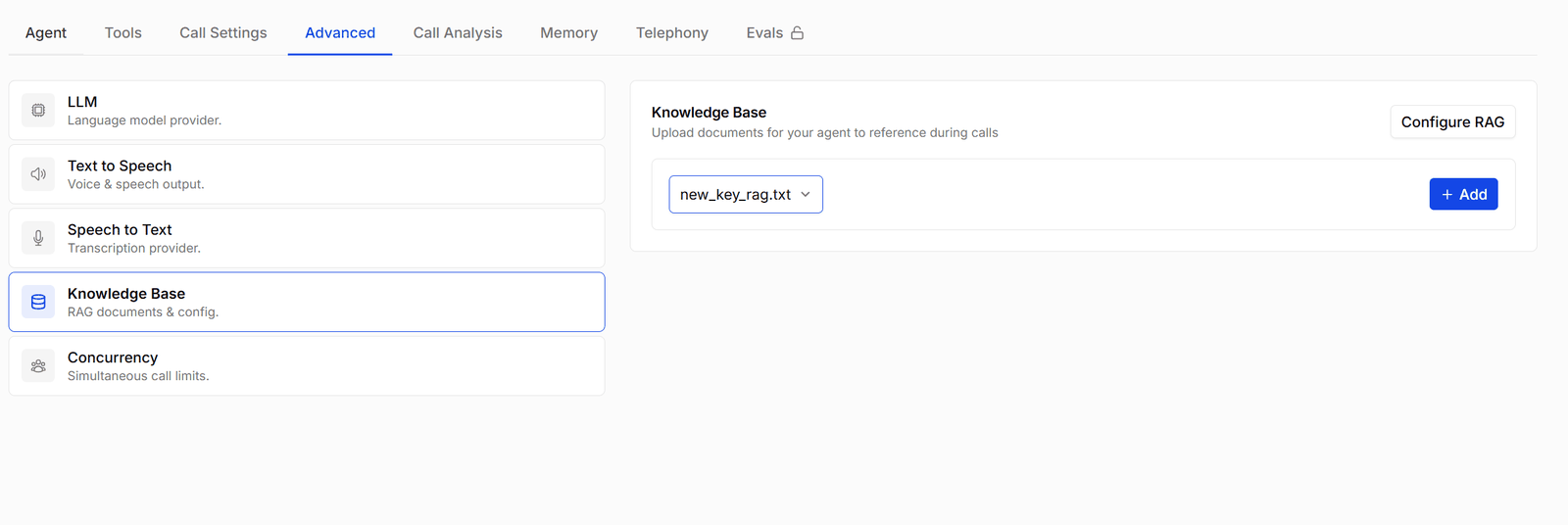
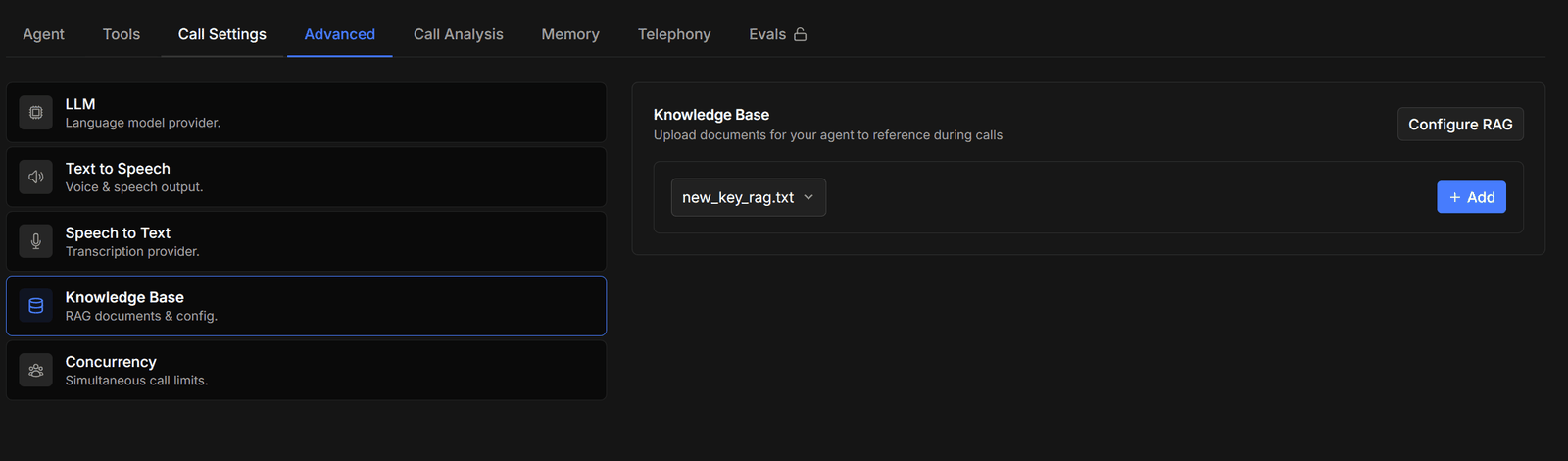 Attach documents from your [knowledge base](/platform/knowledge-base) for the agent to search during calls. **Configure RAG** opens the settings:
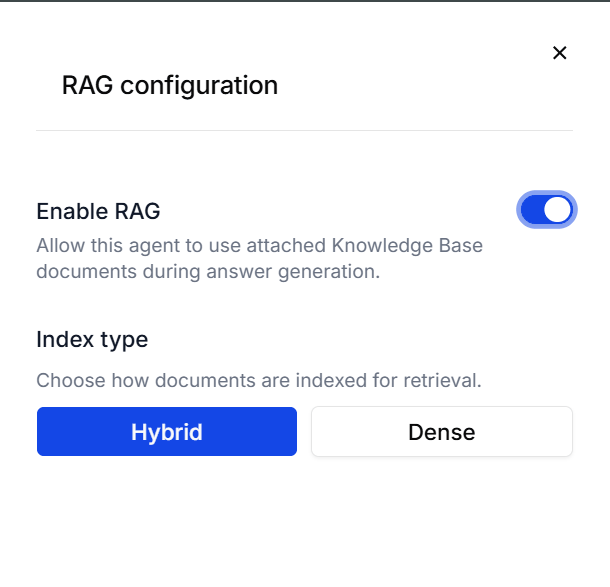
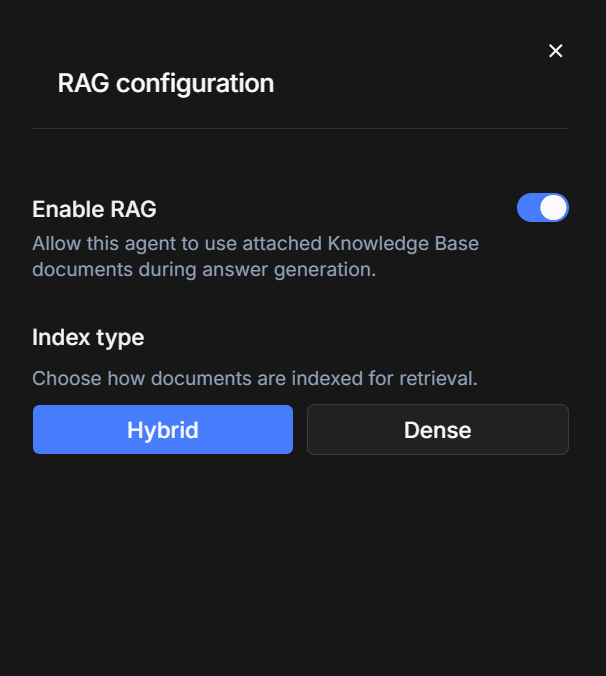 * **Enable RAG** — turn this on before attaching anything, or you'll be told to enable the knowledge base first.
* **Index type** — **hybrid** (the default) matches on both wording and meaning; **dense** matches on meaning alone.
Turning **Enable RAG** off **deletes every document attached to this agent**, with no confirmation. Your knowledge base copies are untouched, but you'll have to attach them again.
Changing the index type re-indexes every attached document, which takes a moment the first time. Switching back later is instant.
How much text the agent retrieves per question — chunk limit, character limit, and how closely a passage must match — is set on the **Search knowledge base** tool, not here.
## Concurrency
* **Enable RAG** — turn this on before attaching anything, or you'll be told to enable the knowledge base first.
* **Index type** — **hybrid** (the default) matches on both wording and meaning; **dense** matches on meaning alone.
Turning **Enable RAG** off **deletes every document attached to this agent**, with no confirmation. Your knowledge base copies are untouched, but you'll have to attach them again.
Changing the index type re-indexes every attached document, which takes a moment the first time. Switching back later is instant.
How much text the agent retrieves per question — chunk limit, character limit, and how closely a passage must match — is set on the **Search knowledge base** tool, not here.
## Concurrency
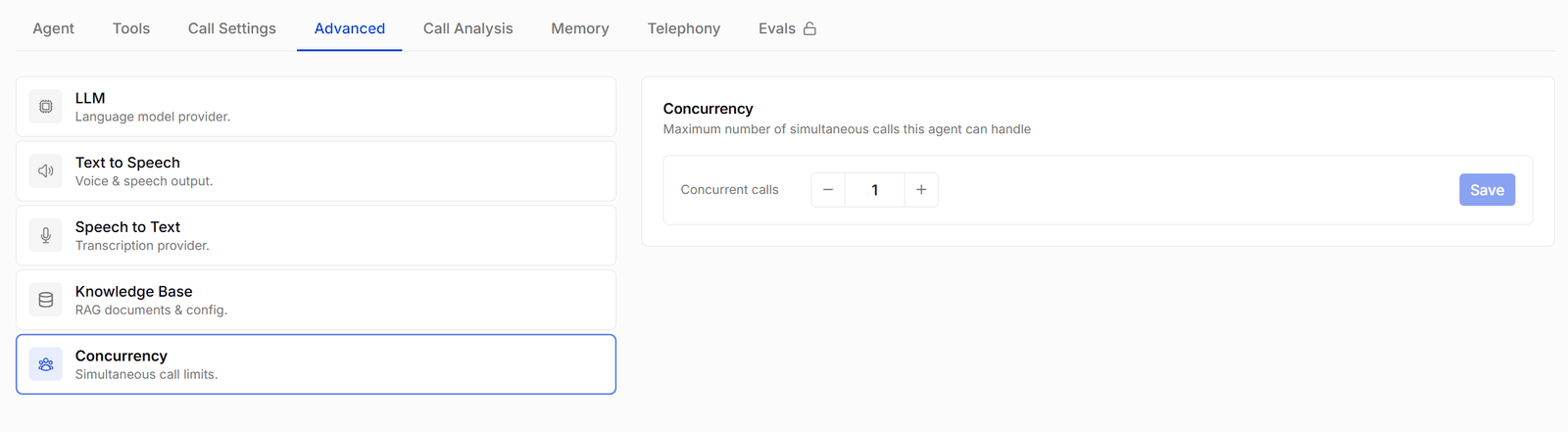
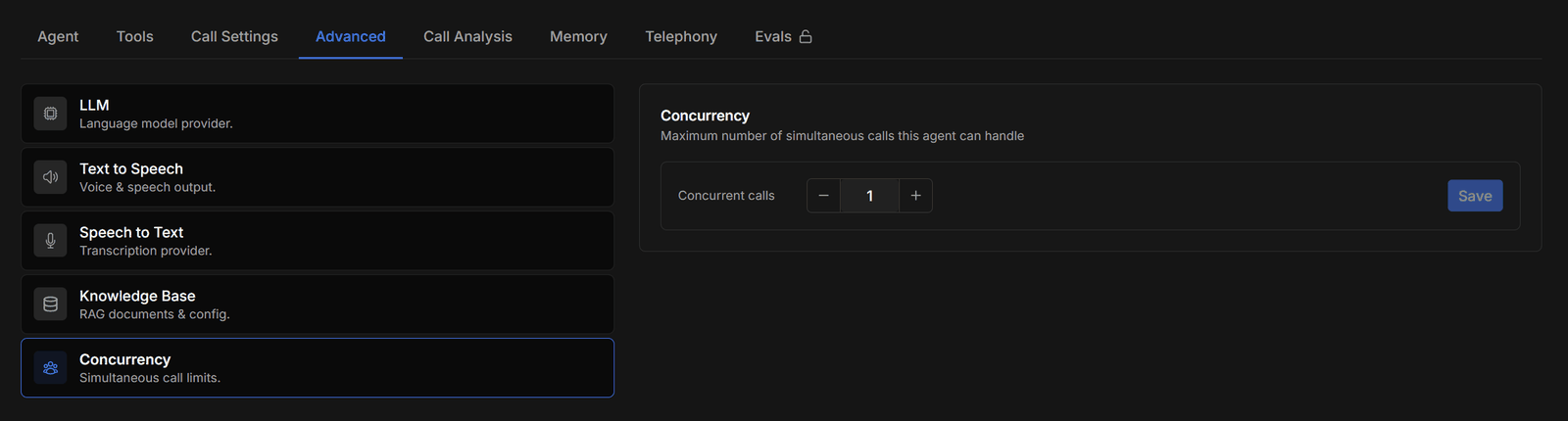 **Concurrent calls** caps how many calls this agent handles at the same time. Outbound calling respects the cap by pacing the dialling — extra calls wait for a free slot rather than failing.
Your workspace has its own allowance, and the total across your active agents can't exceed it. If it does, saving fails with *Total concurrency is greater than the account concurrency*, and activating an agent fails with *Concurrency is greater than the account concurrency*. Contact [support@osvi.ai](mailto:support@osvi.ai) to raise the workspace allowance.
A value of **0** shows as *(no calls)*. Set at least 1 for an agent you expect to make outbound calls. Your telephony capacity matters too: one trunk channel carries one call at a time, so the cap can't beat the channels you have.
**Concurrent calls** caps how many calls this agent handles at the same time. Outbound calling respects the cap by pacing the dialling — extra calls wait for a free slot rather than failing.
Your workspace has its own allowance, and the total across your active agents can't exceed it. If it does, saving fails with *Total concurrency is greater than the account concurrency*, and activating an agent fails with *Concurrency is greater than the account concurrency*. Contact [support@osvi.ai](mailto:support@osvi.ai) to raise the workspace allowance.
A value of **0** shows as *(no calls)*. Set at least 1 for an agent you expect to make outbound calls. Your telephony capacity matters too: one trunk channel carries one call at a time, so the cap can't beat the channels you have.