> ## Documentation Index
> Fetch the complete documentation index at: https://docs.osvi.ai/llms.txt
> Use this file to discover all available pages before exploring further.
# Test Agent Before You Deploy
> Test agents against simulated conversations, score them with an AI judge, and compare prompt and model changes before they reach customers
Evals let you test an agent the way customers will use it — without waiting for real conversations. You describe **scenarios** (an impatient caller who wants a refund, a lead who asks about pricing and then goes quiet), run them against the agent, and an AI judge scores every conversation. Change the prompt or model, run the same scenarios again, and compare the results side by side.
**Evals is in beta.** It's free to use during the beta and will later become an Enterprise-only feature.
Evals run your agent's **real tools**. When a test conversation triggers a tool — a custom tool webhook, for example — that call is actually made, just as in a live conversation. Before running evals on an agent connected to production systems, point its tools at test endpoints or make sure your systems can recognise and ignore test traffic.
## The Evals tab
Open any [voice](/platform/agents) or [chat](/platform/chat-agents) agent and go to the **Evals** tab.
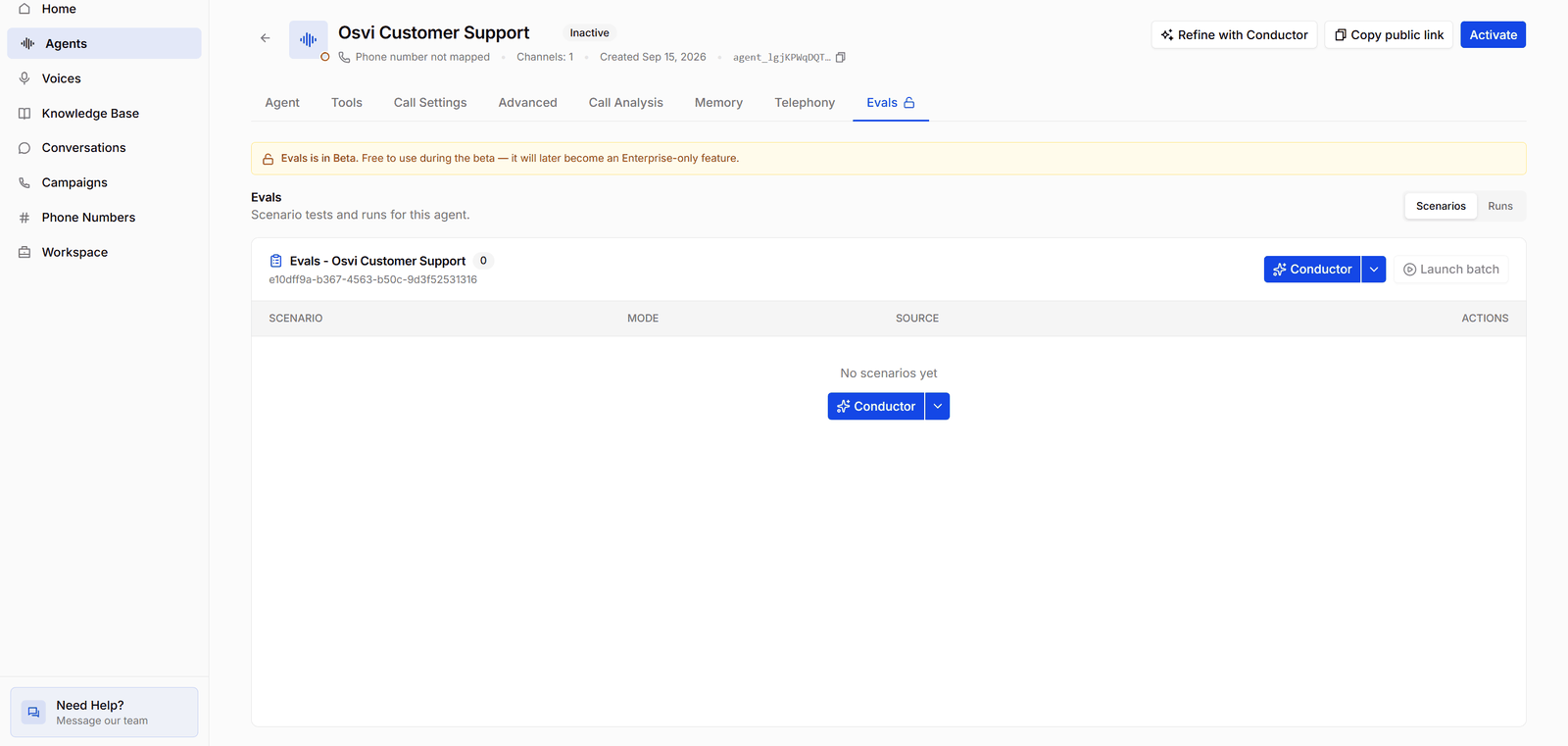
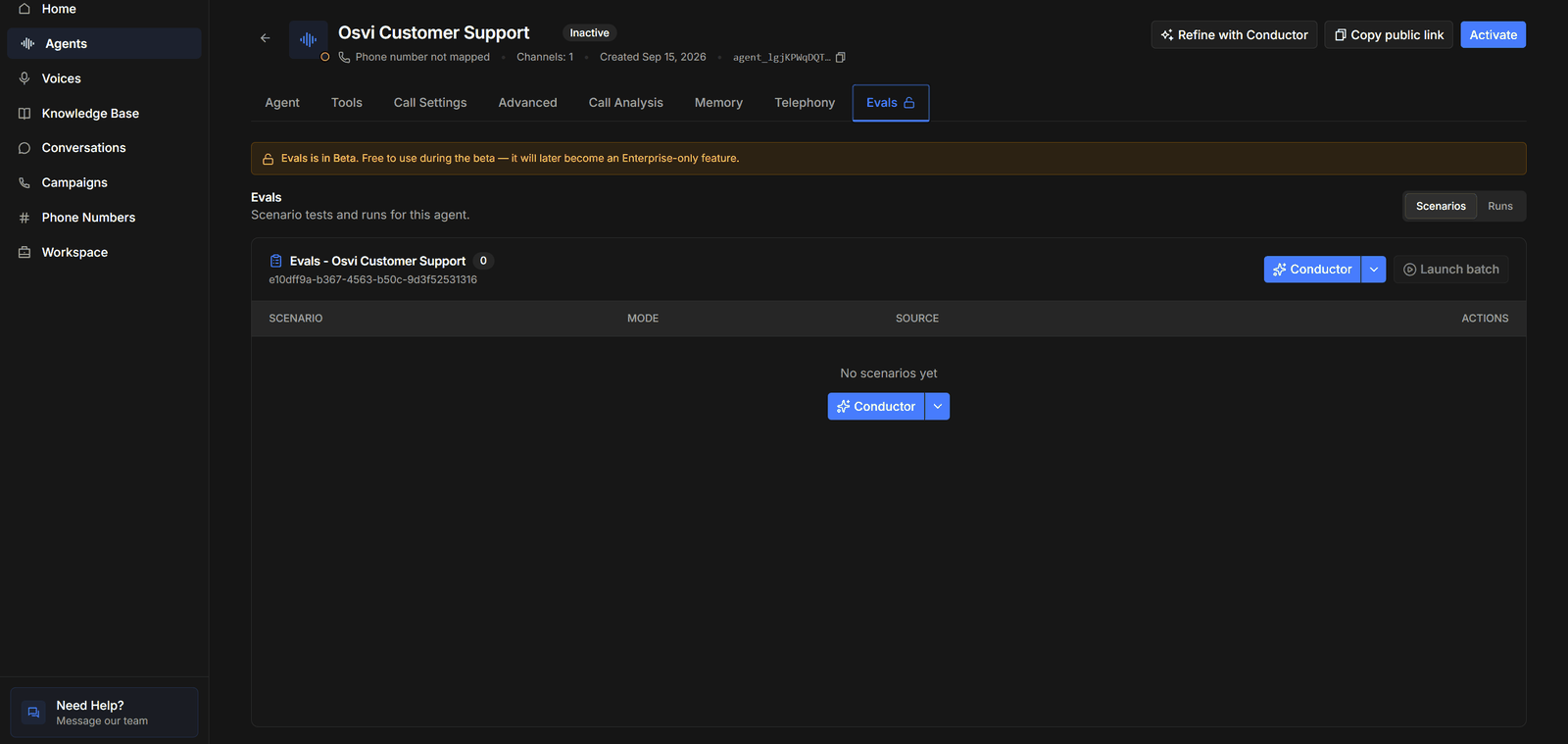 * **Scenarios / Runs** — switch between the agent's tests and the batches you've run.
* **The scenario list** — named after the agent (for example *Evals - Osvi Customer Support*) with a count of scenarios, and a table of each scenario's name, **Mode**, **Source**, and actions. A new agent starts with **No scenarios yet**.
* **Conductor** — writes tests for you; its **▾** menu has **Add manually**. See [Writing Scenarios](/platform/evals-scenarios).
* **Launch batch** — runs scenarios against the agent. It's disabled until there's at least one scenario. See [Running Batches](/platform/evals-batches).
Unlike the test panel, evals don't require the agent to be active — the agent above is still **Inactive**. Archived agents can't be tested.
## How evals work
| Concept | What it is |
| ------------ | ------------------------------------------------------------------------------------------------------------------------------- |
| **Scenario** | One test: who the simulated customer is, what they want, and what counts as success. Each agent keeps its own set of scenarios. |
| **Batch** | A launch of one or more scenarios, optionally against [variants](/platform/evals-batches#variants) of the agent as well. |
| **Run** | One conversation: one scenario against the current agent or one variant. Each run has a transcript, scores, and metrics. |
The workflow follows the pages in this section:
Describe the customers and conversations to test, by chat or by hand.
Launch scenarios against the agent and prompt or model variants.
Scores, failure analysis, transcripts, and debugging.
## Voice agents
Voice agent evals run over **text**: the simulated customer and the agent exchange messages rather than audio. Scores reflect what the agent says and does — its reasoning, tool use, and adherence to the prompt — not its speech recognition, voice, turn-taking, or latency.
Voice-to-voice models aren't supported in evals yet. Batches for those agents run on a stand-in text model, and the launch message and run details say so.
Turn real failures into scenarios. When a conversation goes wrong in production, write it up as a scripted or simulated test, fix the prompt, and keep the scenario — re-running the suite after every prompt change catches regressions before customers do.
* **Scenarios / Runs** — switch between the agent's tests and the batches you've run.
* **The scenario list** — named after the agent (for example *Evals - Osvi Customer Support*) with a count of scenarios, and a table of each scenario's name, **Mode**, **Source**, and actions. A new agent starts with **No scenarios yet**.
* **Conductor** — writes tests for you; its **▾** menu has **Add manually**. See [Writing Scenarios](/platform/evals-scenarios).
* **Launch batch** — runs scenarios against the agent. It's disabled until there's at least one scenario. See [Running Batches](/platform/evals-batches).
Unlike the test panel, evals don't require the agent to be active — the agent above is still **Inactive**. Archived agents can't be tested.
## How evals work
| Concept | What it is |
| ------------ | ------------------------------------------------------------------------------------------------------------------------------- |
| **Scenario** | One test: who the simulated customer is, what they want, and what counts as success. Each agent keeps its own set of scenarios. |
| **Batch** | A launch of one or more scenarios, optionally against [variants](/platform/evals-batches#variants) of the agent as well. |
| **Run** | One conversation: one scenario against the current agent or one variant. Each run has a transcript, scores, and metrics. |
The workflow follows the pages in this section:
Describe the customers and conversations to test, by chat or by hand.
Launch scenarios against the agent and prompt or model variants.
Scores, failure analysis, transcripts, and debugging.
## Voice agents
Voice agent evals run over **text**: the simulated customer and the agent exchange messages rather than audio. Scores reflect what the agent says and does — its reasoning, tool use, and adherence to the prompt — not its speech recognition, voice, turn-taking, or latency.
Voice-to-voice models aren't supported in evals yet. Batches for those agents run on a stand-in text model, and the launch message and run details say so.
Turn real failures into scenarios. When a conversation goes wrong in production, write it up as a scripted or simulated test, fix the prompt, and keep the scenario — re-running the suite after every prompt change catches regressions before customers do.