> ## Documentation Index
> Fetch the complete documentation index at: https://docs.osvi.ai/llms.txt
> Use this file to discover all available pages before exploring further.
# Export Reports
> Build a CSV of your calls — pick the period, the filters, and the columns
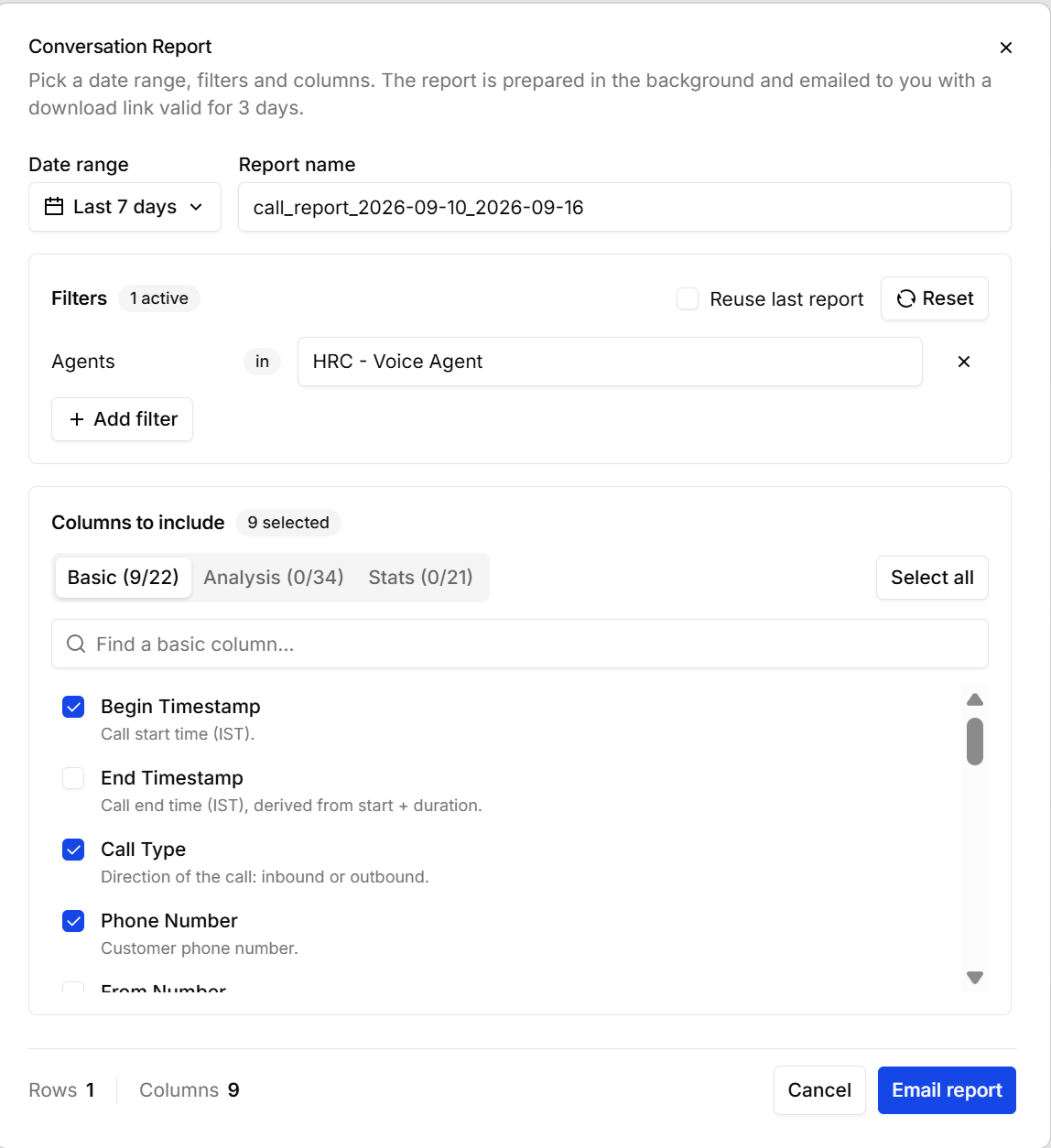
**Export** builds a CSV of your calls. You choose the period, the calls to include, and the columns — the report is prepared in the background and emailed to you with a download link that's valid for **3 days**.
 | Setting | What it does |
| ---------------------- | ---------------------------------------------------------------------------------------------------------------------------------------------------------------------------------------- |
| **Date range** | The period to report on. |
| **Report name** | The file name, pre-filled from the dates. Rename it to something you'll recognise in your inbox. |
| **Filters** | **Add filter** narrows the calls — by agent, campaign, status, and the rest. **Reuse last report** brings back the filters and columns from your previous export; **Reset** clears them. |
| **Columns to include** | What ends up in the file, on three tabs. Each shows how many of its columns you've picked; search within a tab, or **Select all**. |
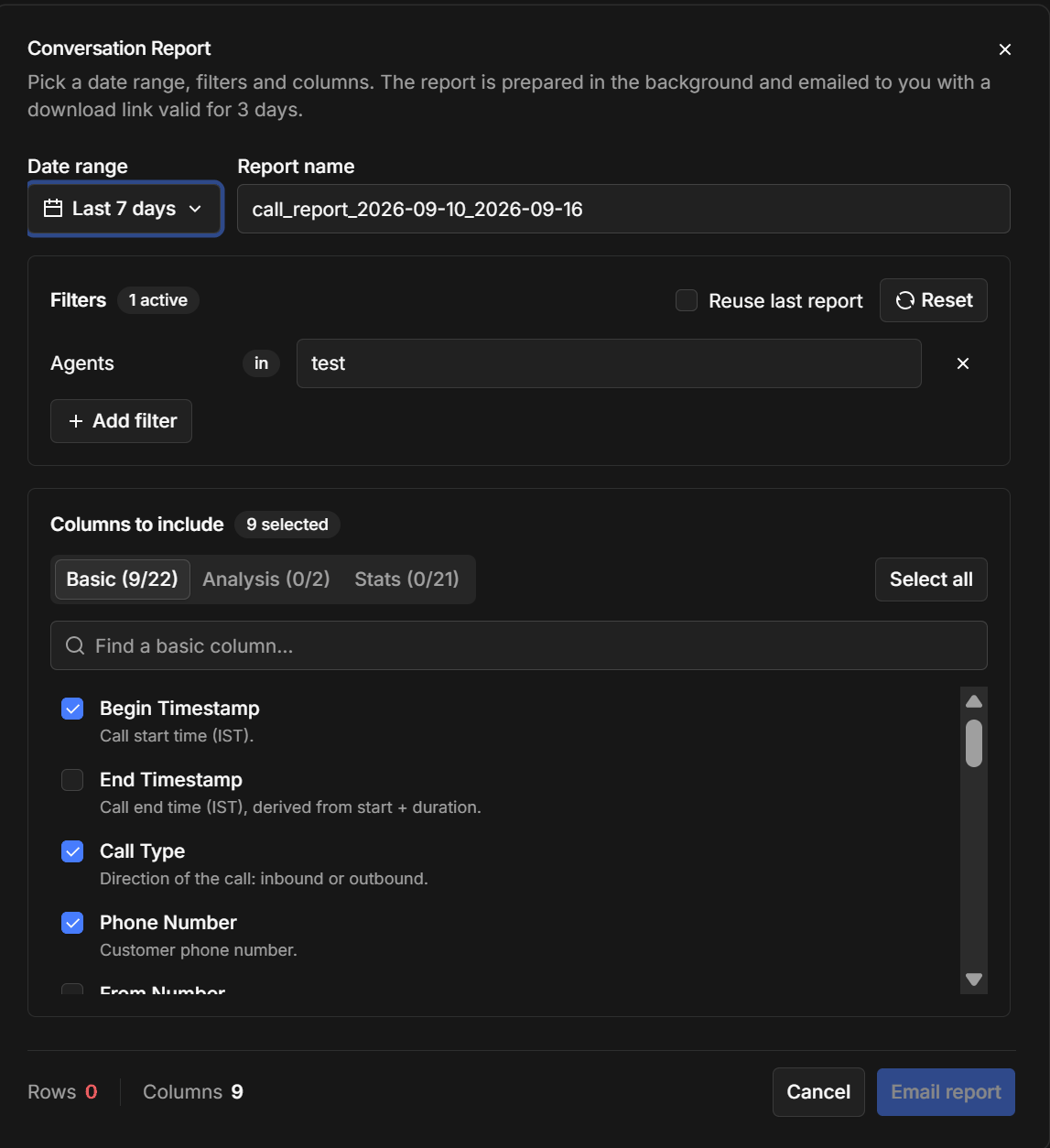
The footer keeps a running count of the **rows** and **columns** you'll get, so you can tell before sending whether the filters have caught what you expected. **Email report** queues it.
The three column tabs are **Basic** (timestamps, direction, phone numbers, duration, status), **Analysis** (what [call analysis](/platform/call-analysis) produced — your extracted fields, the summary, and tags), and **Stats** (timing and performance per call). Analysis is the one that turns a call log into something a business team can read.
Build the report you want once, then tick **Reuse last report** next time — it restores the same filters and columns, so a weekly export stays consistent instead of drifting each time someone rebuilds it by hand.
| Setting | What it does |
| ---------------------- | ---------------------------------------------------------------------------------------------------------------------------------------------------------------------------------------- |
| **Date range** | The period to report on. |
| **Report name** | The file name, pre-filled from the dates. Rename it to something you'll recognise in your inbox. |
| **Filters** | **Add filter** narrows the calls — by agent, campaign, status, and the rest. **Reuse last report** brings back the filters and columns from your previous export; **Reset** clears them. |
| **Columns to include** | What ends up in the file, on three tabs. Each shows how many of its columns you've picked; search within a tab, or **Select all**. |
The footer keeps a running count of the **rows** and **columns** you'll get, so you can tell before sending whether the filters have caught what you expected. **Email report** queues it.
The three column tabs are **Basic** (timestamps, direction, phone numbers, duration, status), **Analysis** (what [call analysis](/platform/call-analysis) produced — your extracted fields, the summary, and tags), and **Stats** (timing and performance per call). Analysis is the one that turns a call log into something a business team can read.
Build the report you want once, then tick **Reuse last report** next time — it restores the same filters and columns, so a weekly export stays consistent instead of drifting each time someone rebuilds it by hand.