
Prerequisites
From Ozonetel
Required Before Starting
Ensure the following details are available from your Ozonetel account:- Active Ozonetel account
- SIP domain
Example:sip2.cloud-connect.in:7065 - Assigned DIDs / CLIs / phone numbers
- SIP username and password for registration-based trunk
- Admin credentials and admin login URL
Example:crm2.cloud-connect.in - Sufficient SIP channels procured
1 channel = 1 concurrent call
From Osvi AI
Required Before Starting
Ensure the following is configured on the Osvi side:- Active Osvi AI account
- SIP and WebSocket support are enabled by default
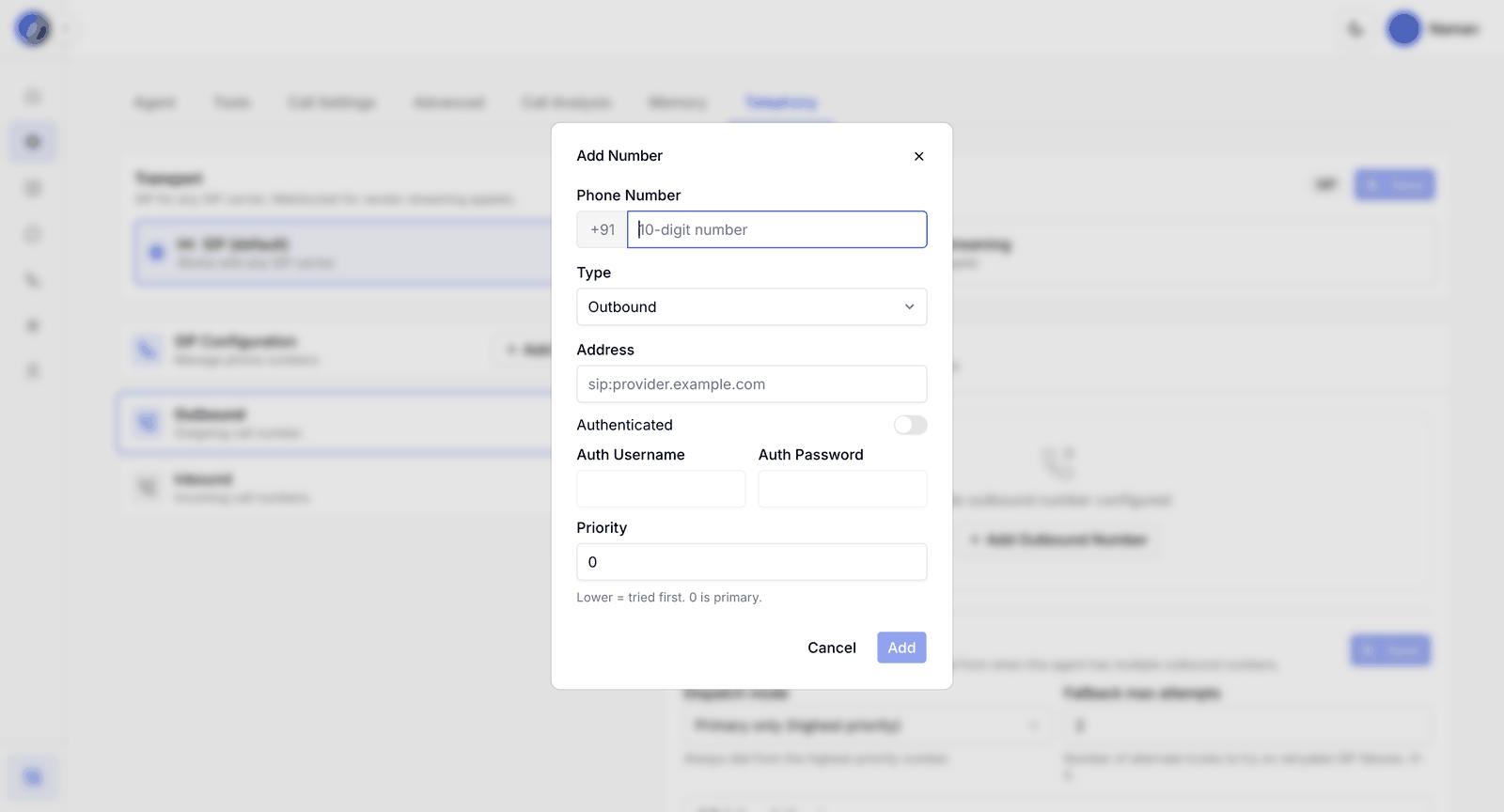
- Add the SIP endpoint and phone number directly to the agent for outbound calling
- Obtain UDP SIP server details from your Osvi account manager for inbound routing
Platform Configuration
Osvi AI supports simple SIP number configuration directly at the agent level. Supported connectivity methods:- SIP Configuration
- WebSocket Streaming
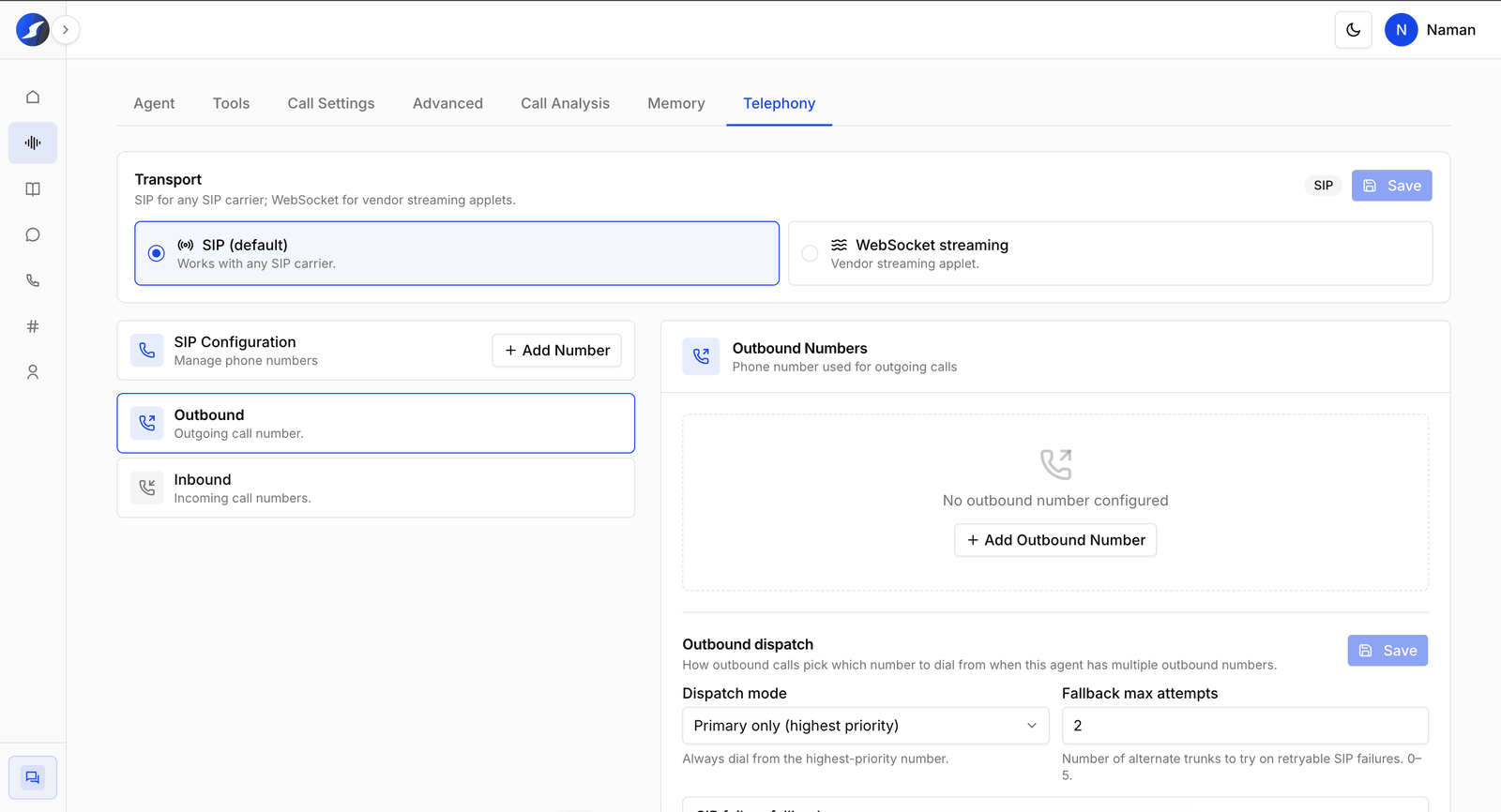
SIP supports authentication-based handshakes for more reliable connections.