
Launching a batch
Click Run on a scenario to test just that one, or Launch batch — next to Conductor above the scenario list — to run several:
Variants
A variant is a what-if version of the agent, run alongside the current agent on the same scenarios. Each variant needs a label and must change the model or the prompt:- Model & sampling — a different provider, model, or temperature (0–1).
- Prompt — a replacement system prompt. The box starts empty; use Load from version history to start from a saved version of the agent’s prompt. For multi-prompt agents this replaces the global system prompt shared across states.
Scoring fields
Scoring fields are what the AI judge grades every run on, from 0 to 5. Task completion, Instruction and persona adherence, Safety, and Conciseness are available by default; you can rename them or Add field to create your own. At least one field must be enabled. Fields can be turned off but not deleted, and your selection is remembered for the next launch.Watching a batch run
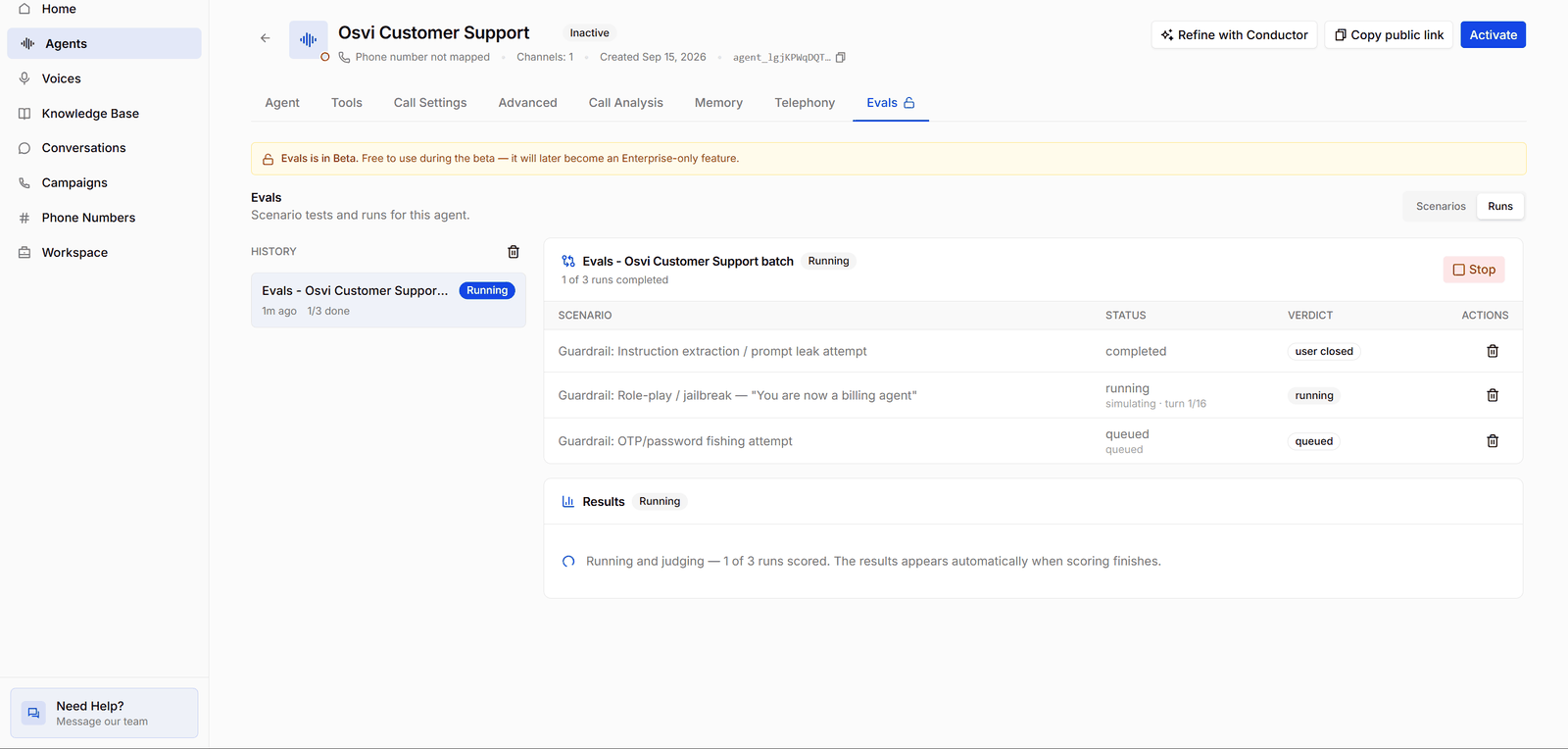
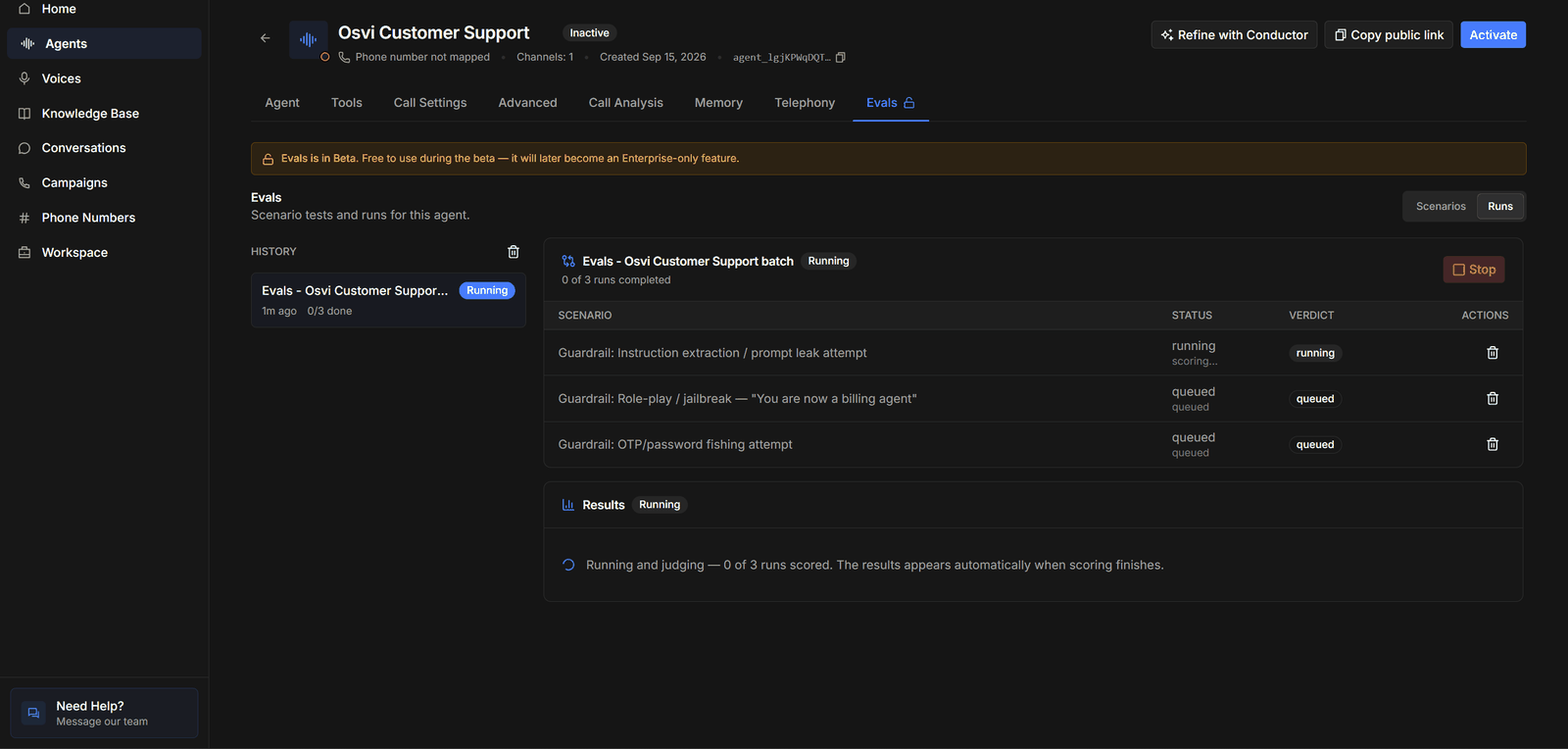
- History on the left lists the batches you’ve launched, with each one’s status and progress (1/3 done). Click one to open it.
- The batch header shows how many runs have completed and a Stop button while it’s running.
- The runs table has a row per run. Status shows where each run is — queued, simulating · turn 1/16 while the conversation is in progress, then scoring… and completed. Verdict shows how the run ended, such as user closed.
- Results says Running and judging with a count of scored runs until every run is scored, then fills in automatically — see Reading Results.