
Evals is in beta. It’s free to use during the beta and will later become an Enterprise-only feature.
The Evals tab
Open any voice or chat agent and go to the Evals tab.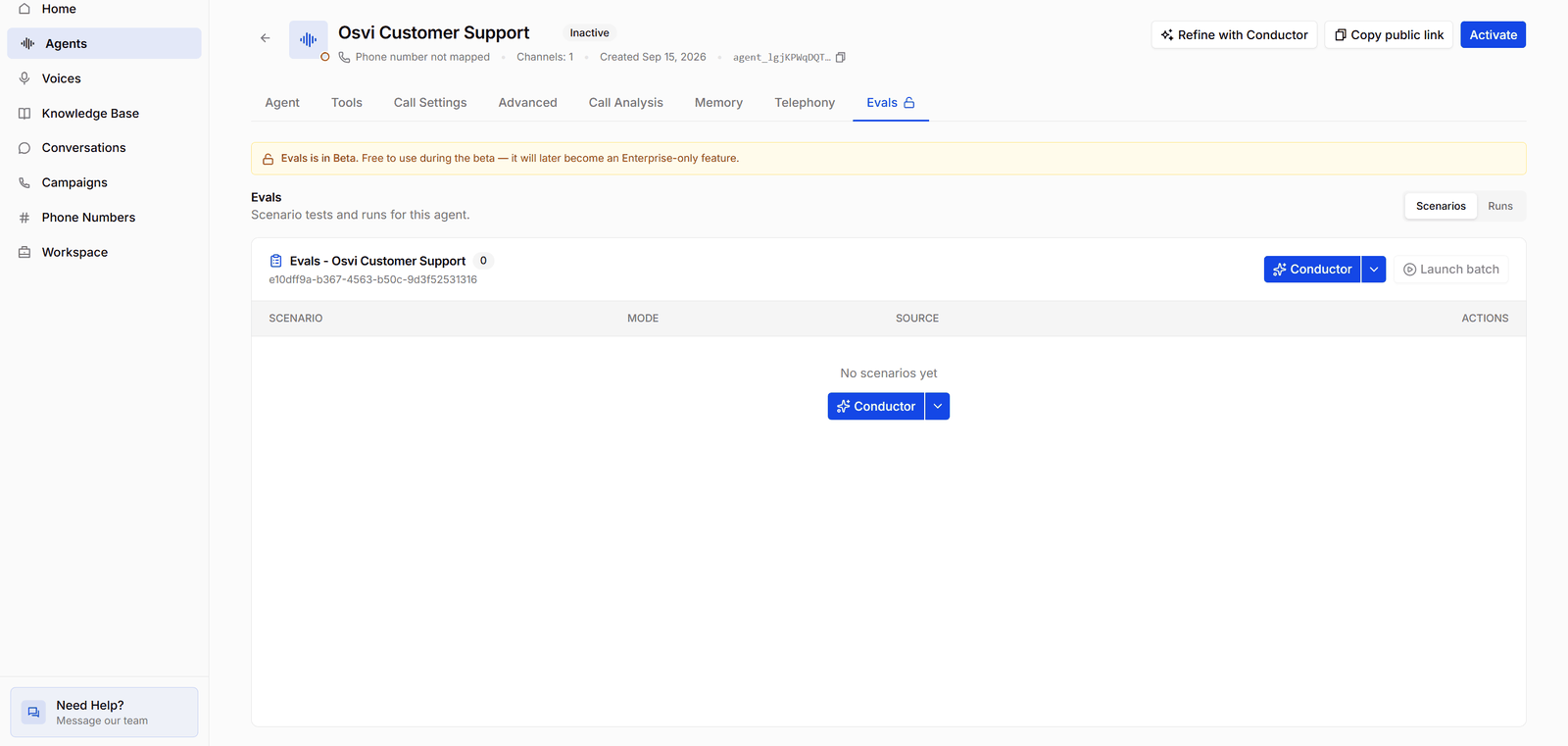
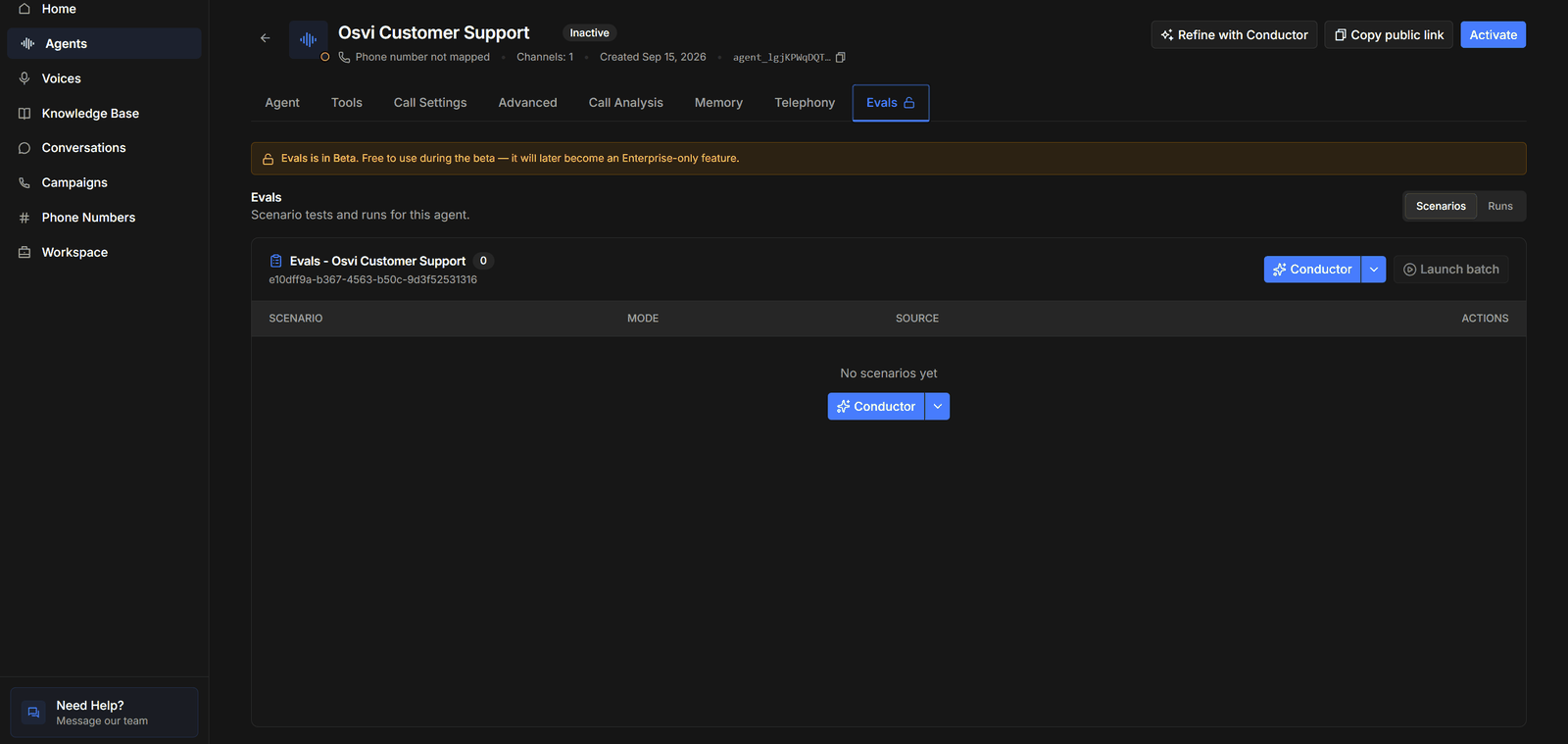
- Scenarios / Runs — switch between the agent’s tests and the batches you’ve run.
- The scenario list — named after the agent (for example Evals - Osvi Customer Support) with a count of scenarios, and a table of each scenario’s name, Mode, Source, and actions. A new agent starts with No scenarios yet.
- Conductor — writes tests for you; its ▾ menu has Add manually. See Writing Scenarios.
- Launch batch — runs scenarios against the agent. It’s disabled until there’s at least one scenario. See Running Batches.
How evals work
The workflow follows the pages in this section:
Writing Scenarios
Describe the customers and conversations to test, by chat or by hand.
Running Batches
Launch scenarios against the agent and prompt or model variants.
Reading Results
Scores, failure analysis, transcripts, and debugging.
Voice agents
Voice agent evals run over text: the simulated customer and the agent exchange messages rather than audio. Scores reflect what the agent says and does — its reasoning, tool use, and adherence to the prompt — not its speech recognition, voice, turn-taking, or latency.Voice-to-voice models aren’t supported in evals yet. Batches for those agents run on a stand-in text model, and the launch message and run details say so.