
Analysis runs only for calls that were answered and produced a transcript (
call_status: picked), and only when post-call analysis is enabled on the agent.Analysis model and prompt
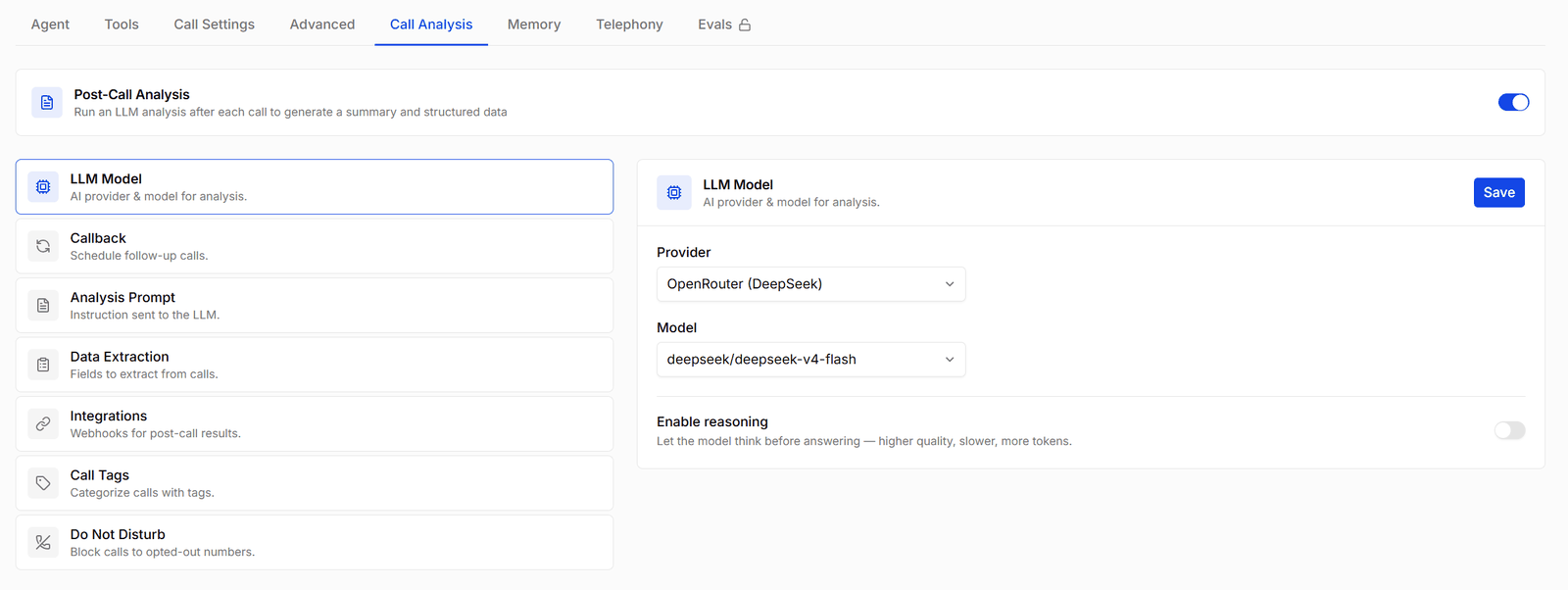
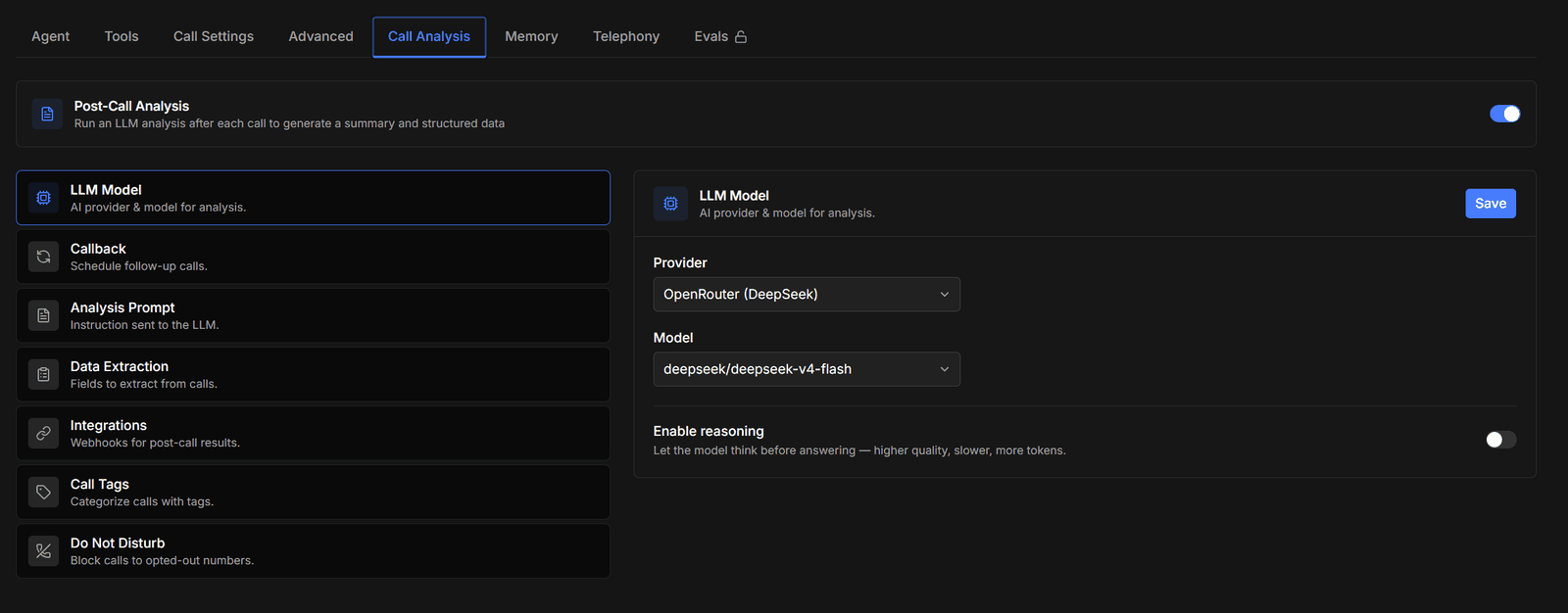
- LLM Model — the provider and model used for analysis, independent of the model the agent uses live on the call. Enable reasoning lets the model think before answering: better results on complex calls, but slower and more expensive.
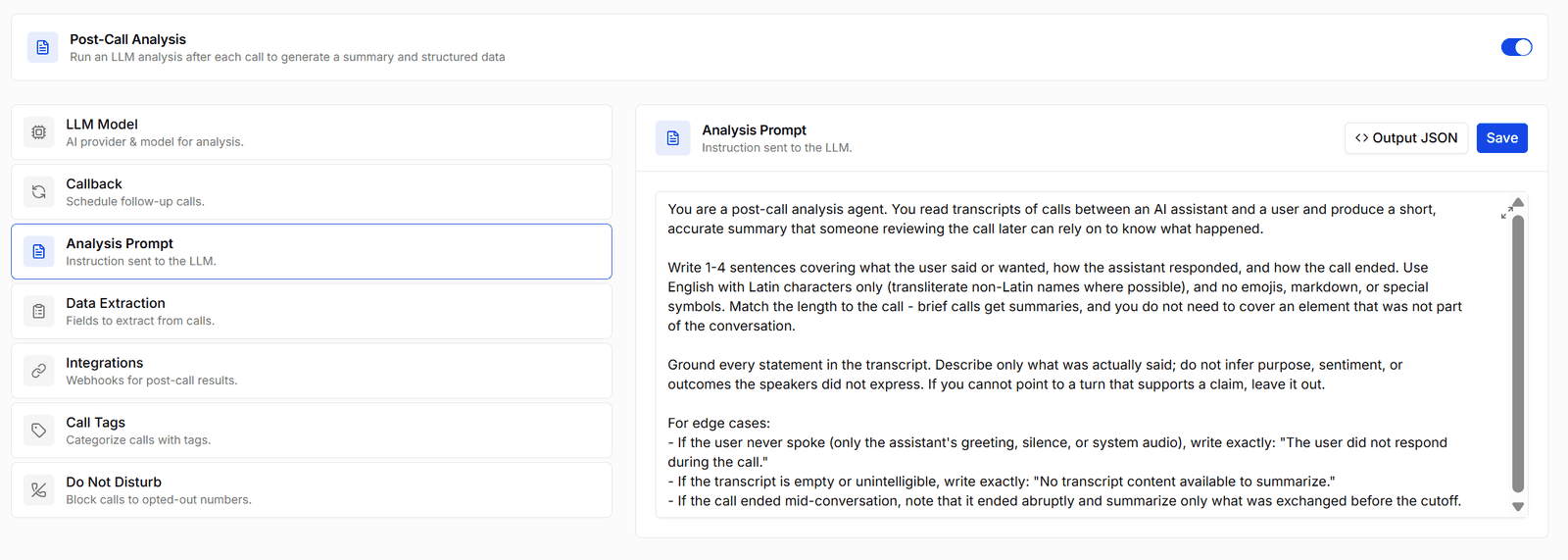
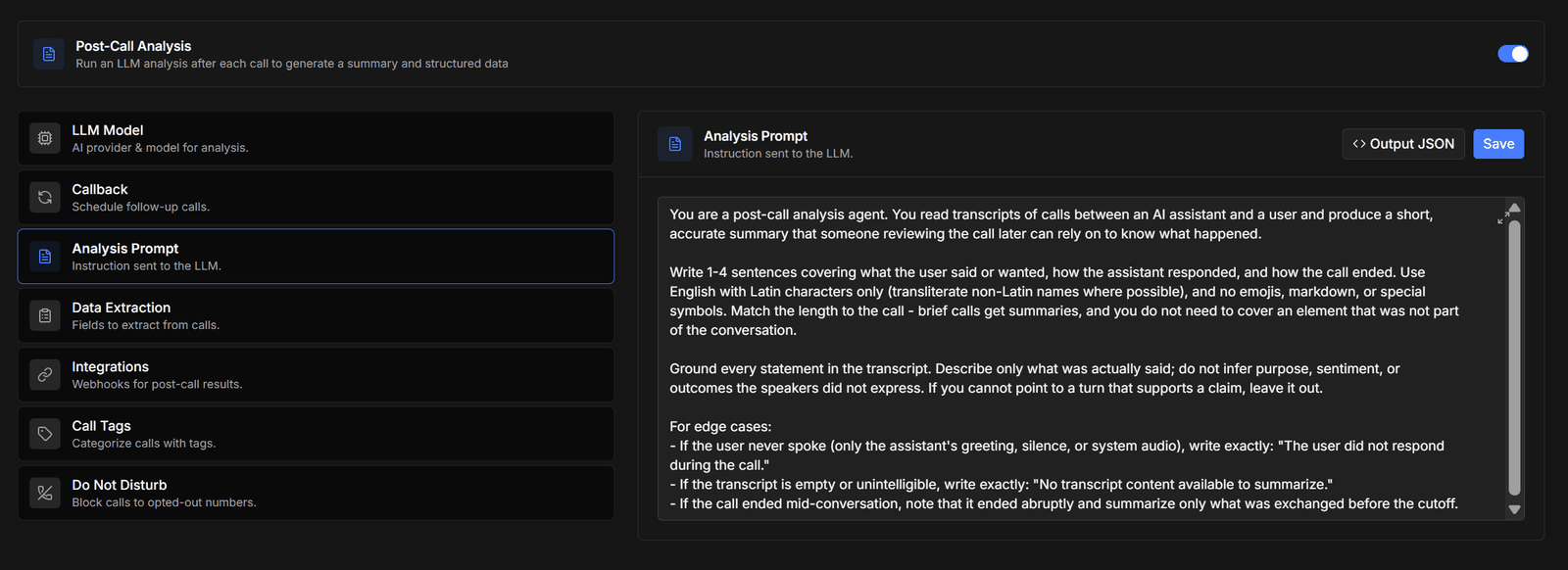
- Analysis Prompt — instructions for the analysis pass: what the summary should focus on, what counts as a successful call, anything domain-specific the model should pay attention to.
Data extraction
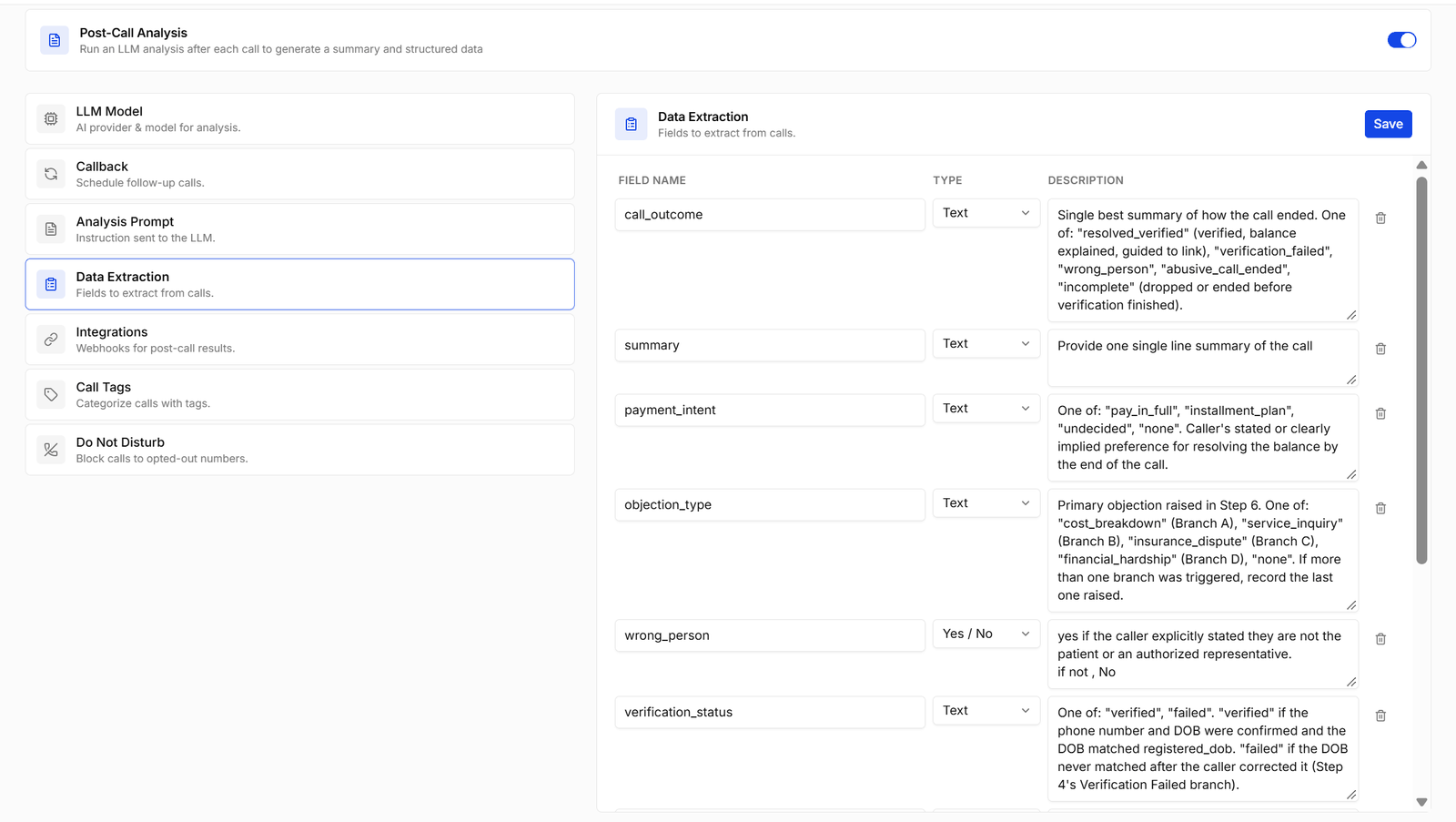
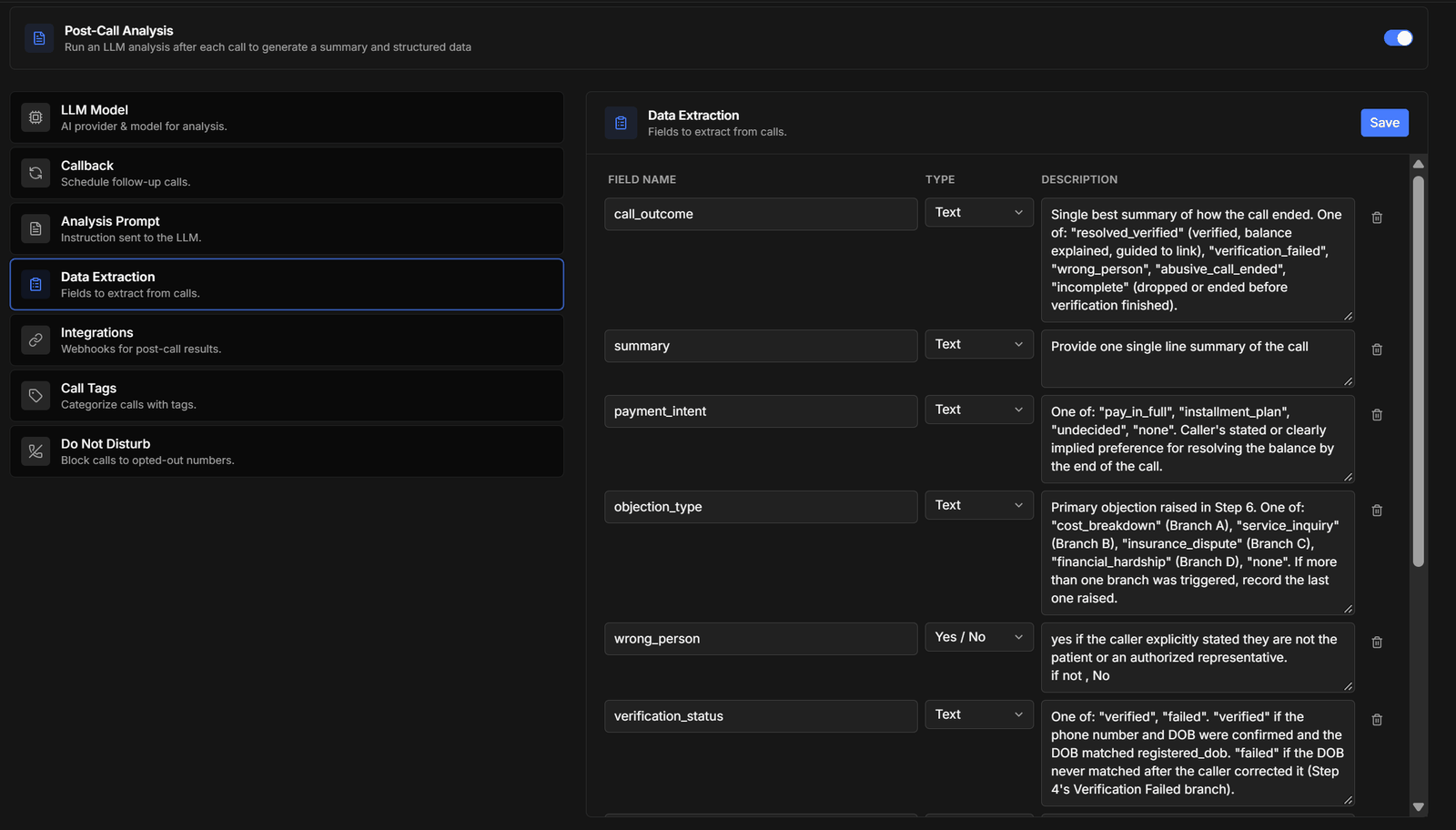
Extracted values appear on each call’s Analysis tab in Conversations, in webhook payloads under
data_capture, and in CSV exports.
Output schema
Beyond flat fields, you can define a custom output schema — a JSON shape the analysis must produce. Use simple mode for a fixed structure, or conditional mode when the shape depends on how the call went (e.g. anappointment object only when one was booked). The result is delivered as structured_output in webhooks.
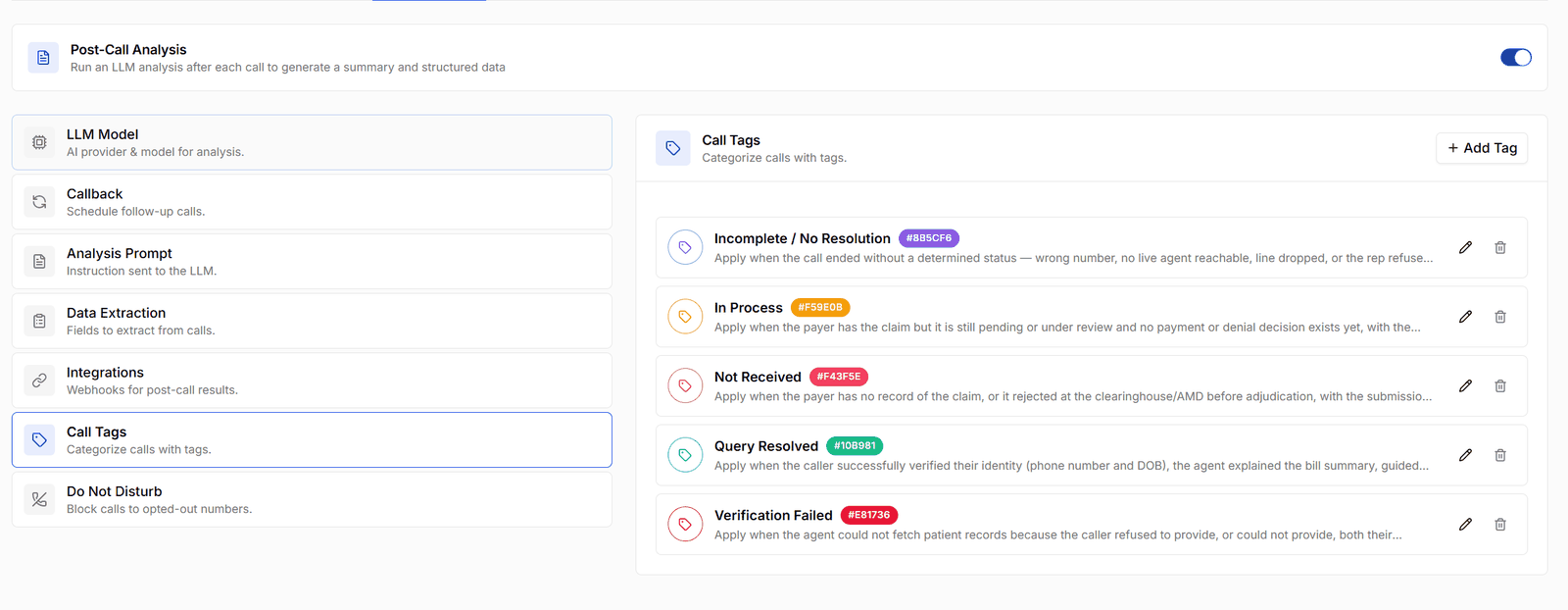
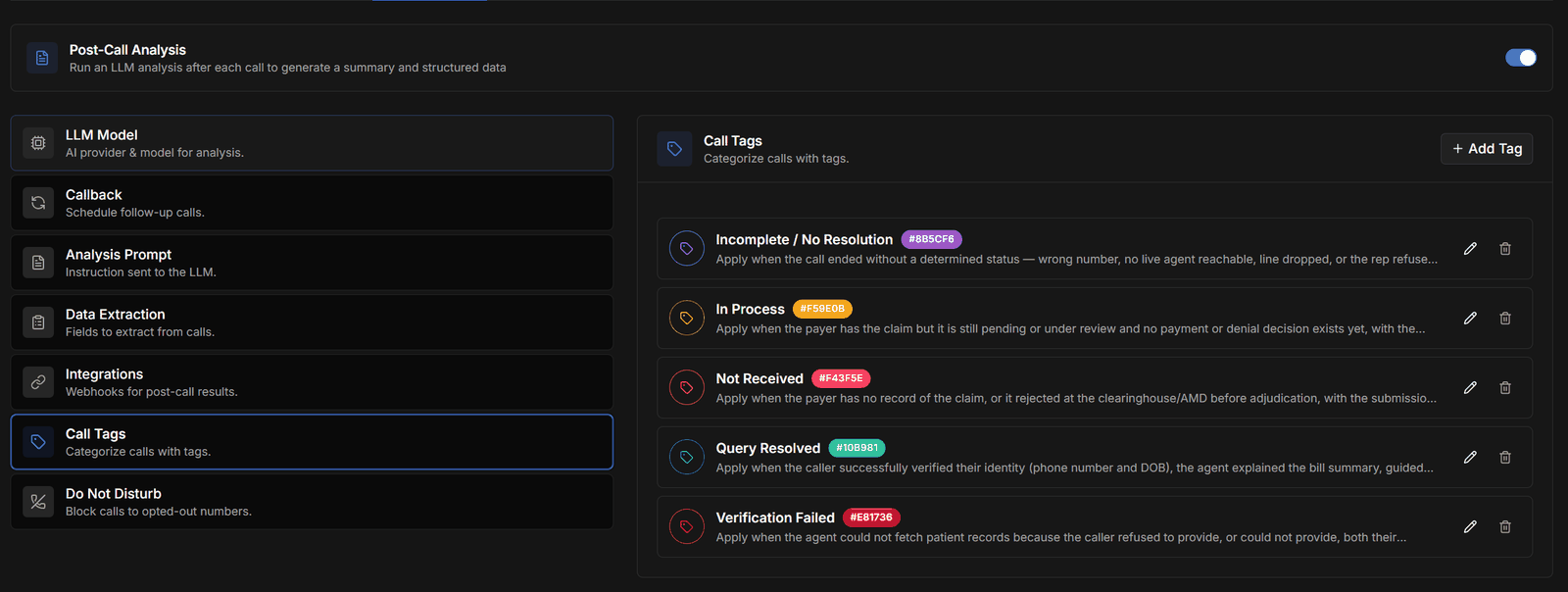
Call tags
Callbacks
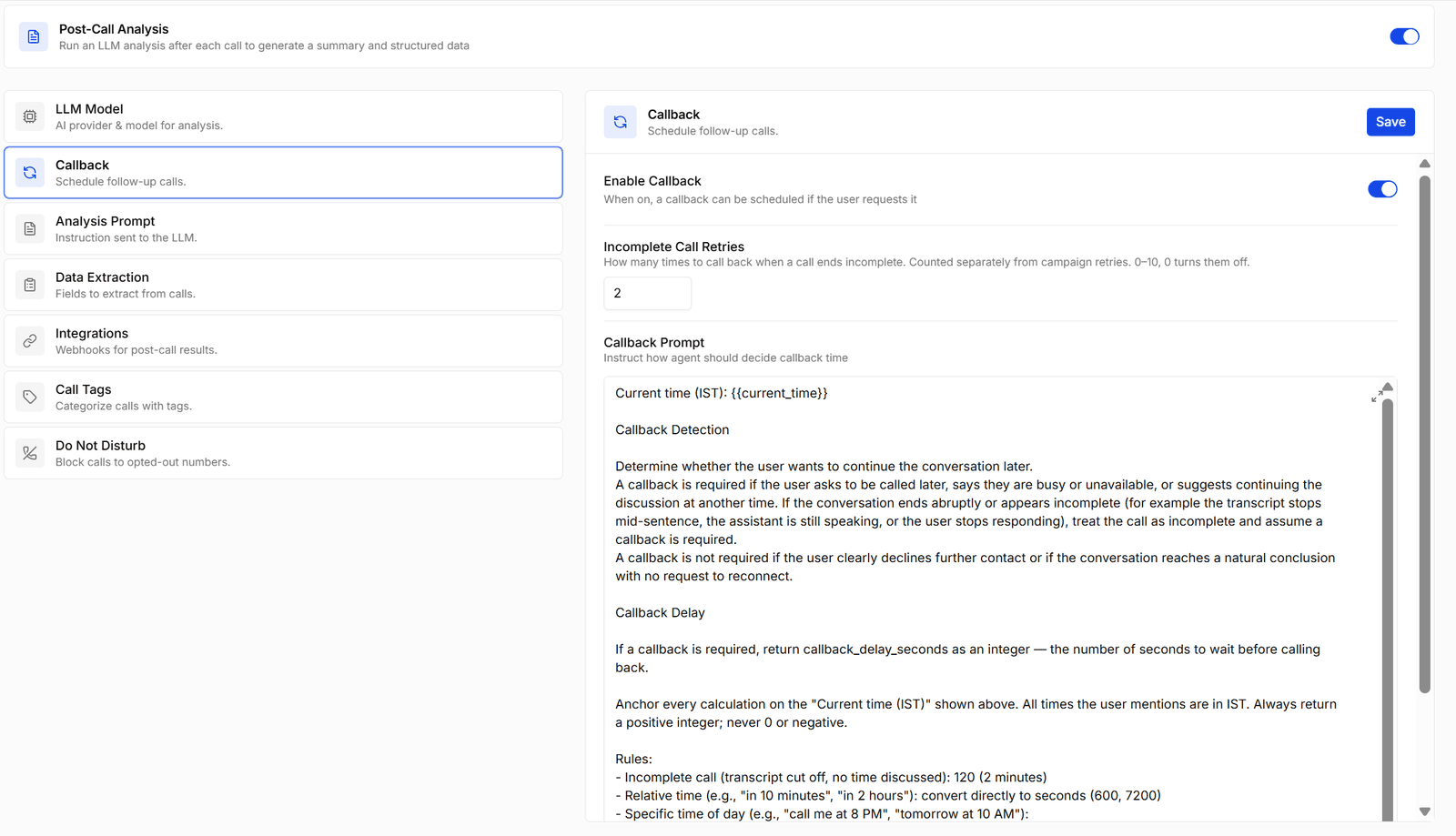
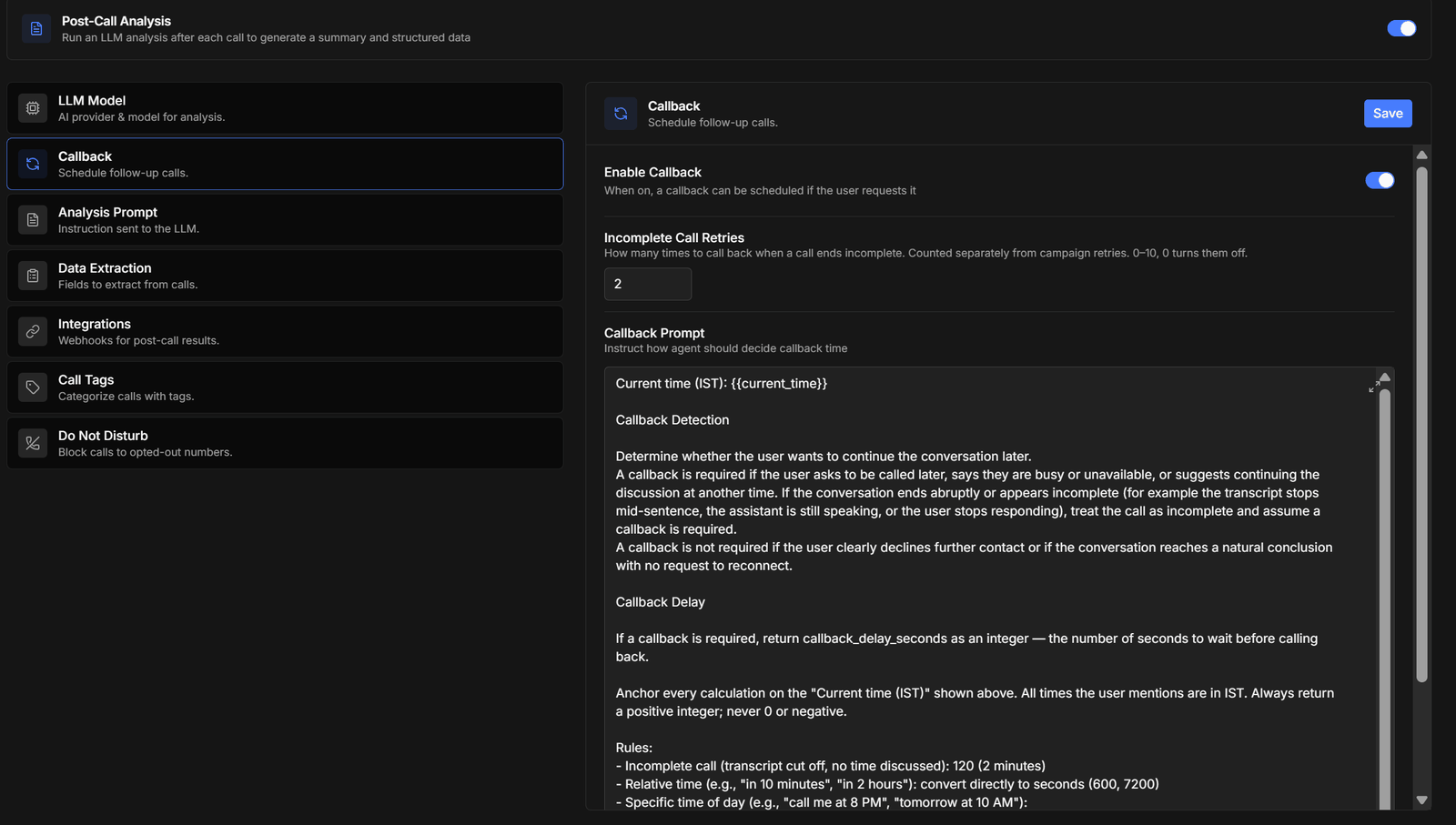
- Incomplete Call Retries — how many times to call back when a call ends incomplete, from 0 to 10. Counted separately from campaign retries; 0 turns them off.
- Callback Prompt — how the agent should decide the callback time. It returns a delay in seconds, so the prompt is where you set the rules: how long to wait after an incomplete call, how to read “in ten minutes” against a specific time of day, and what to do outside working hours.
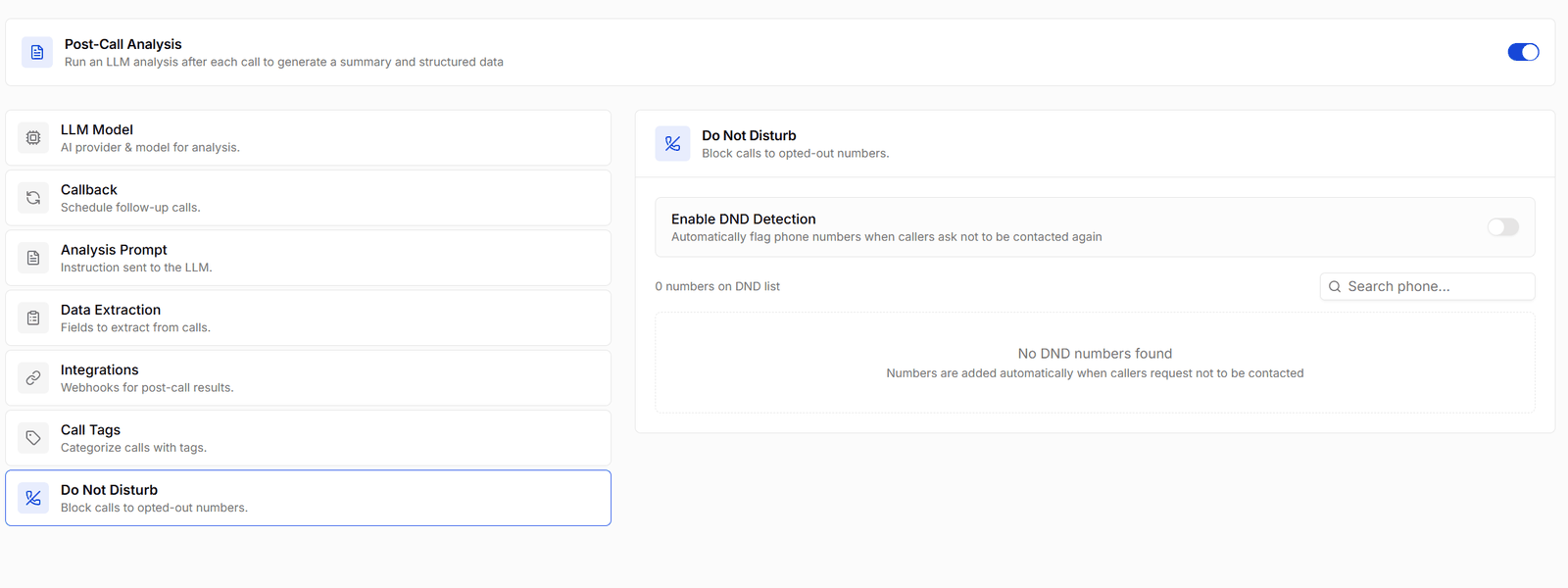
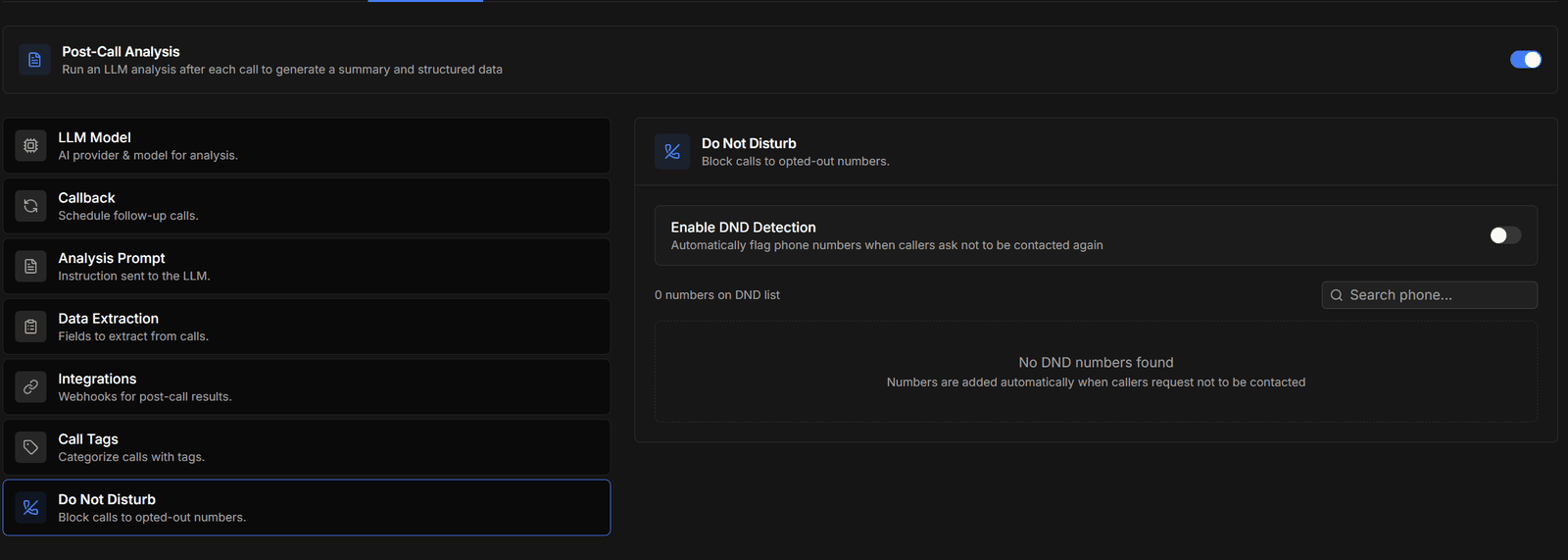
Do Not Disturb
Integrations — getting results out
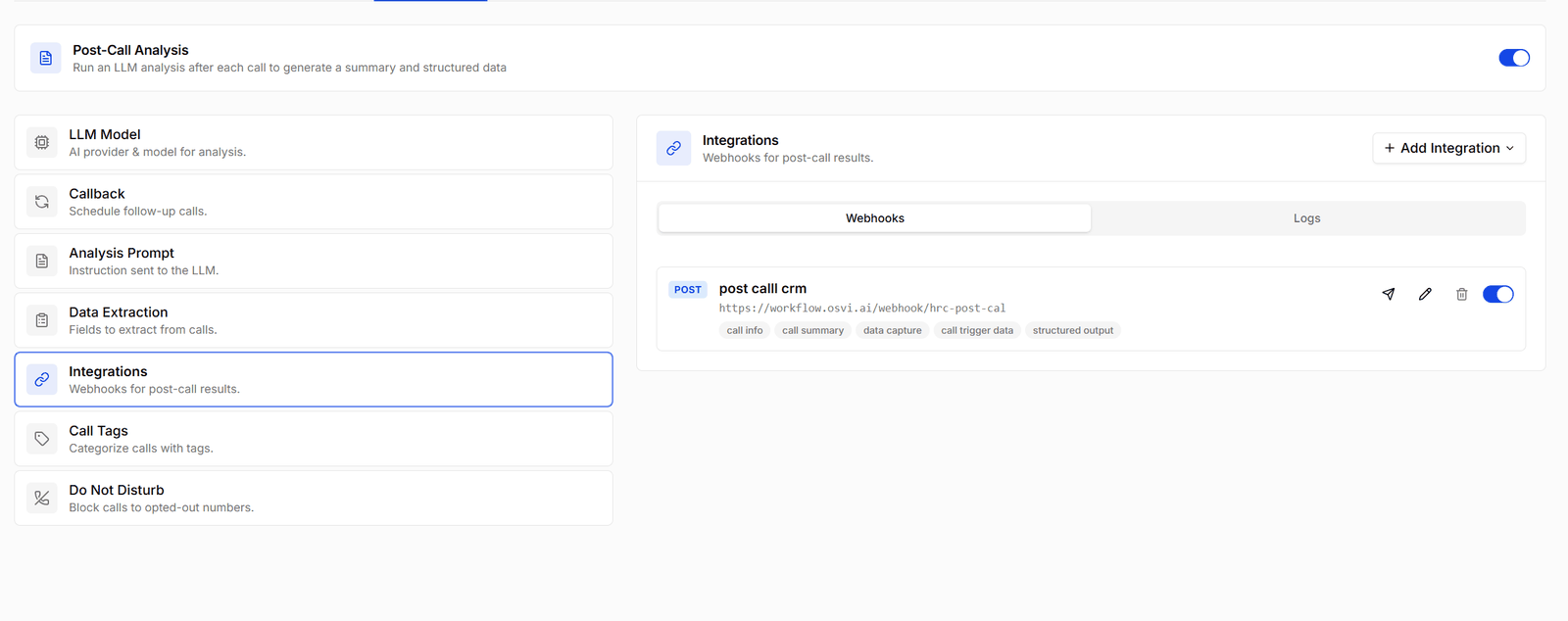
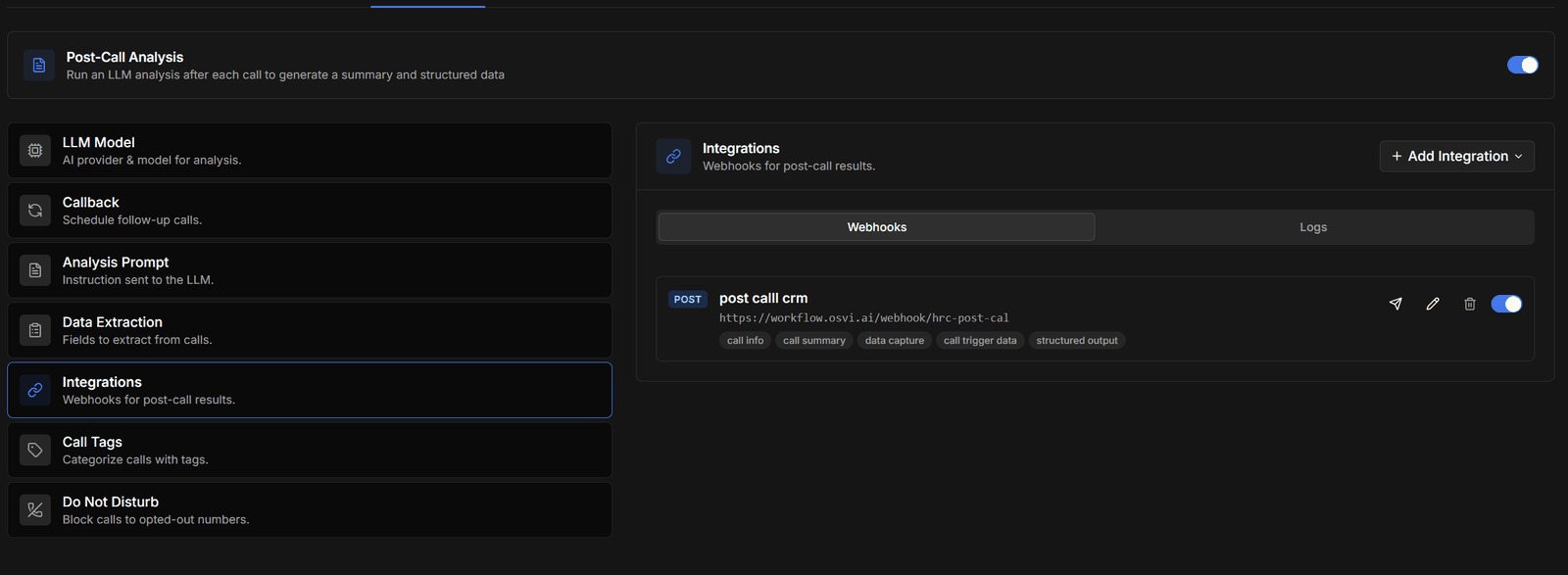
Webhooks
Send analysis results to any HTTP endpoint you control. Add Integration creates one; each agent can have several, and each fires independently after every analysed call. You control the method, URL (with{{placeholder}} support), headers, and body — either auto mode, where the chips on each row show which data sections are included (call info, call summary, data capture, call trigger data, structured output), or a fully custom JSON template.
Each row has a switch to turn the webhook off without deleting it, and a send button that posts a sample payload so you can check your endpoint before going live.
The complete payload contract, template expression reference, and delivery semantics are documented in the post-call webhook reference.