
The Voices page is the catalogue of every text-to-speech voice available to your agents, across all supported providers. The voice you pick shapes how callers perceive the agent more than almost anything except the prompt.

Browsing the catalogue
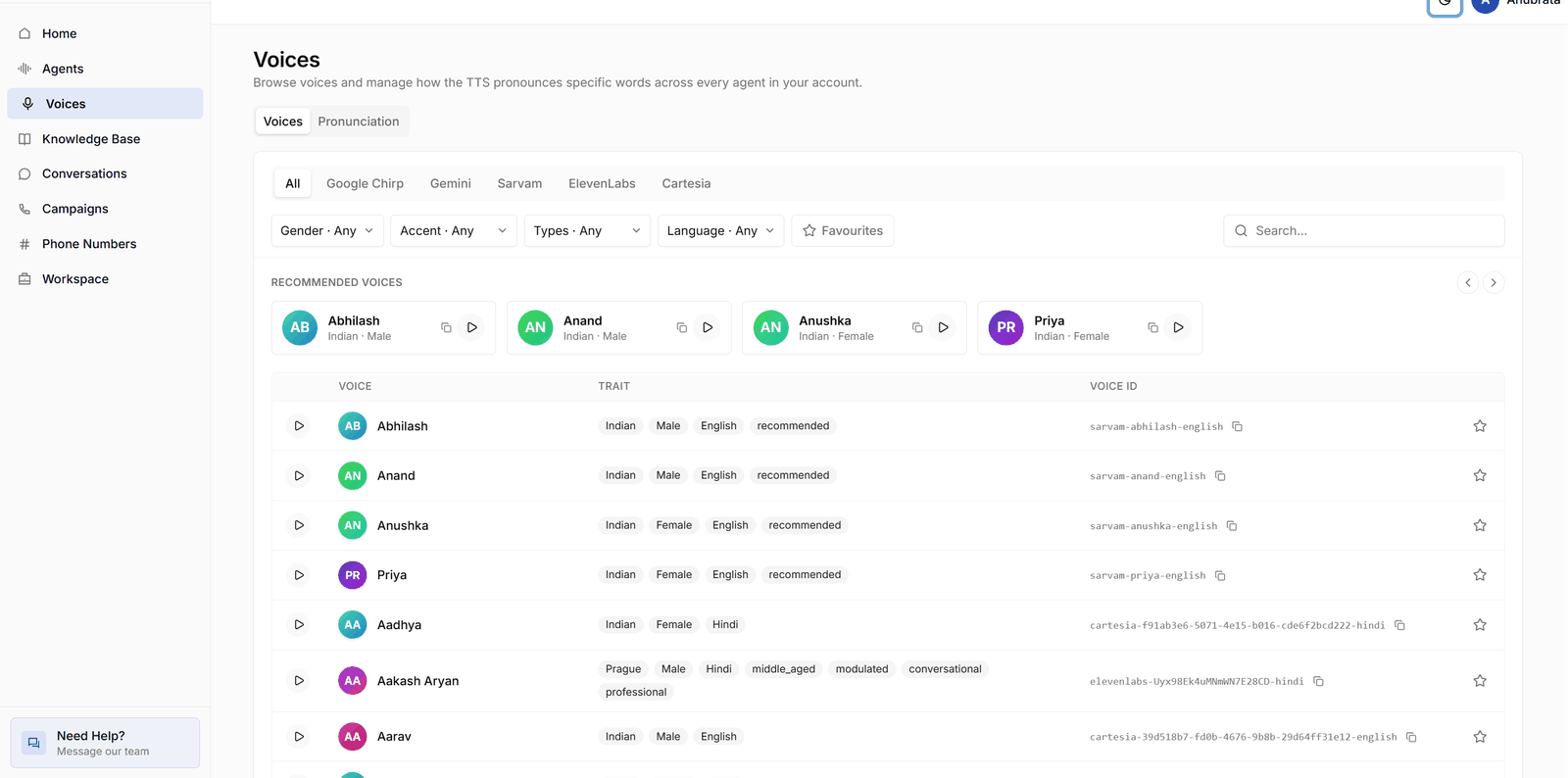
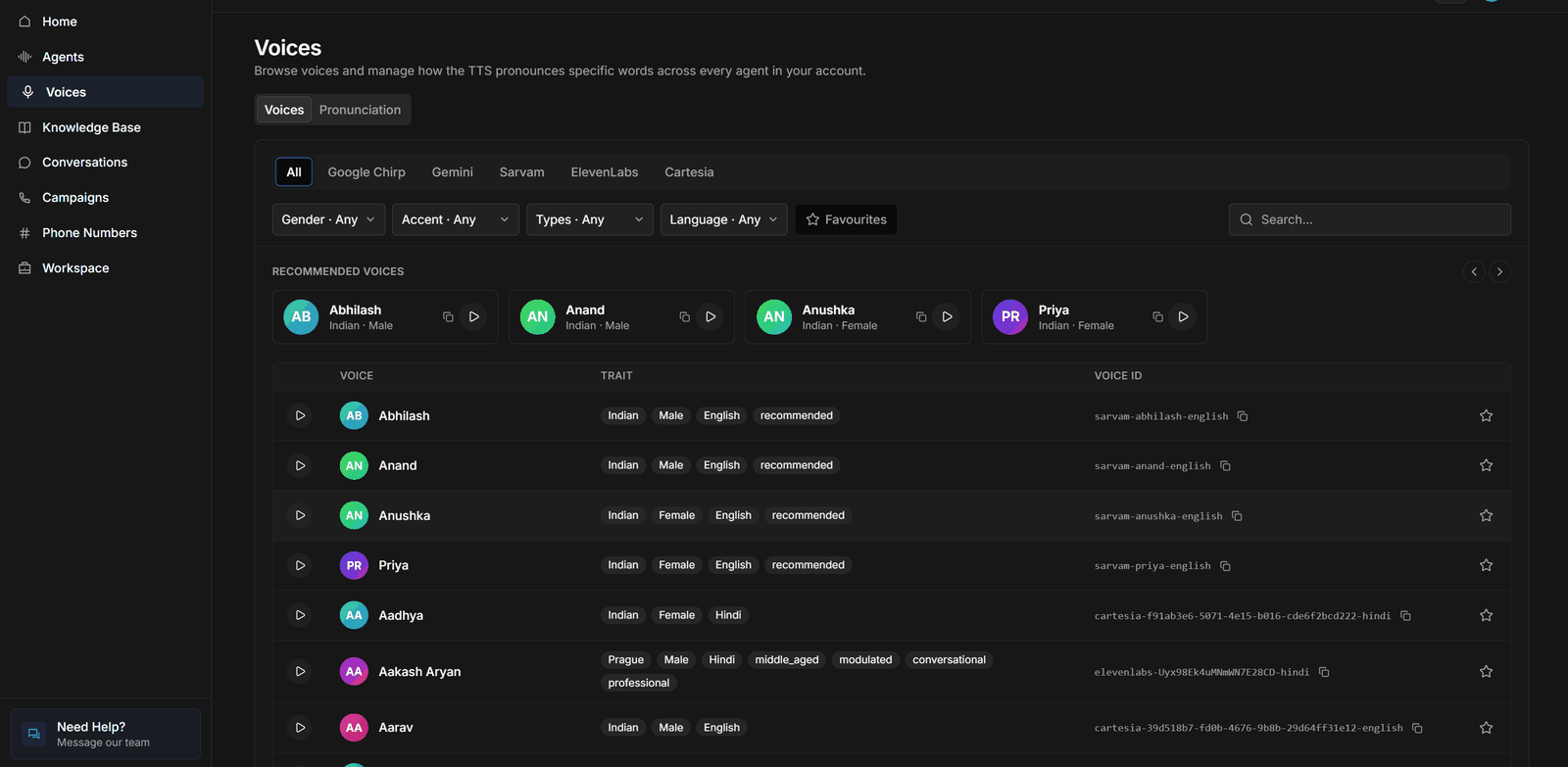
Filter the catalogue by:
  • Provider — each TTS provider offers different voices, languages, and latency characteristics.
  • Language — match the language your agent speaks. Voices are available for English and major Indian languages (Hindi, Tamil, Telugu, Kannada, Malayalam, Bengali, Gujarati, Marathi, Punjabi, and more).
  • Gender and accent.
  • Tags — descriptive qualities like warm, energetic, or professional.
Every voice has a preview button — always listen before assigning. A recommended strip at the top surfaces voices that work well for phone audio. Mark voices as favourites (the star) to build a shortlist; a favourites only toggle filters the catalogue down to them.

Assigning a voice to an agent

Select a voice from the catalogue, or pick it directly on the agent’s Advanced → Text-to-Speech section. Voice and speech-recognition language are set independently — make sure both match the language your callers actually use.

Pronunciation rules

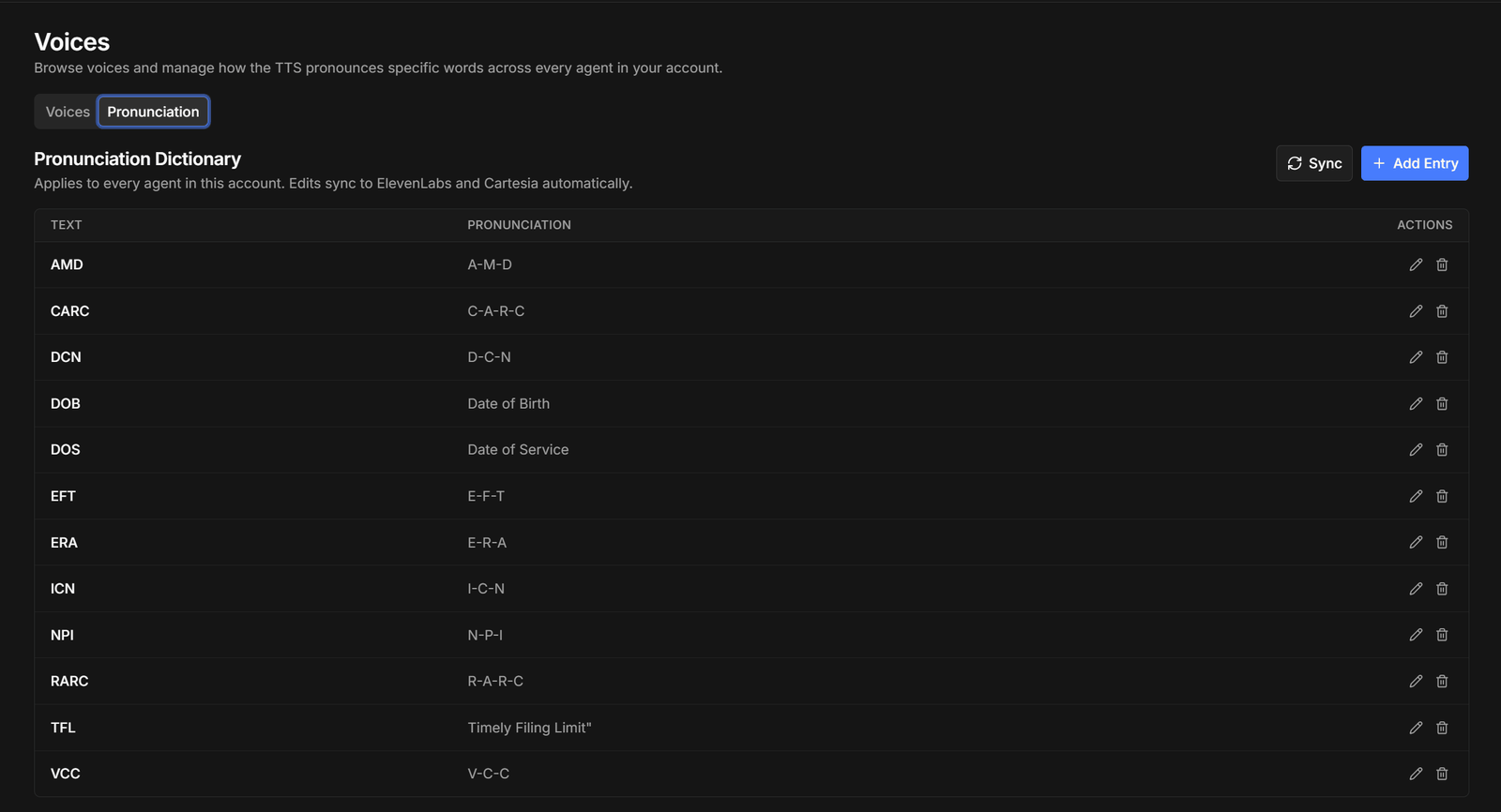
Under Voices → Pronunciation, you can define account-wide pronunciation overrides — a word and how it should be spoken:
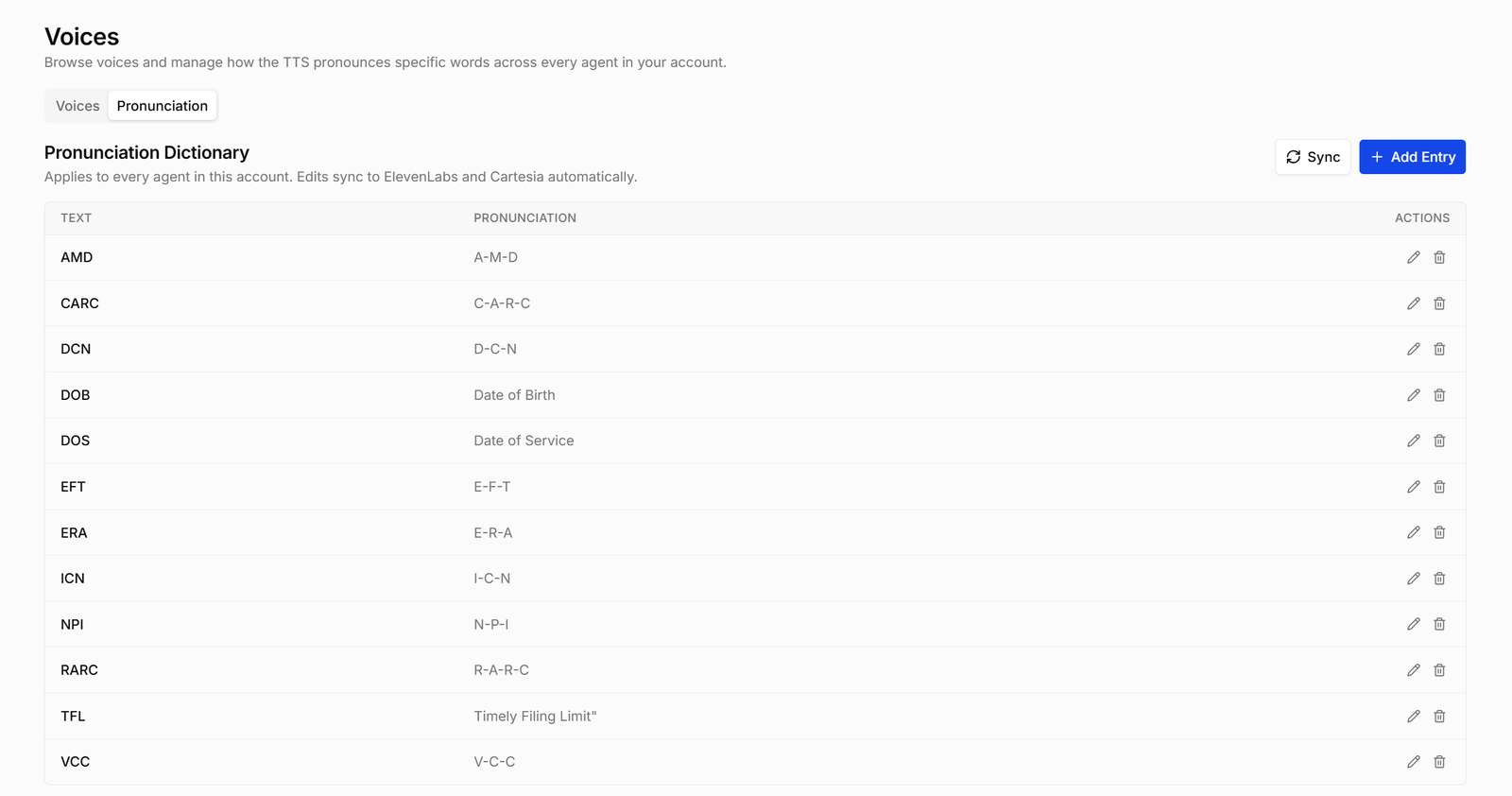
WordSpoken as
OSVI”oss-vee”
EMI”ee-em-eye”
Rules apply to every agent in your account, which keeps brand names, product names, and abbreviations consistent across all voices. Add a rule whenever you hear an agent mangle a name in a recording.
Test your chosen voice with your actual prompt in the web-call playground, not just the preview clip — some voices that sound great reading a sample sentence stumble on numbers, amounts, or code-mixed Hindi-English.