
Creating a campaign
Go to Campaigns → Create Campaign:1
Setup
Name the campaign and pick its type:
- Outbound — call a list of contacts you upload.
- Inbound — receive calls on the campaign’s assigned numbers (and track the ones you miss).
2
Timing and retries
- Schedule — start immediately, or pick a date with a start and end time. Calls are only placed inside the window; anything unfinished waits for the next one.
- Retry settings — the retry policy for contacts who don’t pick up, editable later on the campaign’s Overview tab.
The campaign page
Opening a campaign gives you four tabs: Overview, Agents, Contacts, and Queue.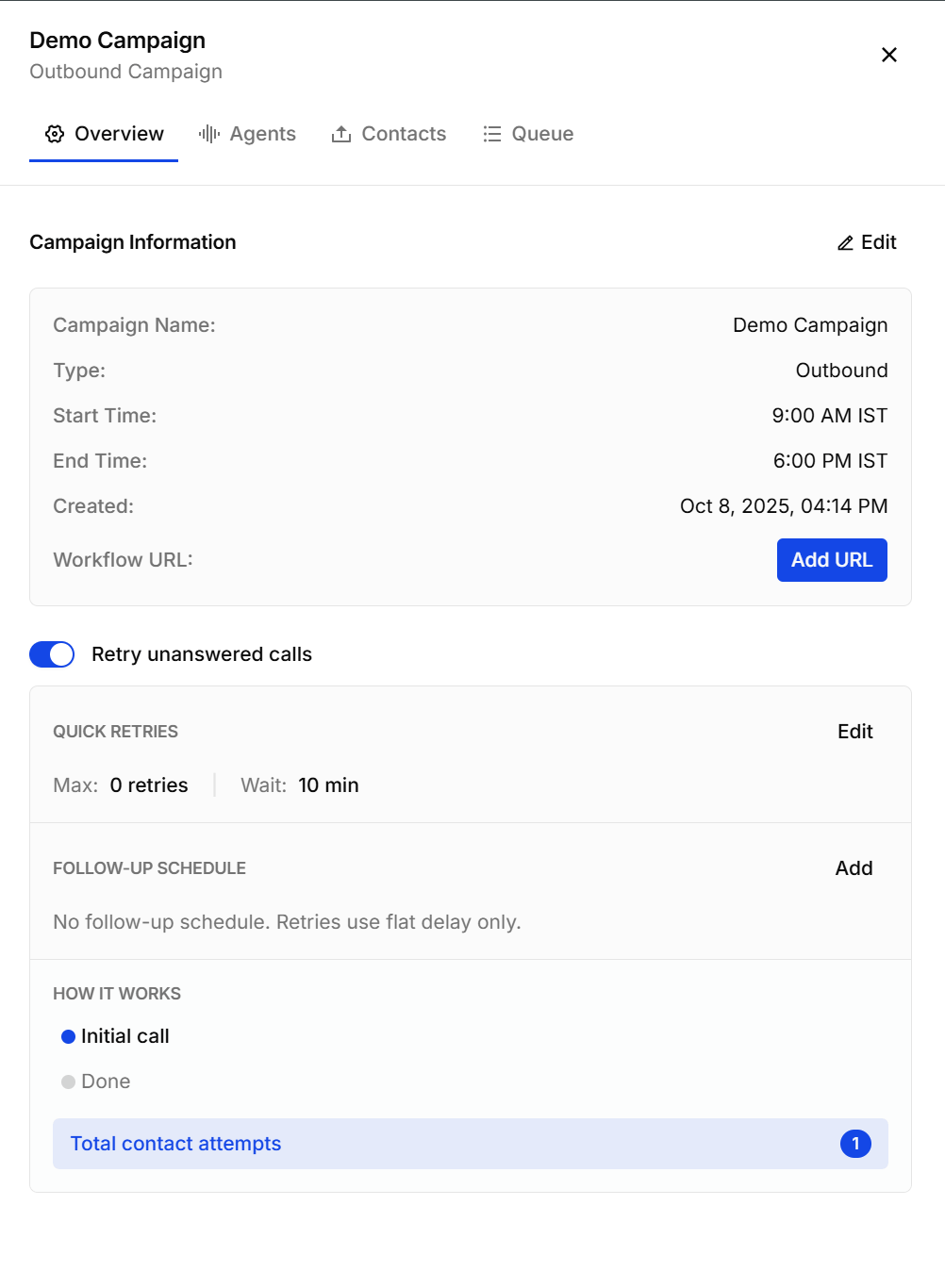
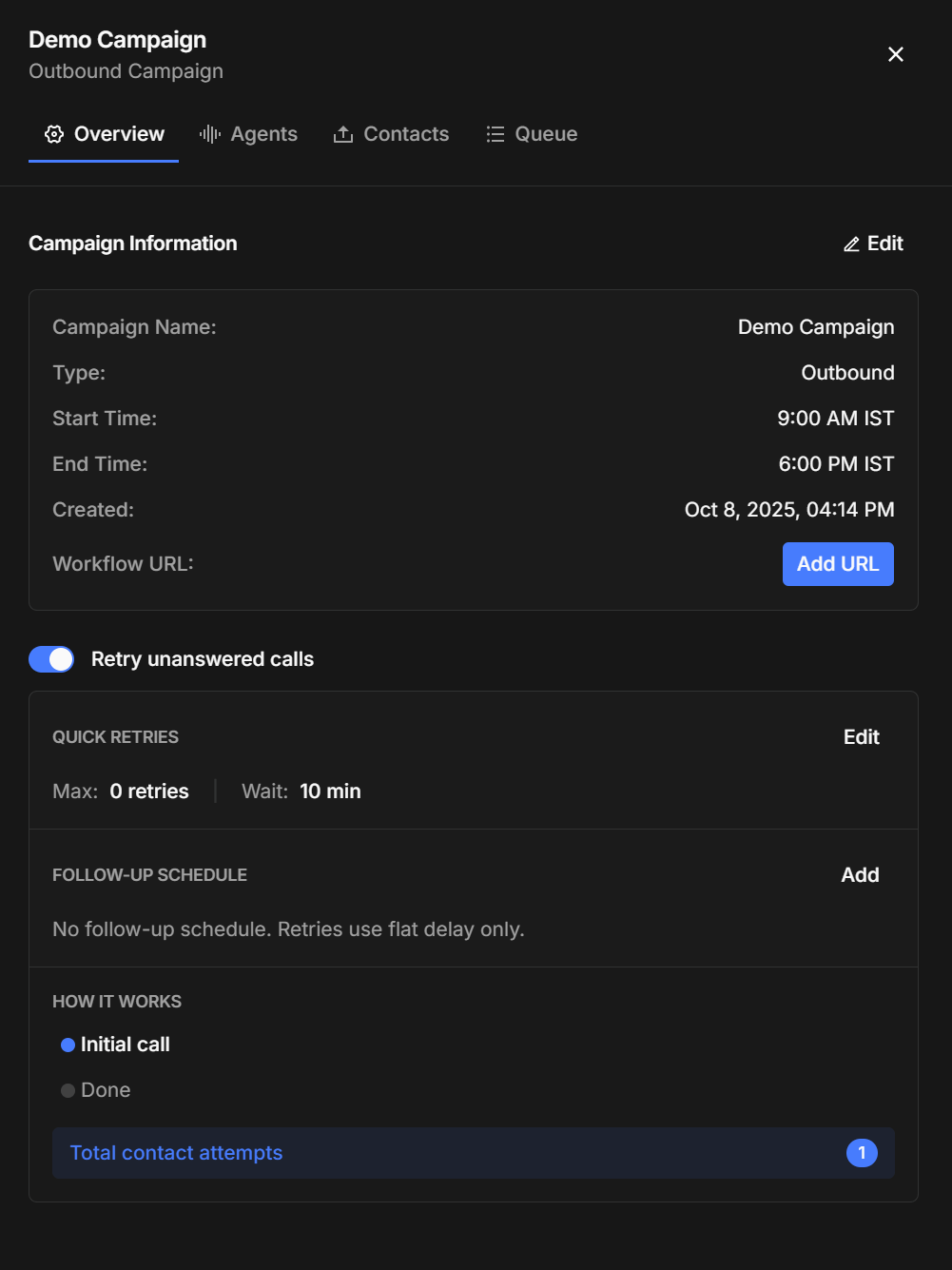
- Retry unanswered calls — the master switch.
- Quick retries — how many times to retry and how long to wait between attempts.
- Follow-up schedule — optional. Without one, retries use the flat delay above; with one, you can space later attempts out over days.
- How it works — a summary of what a contact will actually experience, ending with the total number of attempts they’ll receive.
Assigning agents
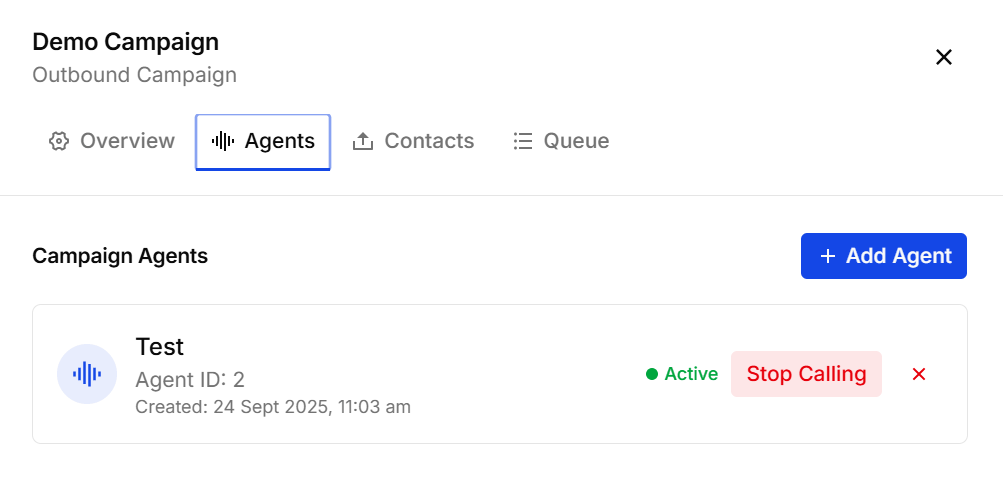
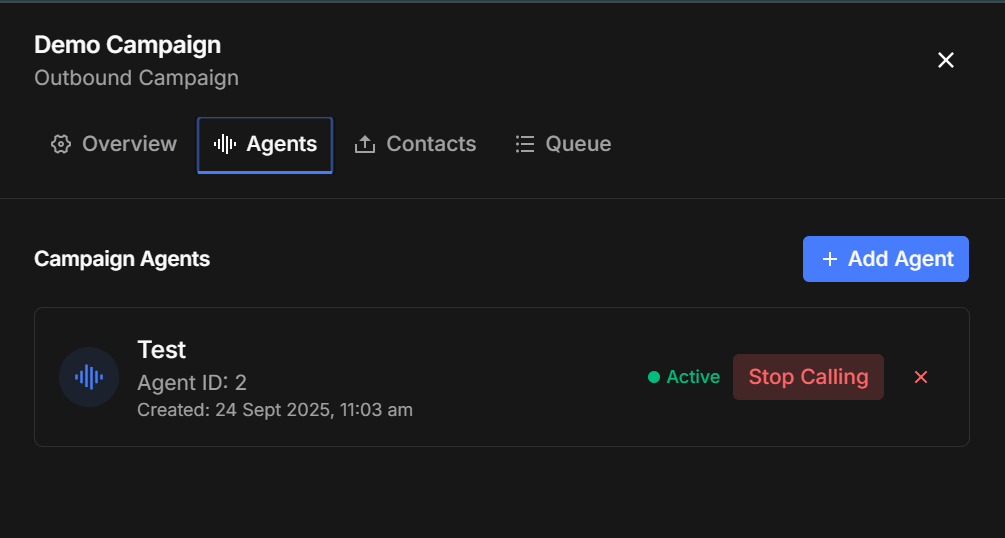
Uploading contacts
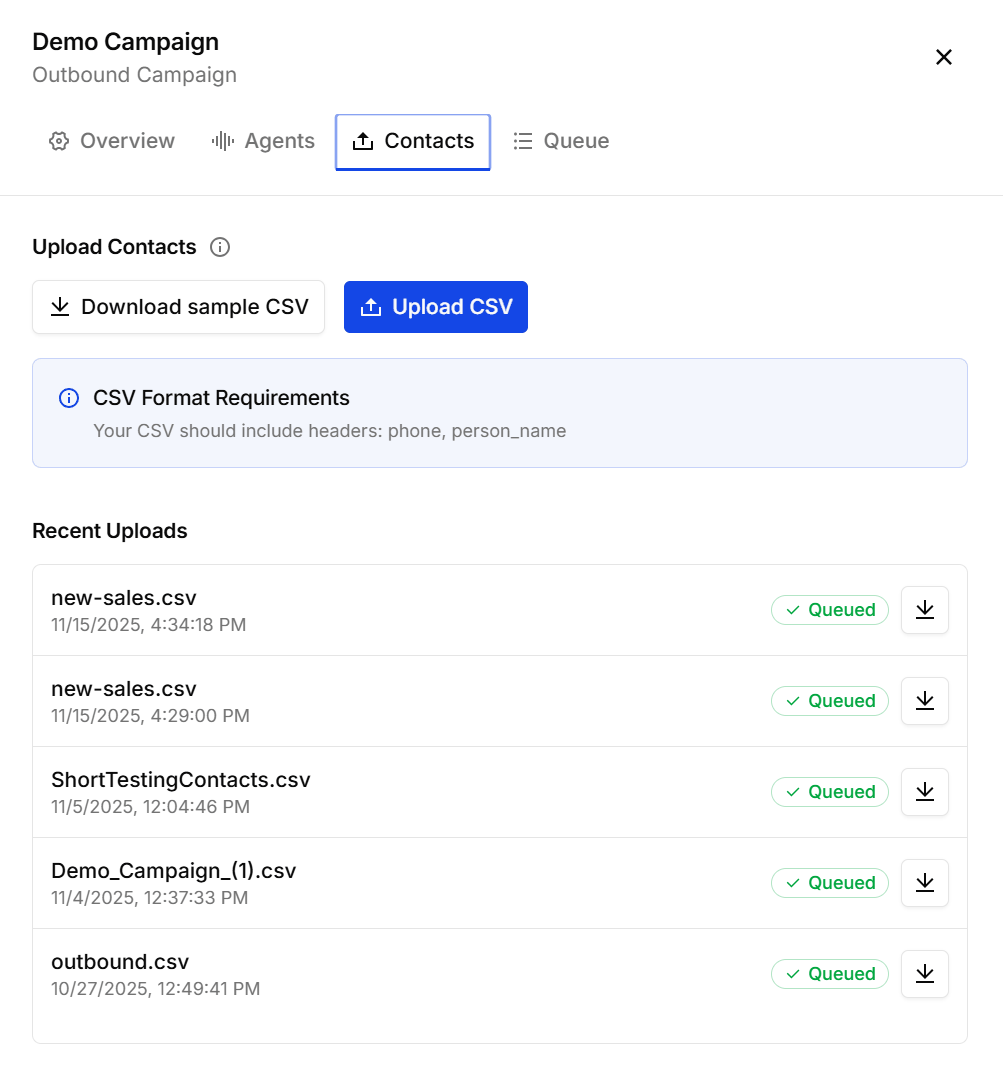
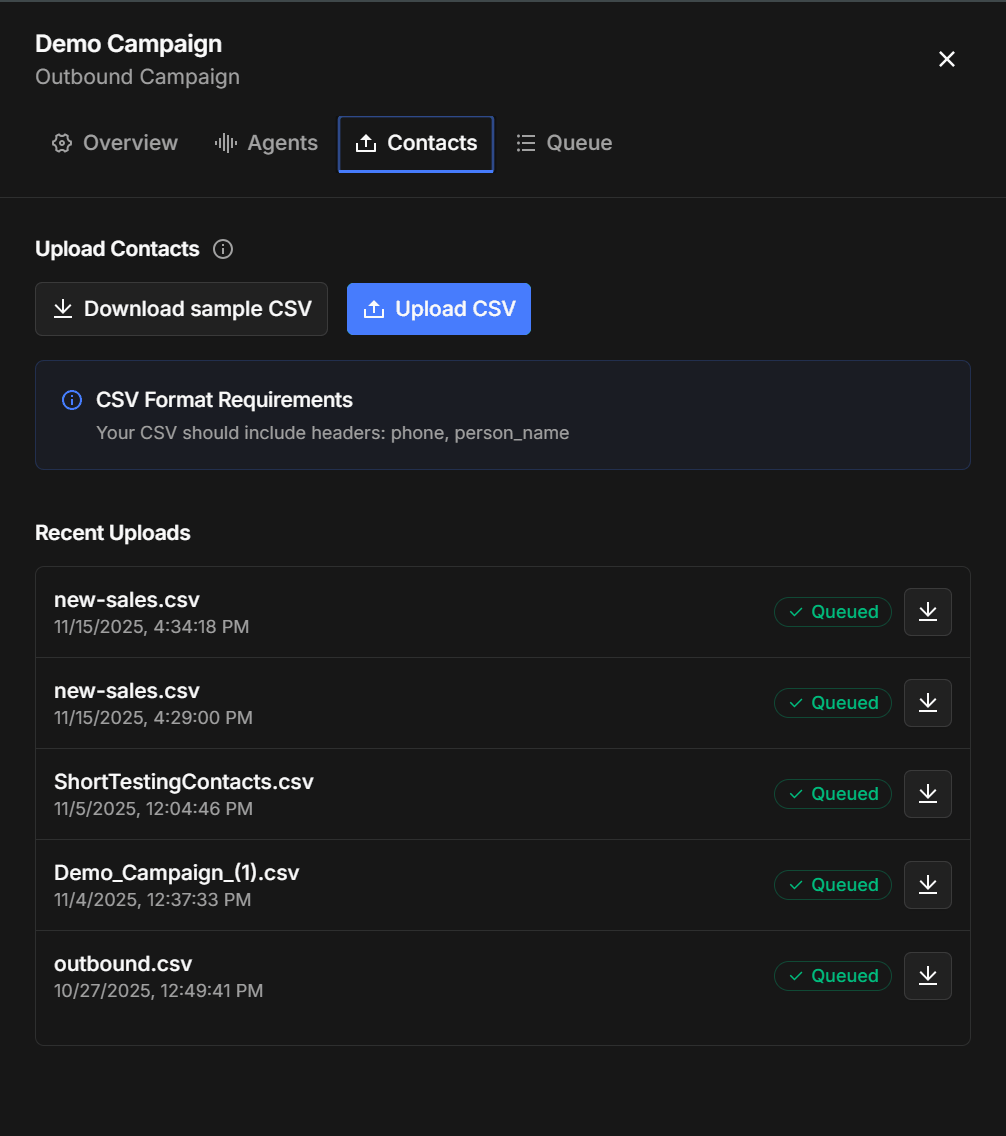
- Download sample CSV on the same tab gives you the expected format.
- Any extra columns are carried along as contact metadata, available to the agent’s prompt via
{{variable}}templating and echoed back in webhook results as trigger data.
Monitoring a running campaign
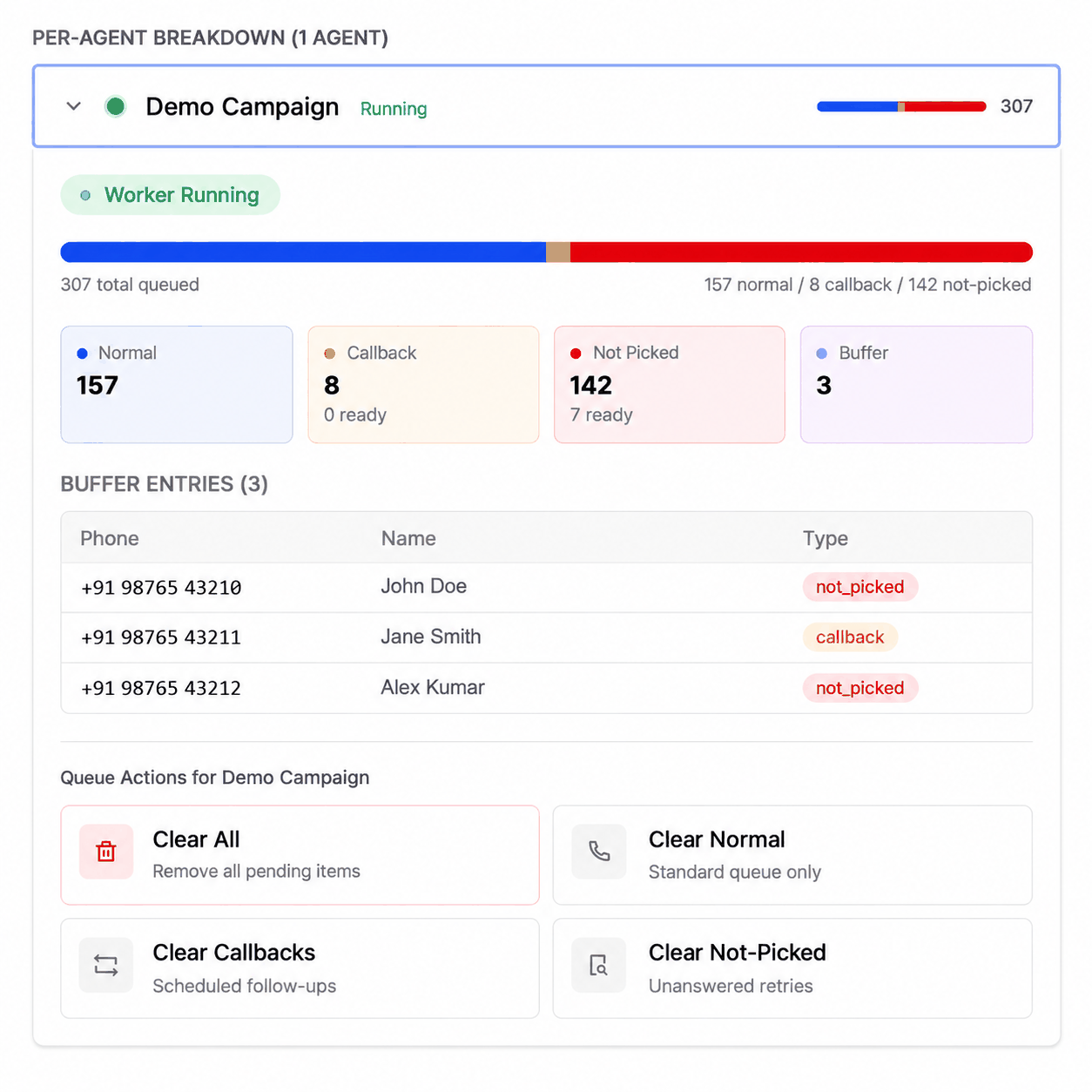
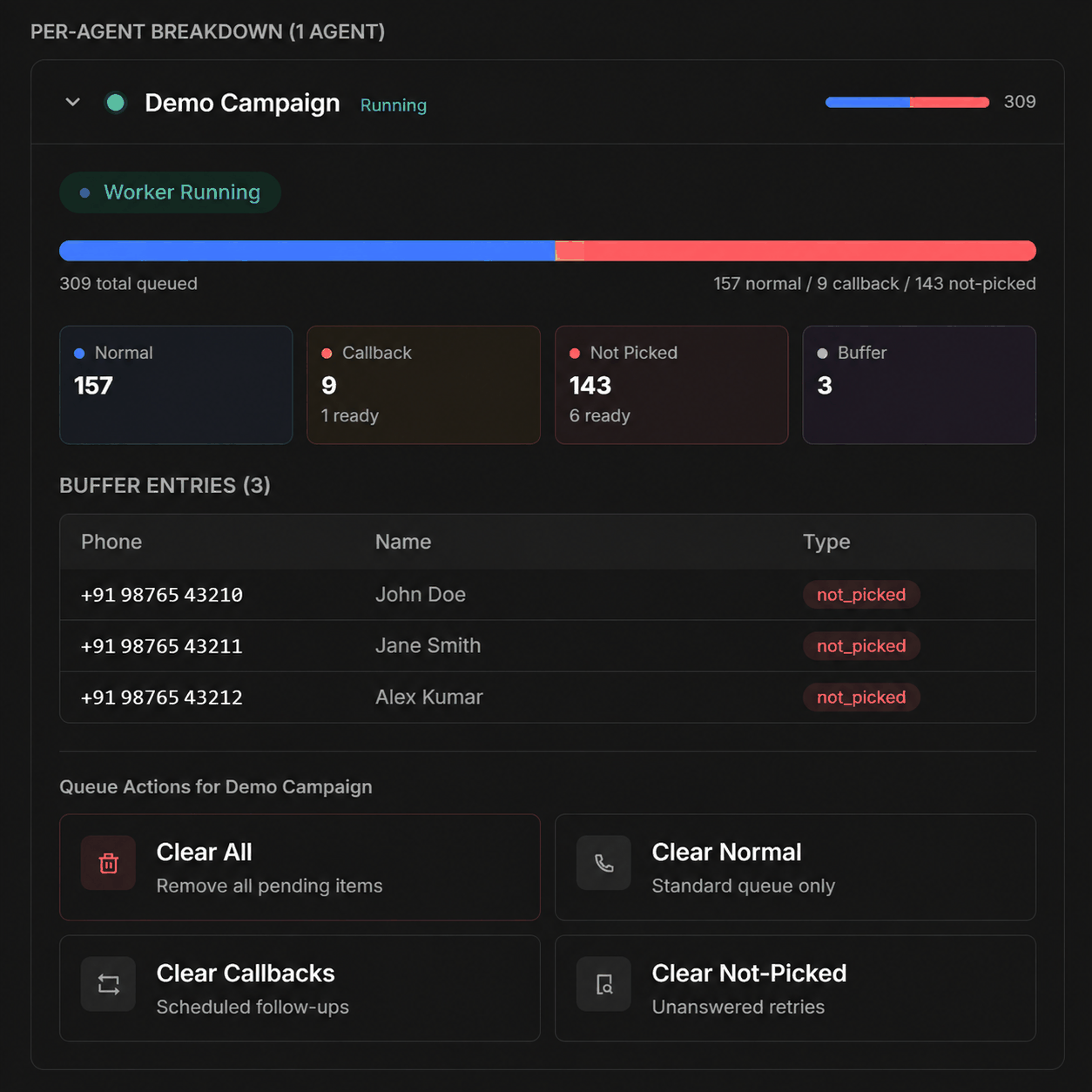
The Queue tab is the live view, refreshing every 30 seconds.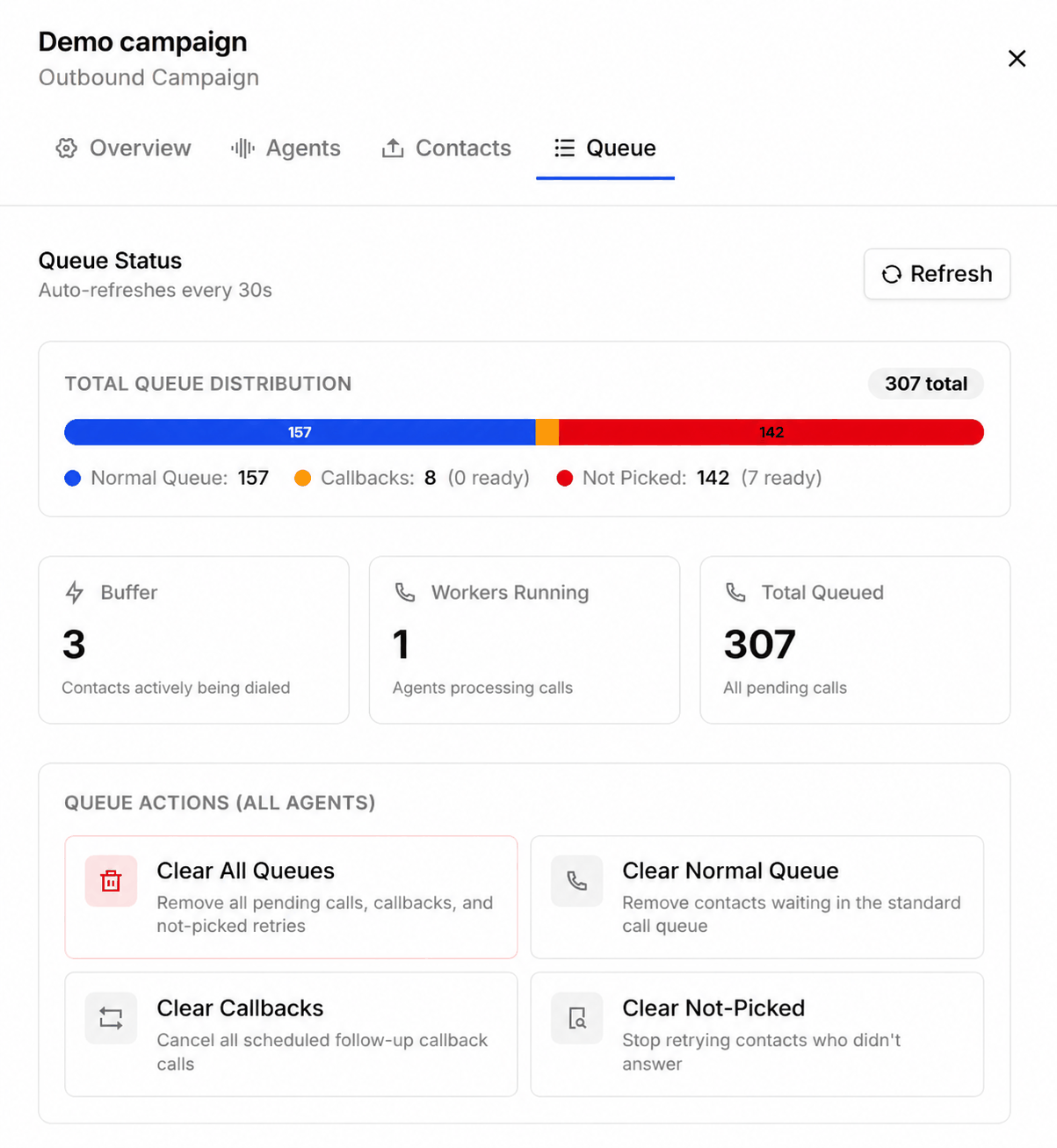
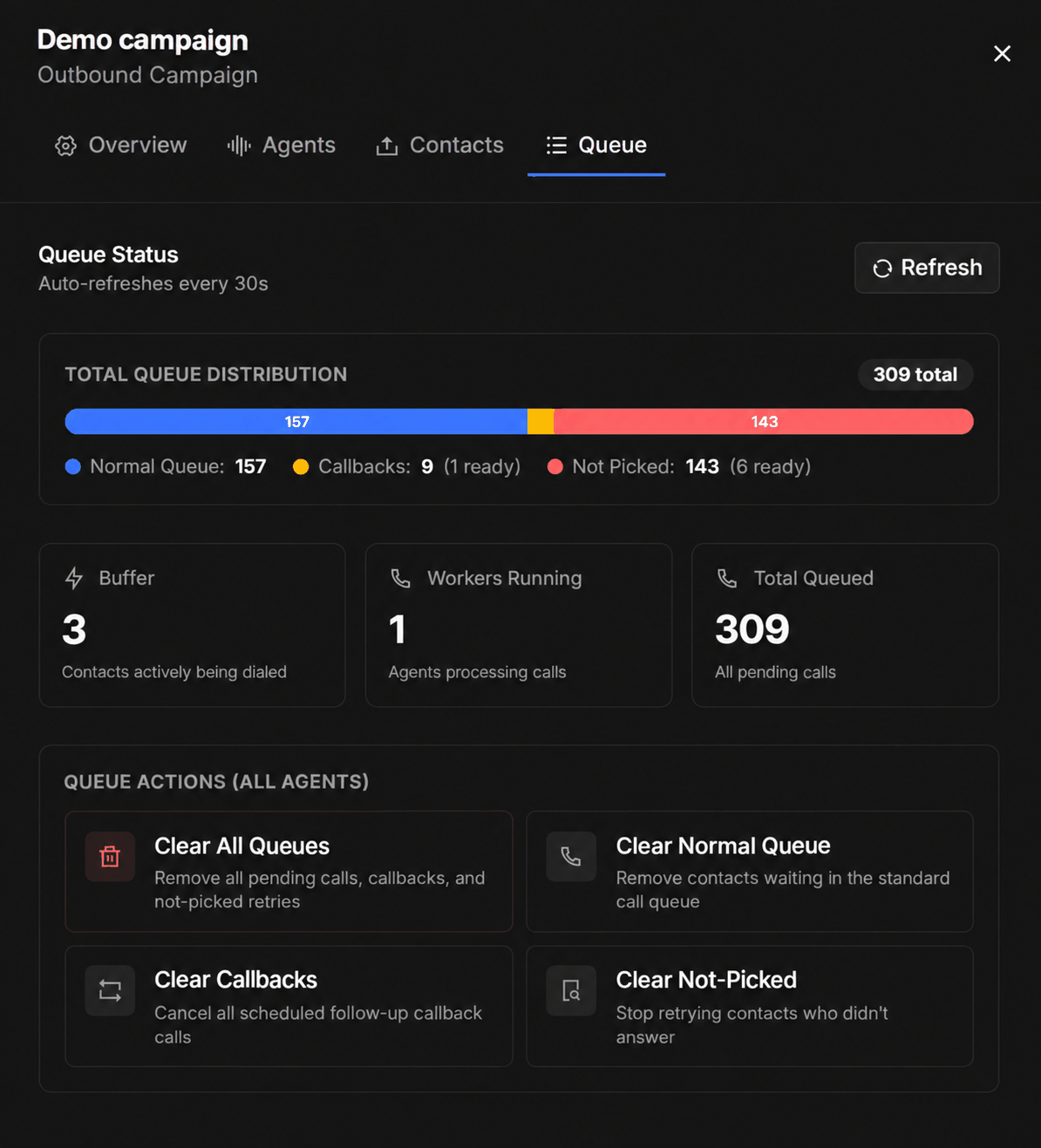
Alongside it: Buffer is the contacts being dialled right now, Workers running is how many agents are processing calls, and Total queued is everything still pending.
Queue actions clear pending work — all of it, or just the normal queue, the callbacks, or the not-picked retries. Clearing doesn’t touch contacts already called.
- Conversations — every campaign call lands in the call log; filter by campaign or by a specific upload to review outcomes.
- Missed Calls tab (inbound campaigns) — every call you didn’t answer, with an export button.
Practical tips
Pick the window from your data
Pick the window from your data
The Calls by hour chart on the dashboard shows when people in your list actually answer. A 10:00–13:00 window typically outperforms a full-day spray.
Test with a small upload first
Test with a small upload first
Upload a 10-row CSV of your own team’s numbers, run it end-to-end, and check the analysis results before releasing the full list. Uploads are released to the queue individually, so a pilot costs nothing.
Retries are per contact, not per list
Retries are per contact, not per list
Non-answers are retried automatically under the campaign’s retry policy — there’s no need to re-upload them.