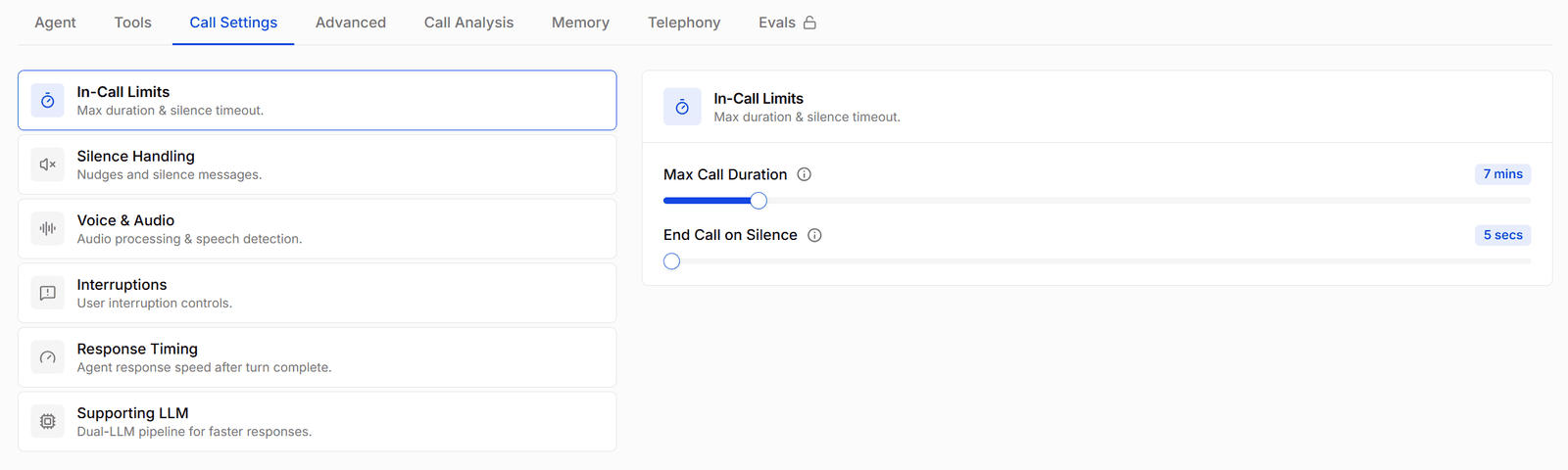
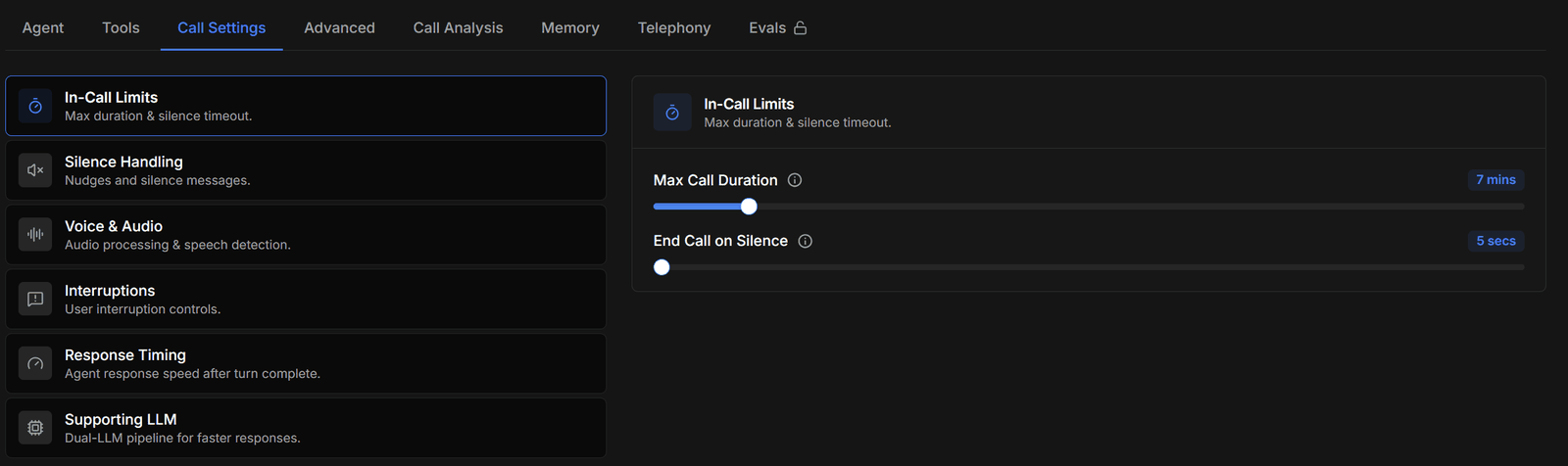
Call settings control how an agent behaves in the audio stream — when it stops talking, how long it waits before responding, what it does when the line goes quiet. Defaults work well for most agents; reach for these when an agent talks over people, pauses awkwardly, or responds too eagerly.
All settings live on the agent’s Call Settings tab.
Interruptions and turn-taking
| Setting | What it does |
|---|
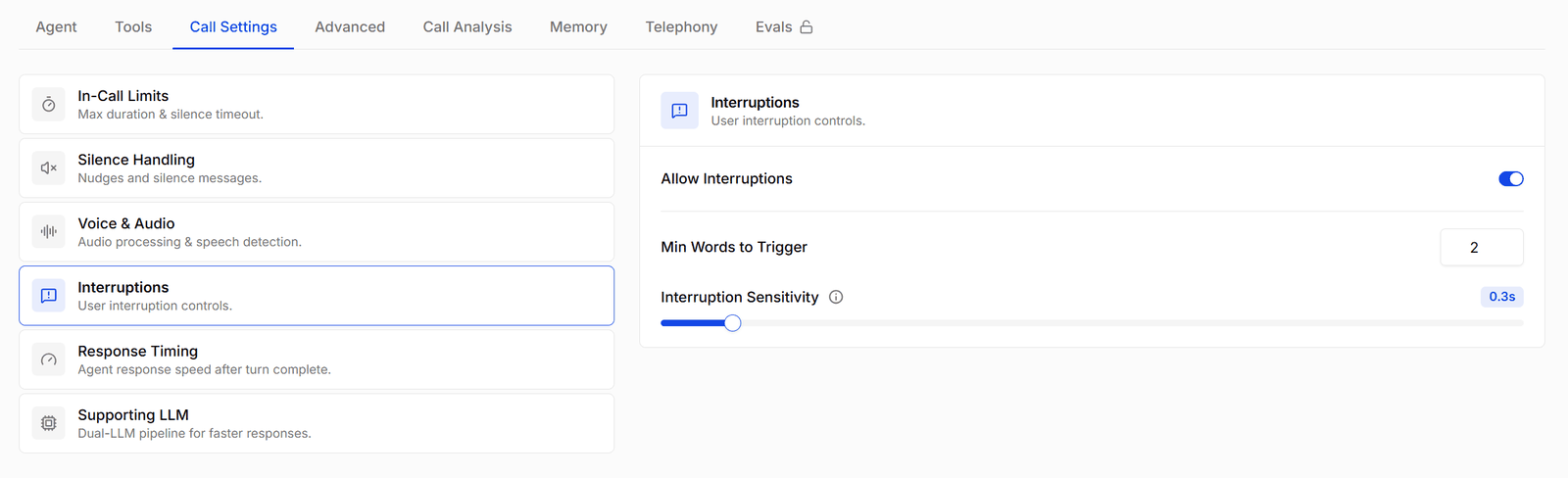
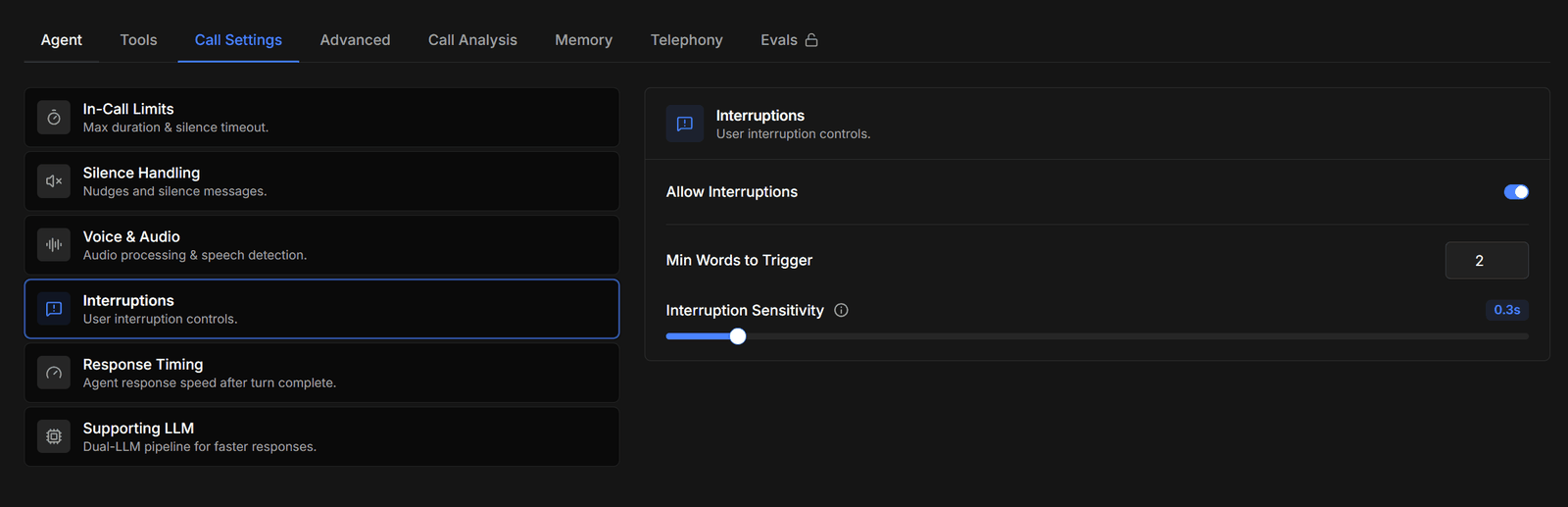
| Allow interruptions | Whether the caller can cut the agent off mid-sentence. On by default — turning it off makes the agent finish every sentence, which feels robotic but suits compliance scripts that must be read in full. |
| Min interruption duration | How long the caller must speak before it counts as an interruption (0.1–2.0 s). Raise this if background noise or short “mm-hmm”s keep cutting the agent off. |
| Minimum interruption words | Alternative threshold in words — the caller must say at least this many words to interrupt. |
| Min / max endpointing delay | How long the agent waits after the caller stops speaking before replying. The minimum (default ~0.4 s) prevents the agent jumping in on a breath pause; the maximum (default ~2 s) caps how long it can hold back. Raise the minimum for callers who speak with pauses (numbers, addresses); lower it for snappier back-and-forth. |
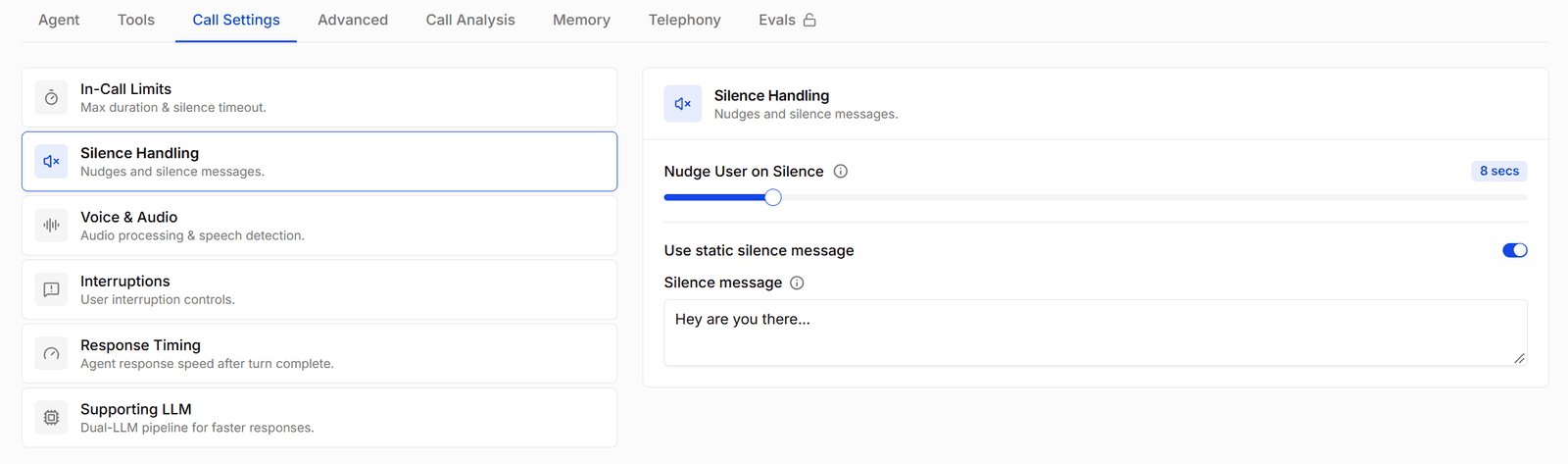
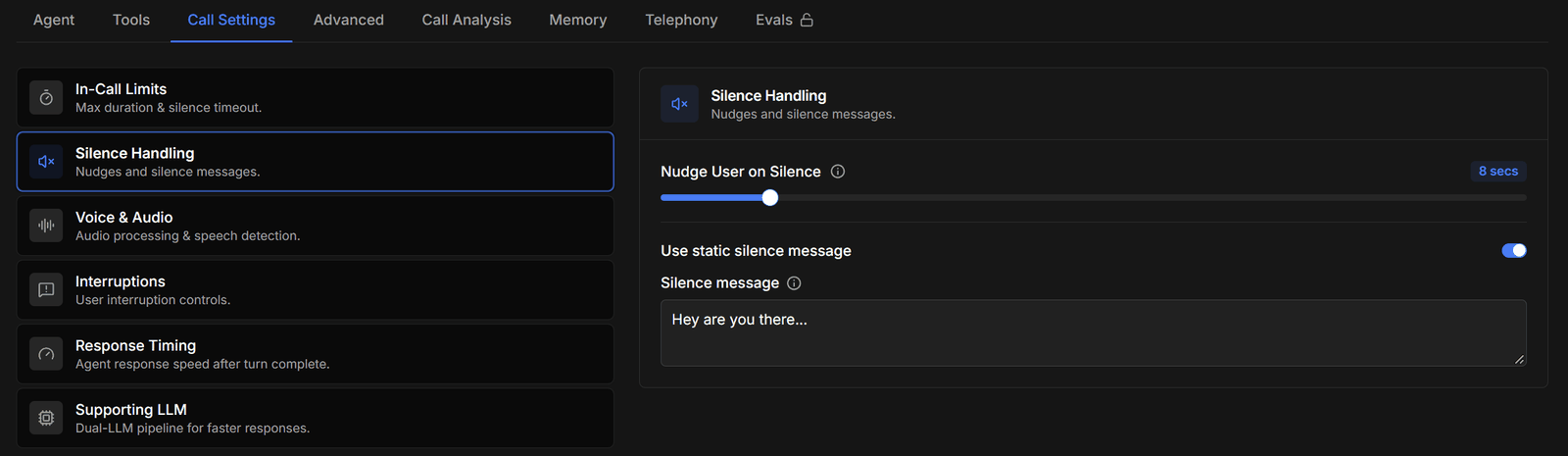
Silence handling
When the caller goes quiet, the agent checks in rather than sitting in dead air:
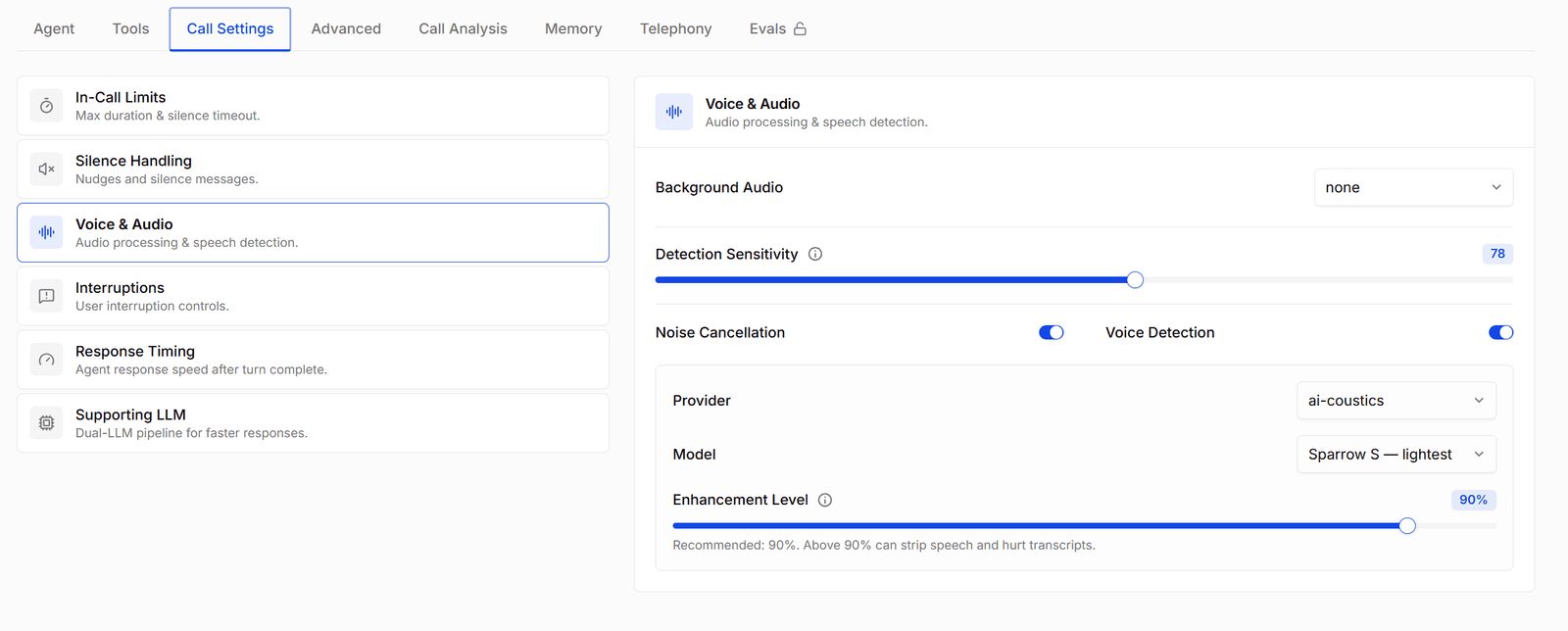
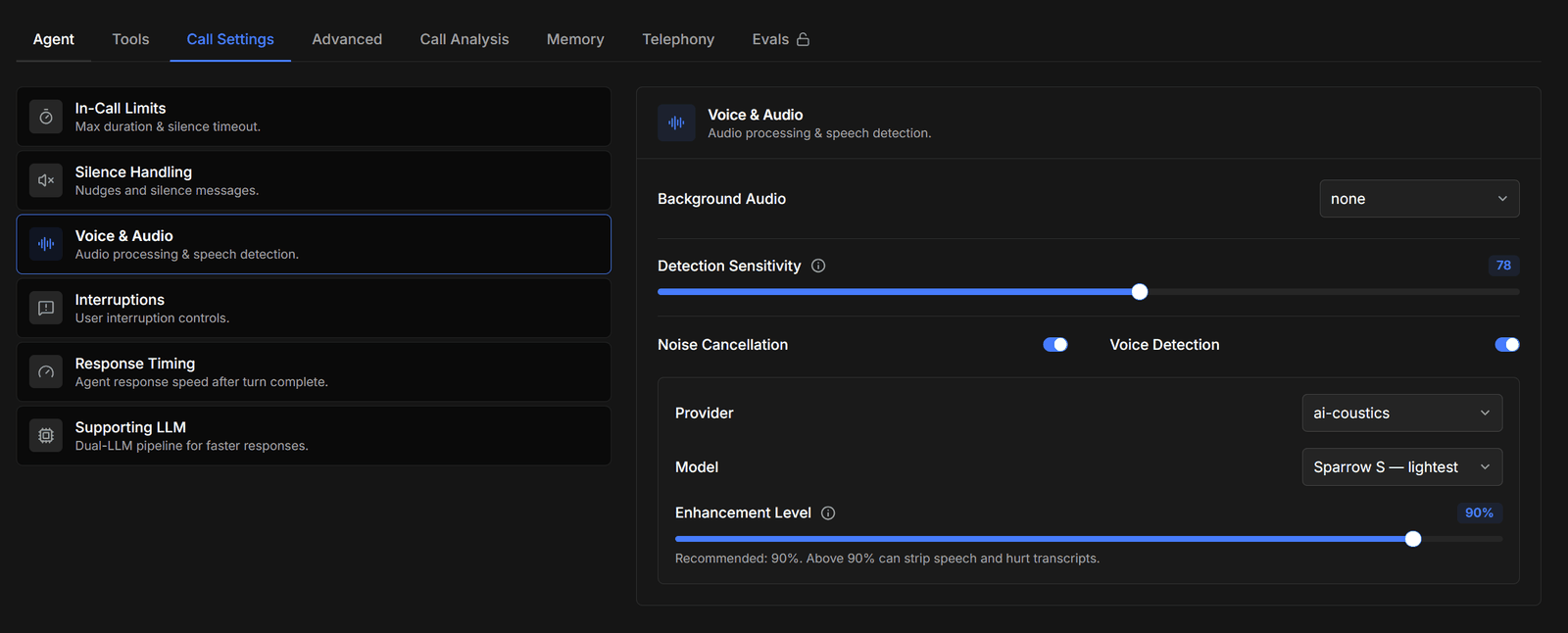
- Voice activity detection (VAD) — on by default, with a sensitivity slider. Higher sensitivity detects quieter speech but picks up more background noise.
- Silence message — what the agent says after a sustained silence. Use a static message (e.g. “Hey, are you still there?”) or have one generated from the conversation context so it fits naturally.
- If the caller still doesn’t respond after the check-in, the agent ends the call (the conversation record shows the silence timeout as the end reason).
Voice and audio
- Noise cancellation — on by default; filters background noise from the caller’s side before the agent hears it.
- Background audio — play ambient sound behind the agent’s voice to make the call feel like it comes from a real place. Options: none, city ambience, forest ambience, office ambience, crowded room — with a volume slider. Subtle office ambience makes long pauses feel less artificial.
Response timing
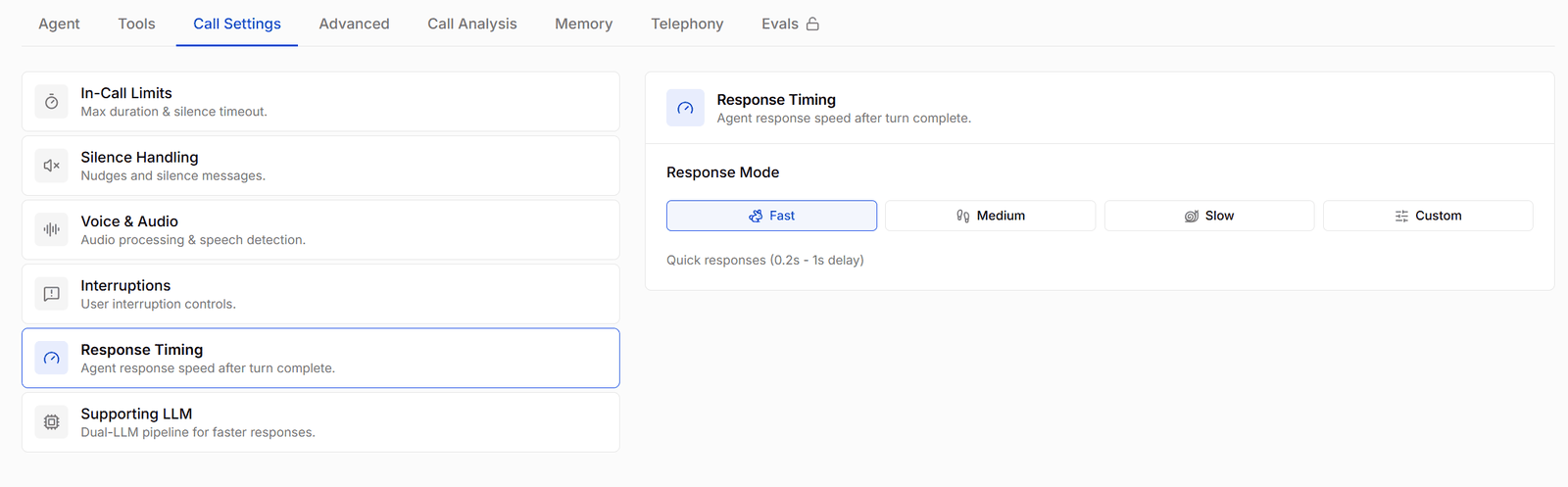
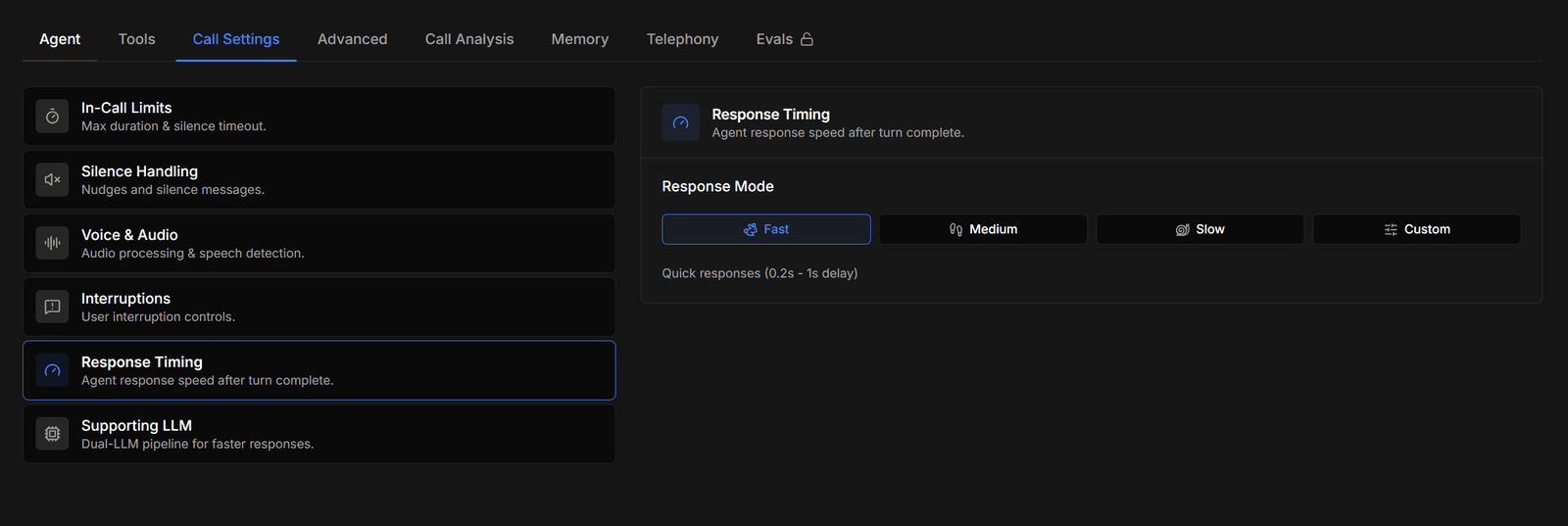
Presets (fast / medium / slow / custom) that trade snappiness against the risk of talking over the caller. Fast suits short transactional calls; slow suits conversations where callers think out loud.
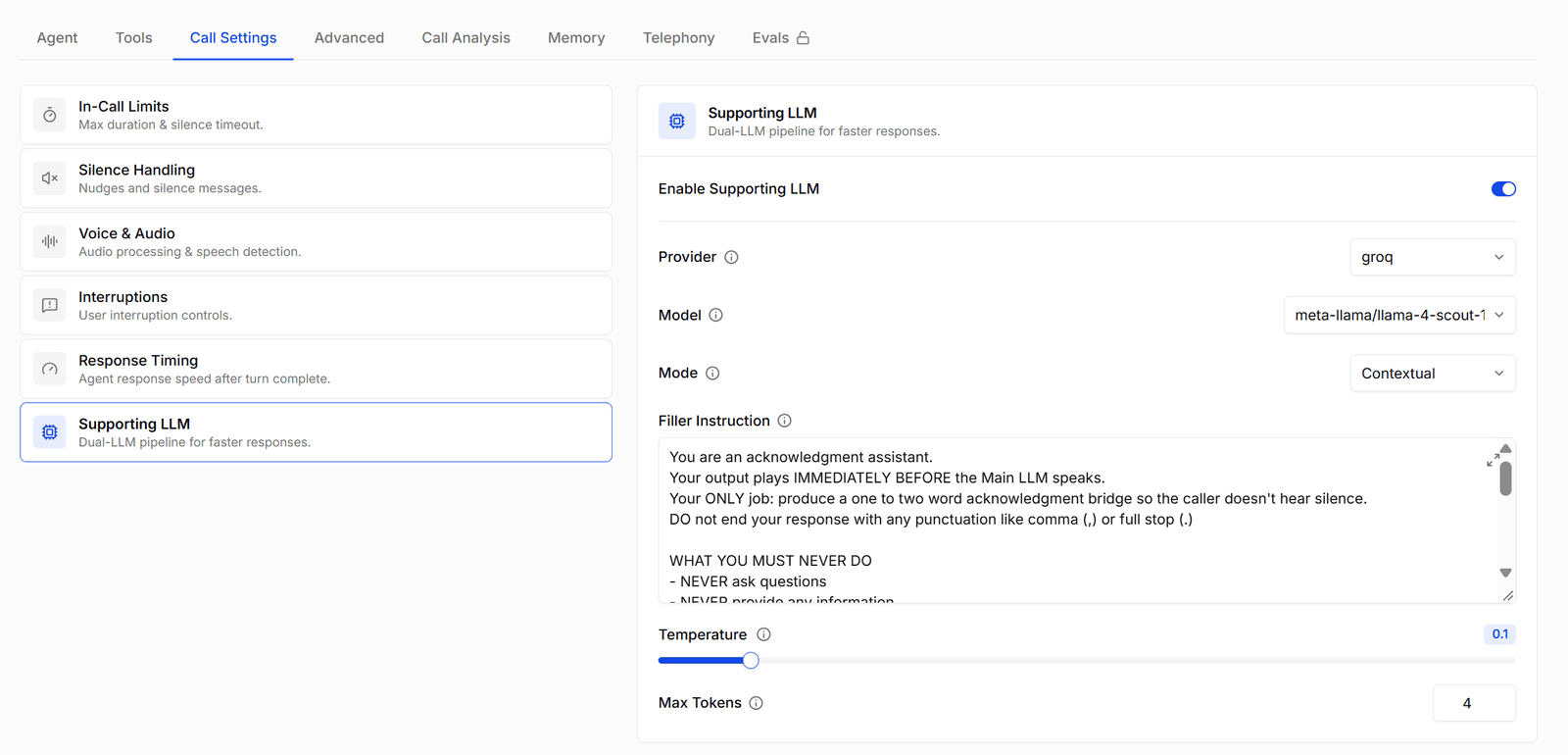
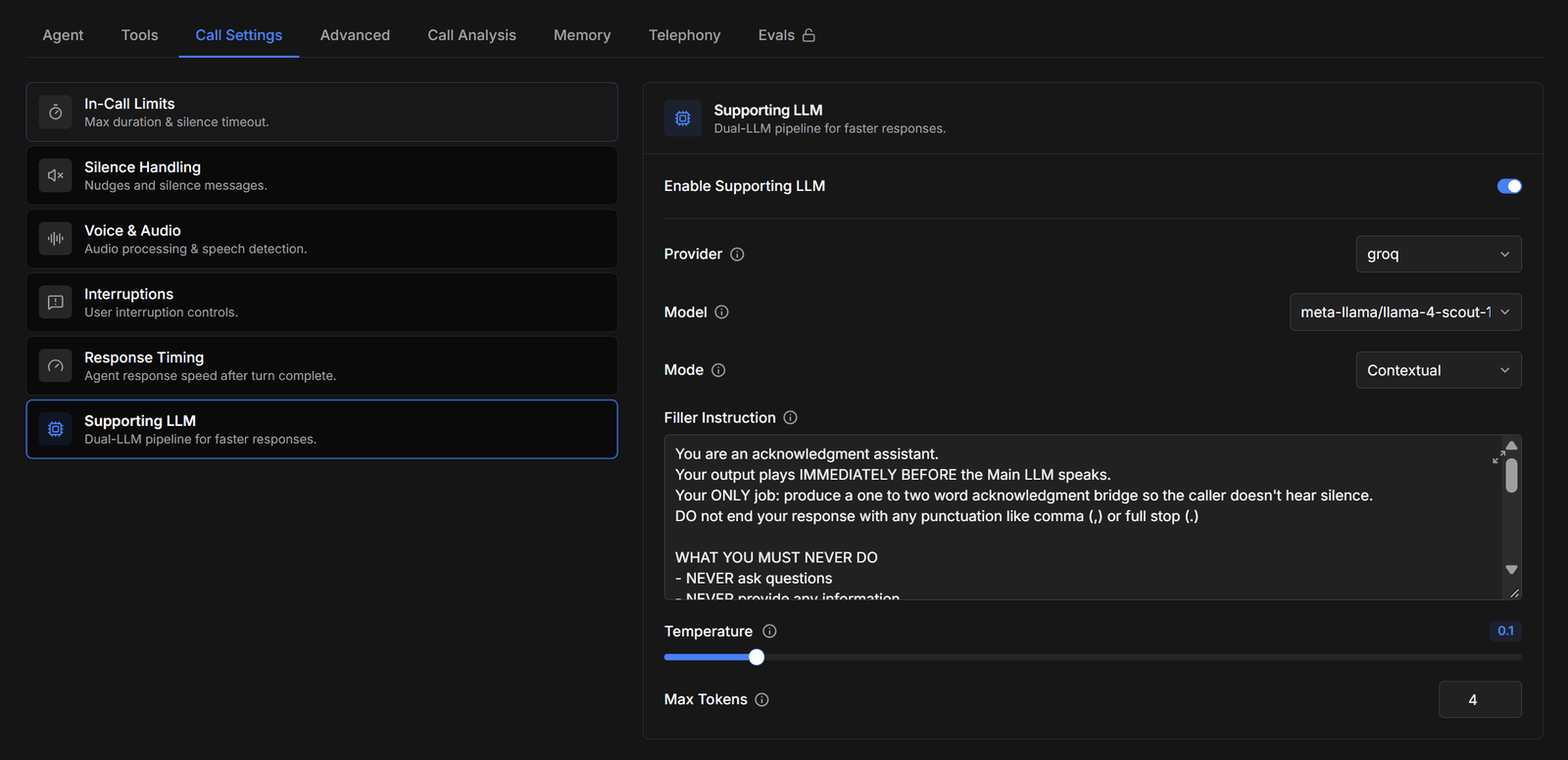
Supporting LLM
For agents where every millisecond of response delay matters, you can enable a second, smaller LLM that generates a brief acknowledgement (“Sure, let me check that…”) while the main model composes the full answer. You choose its provider and model, set its temperature and token cap, and give it a filler instruction describing the kinds of acknowledgements it should produce. The result is an agent that never leaves a long thinking gap.
Change one setting at a time and re-test in the web-call playground. Interruption and endpointing settings interact — adjusting both at once makes it hard to tell which change helped.