
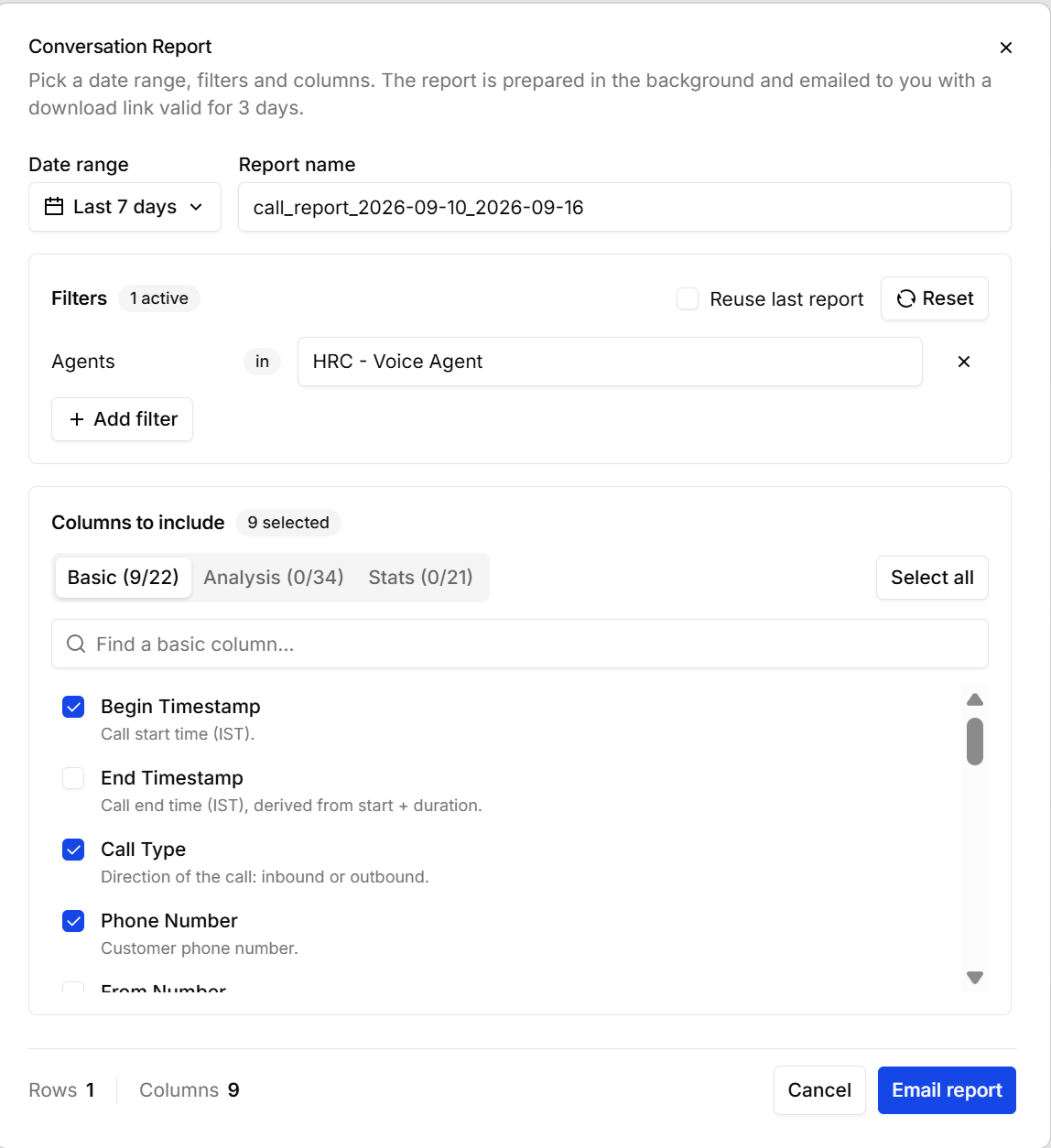
Export builds a CSV of your calls. You choose the period, the calls to include, and the columns — the report is prepared in the background and emailed to you with a download link that’s valid for 3 days.
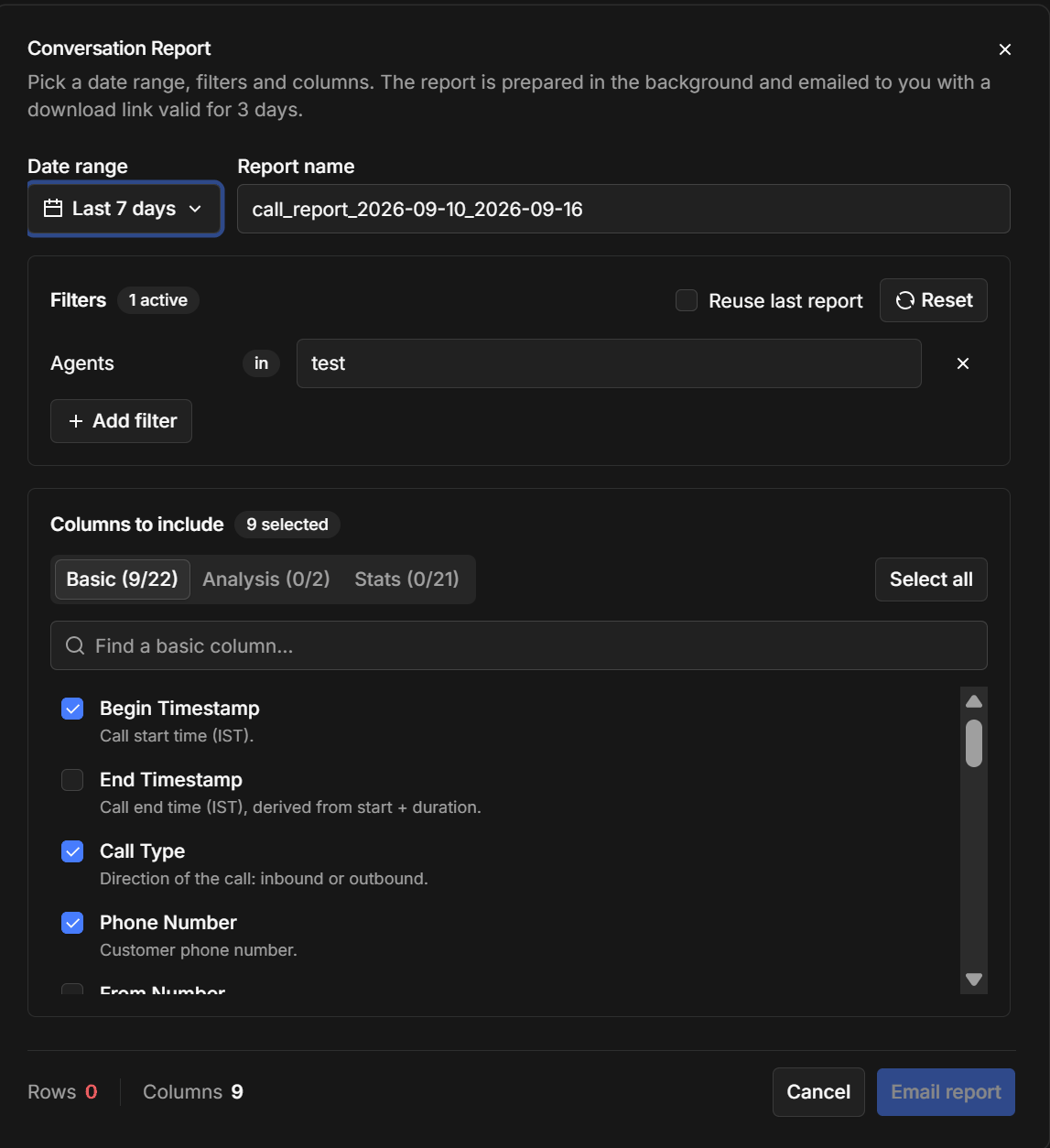
The Conversation Report dialog with date range, filters, and column selectionThe Conversation Report dialog with date range, filters, and column selection
The footer keeps a running count of the rows and columns you’ll get, so you can tell before sending whether the filters have caught what you expected. Email report queues it. The three column tabs are Basic (timestamps, direction, phone numbers, duration, status), Analysis (what call analysis produced — your extracted fields, the summary, and tags), and Stats (timing and performance per call). Analysis is the one that turns a call log into something a business team can read.
Build the report you want once, then tick Reuse last report next time — it restores the same filters and columns, so a weekly export stays consistent instead of drifting each time someone rebuilds it by hand.