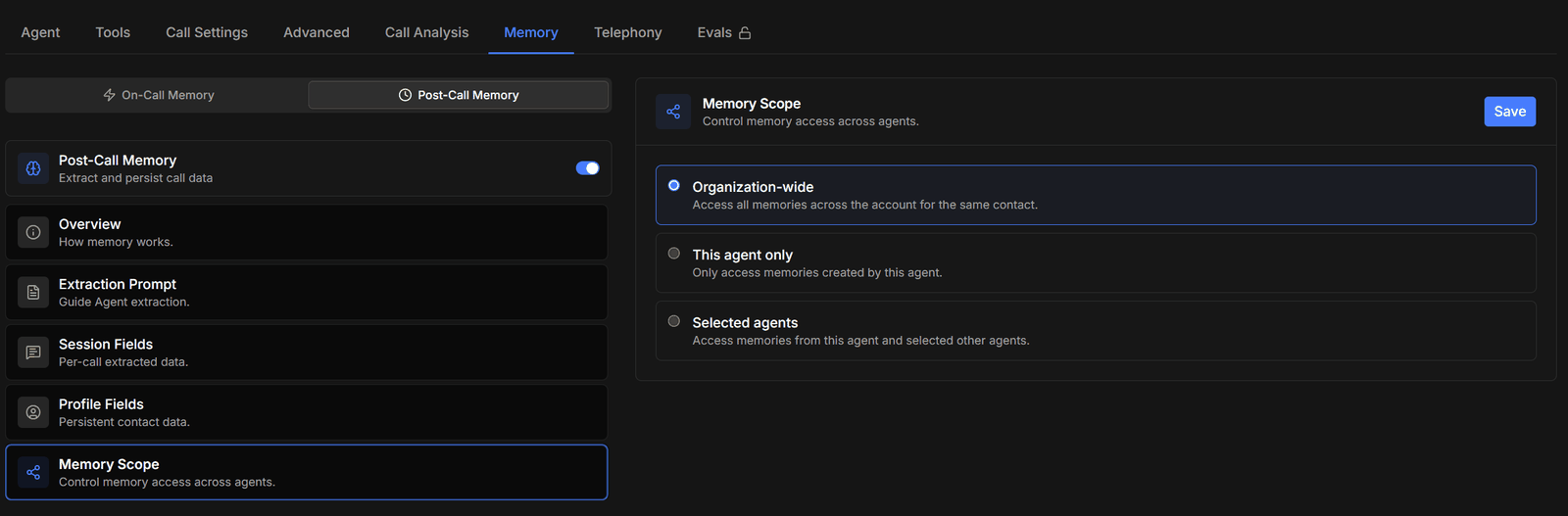
The Memory tab controls what an agent remembers. It is split into two halves that work at different moments and are configured separately: The two are independent. Each has its own switch and saves separately, so turning one on or off does nothing to the other. Long calls where the agent loses track need on-call memory; repeat callers who shouldn’t have to introduce themselves twice need post-call memory. Plenty of agents want both, and a simple one-shot agent needs neither.

On-call memory

Pick the On-Call Memory sub-tab and turn on State Fields — the details the agent should track while it is talking. Nothing here is saved after the call: these values live and die with the conversation.
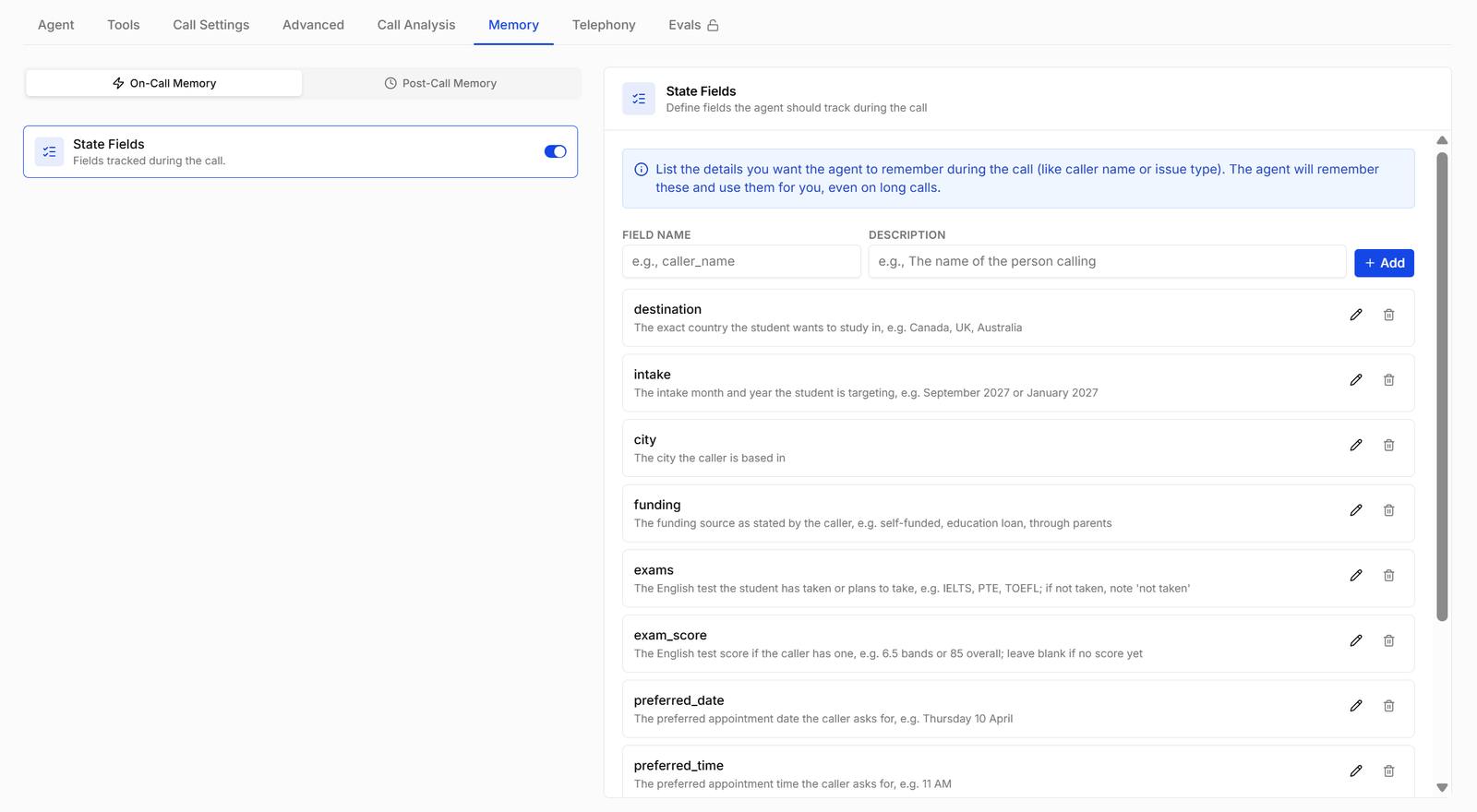
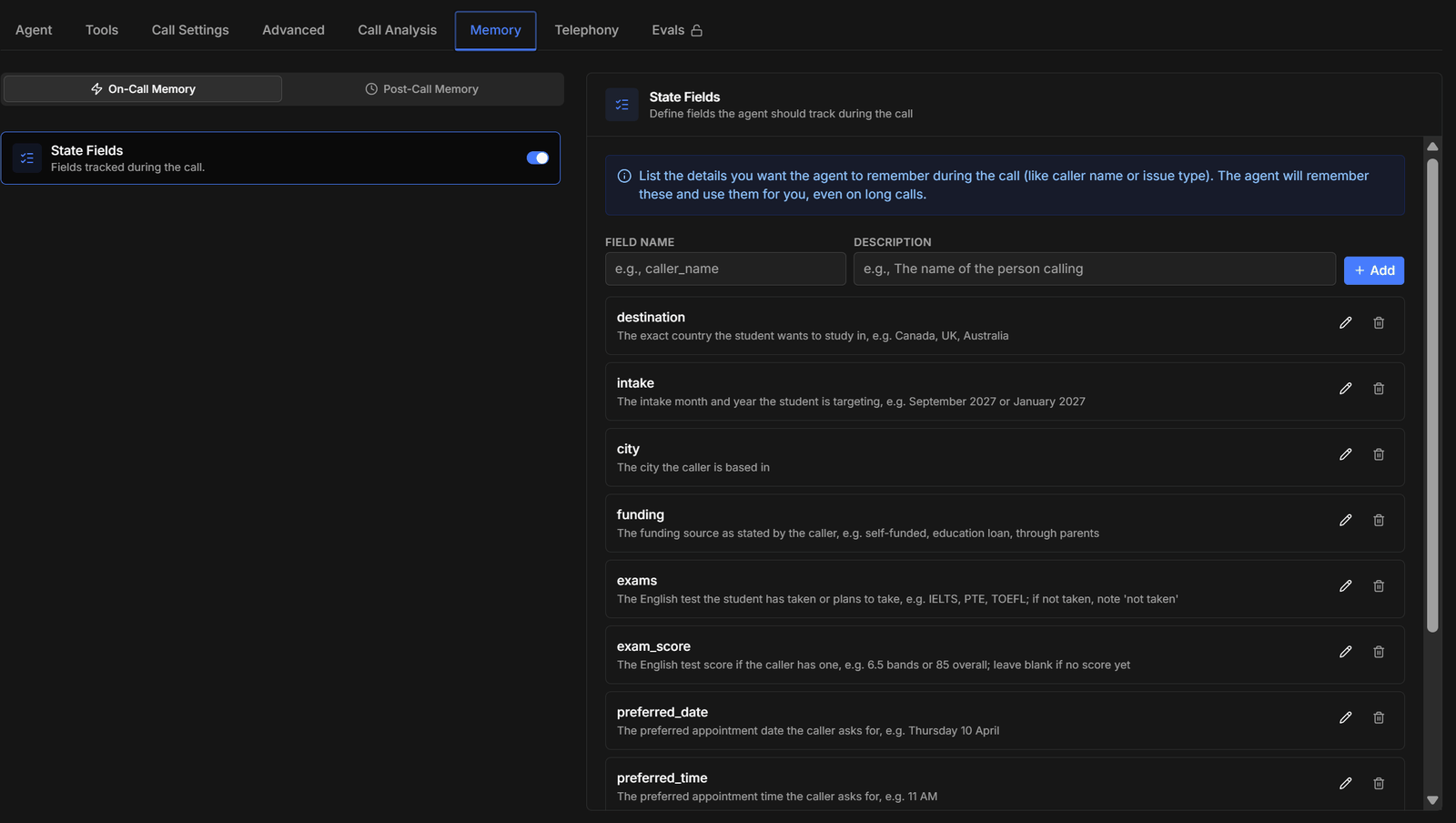
On-Call Memory with the State Fields toggle and a list of tracked fieldsOn-Call Memory with the State Fields toggle and a list of tracked fields
List the details you want the agent to hold on to — caller name, issue type, whatever the conversation turns on — and it keeps them straight for the rest of the call, even a long one. Add each field with a Field Name and a Description:
Write the description the way you would brief a new agent: say what the value is and give an example. The model reads it to decide what counts as a match, so “The city the caller is based in” beats “city”.

Post-call memory

Pick the Post-Call Memory sub-tab and turn on Post-Call MemoryExtract and persist call data. Once it is on, the agent reads each finished transcript and pulls out the fields you have defined, and what it finds is available on future calls with the same contact.
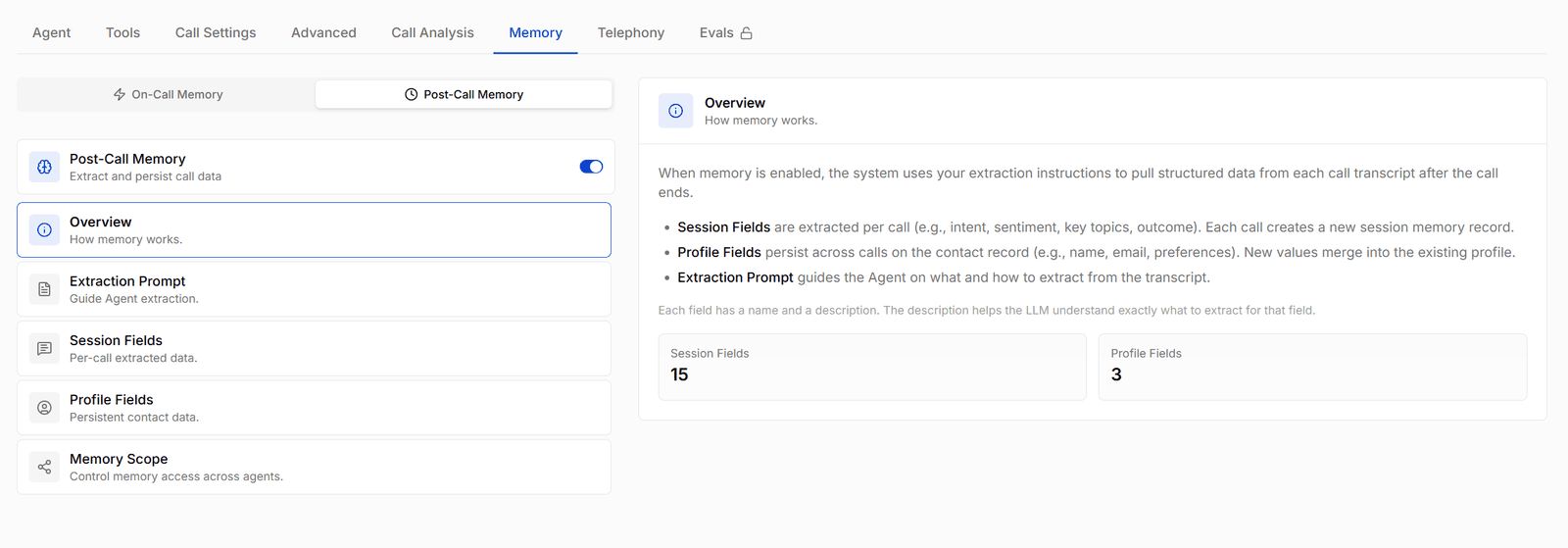
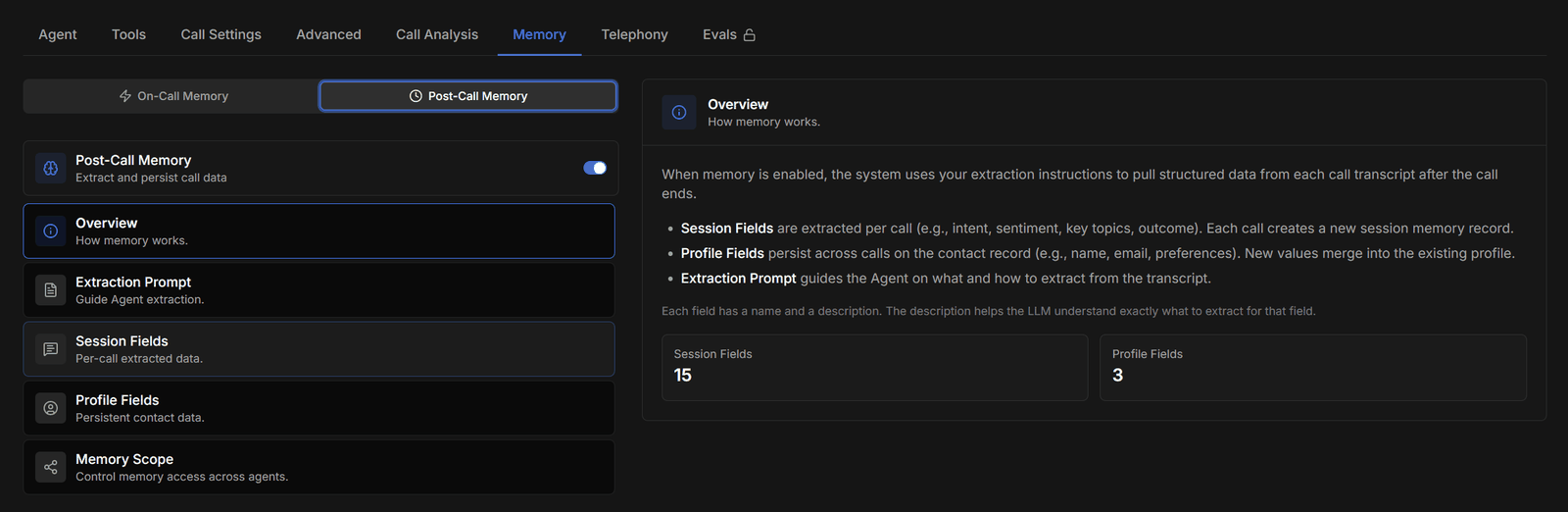
Post-Call Memory overview explaining session fields, profile fields, and the extraction promptPost-Call Memory overview explaining session fields, profile fields, and the extraction prompt
The Overview section counts how many fields of each kind you have defined. The three things you configure below it are the extraction prompt, the session fields, and the profile fields.

Extraction prompt

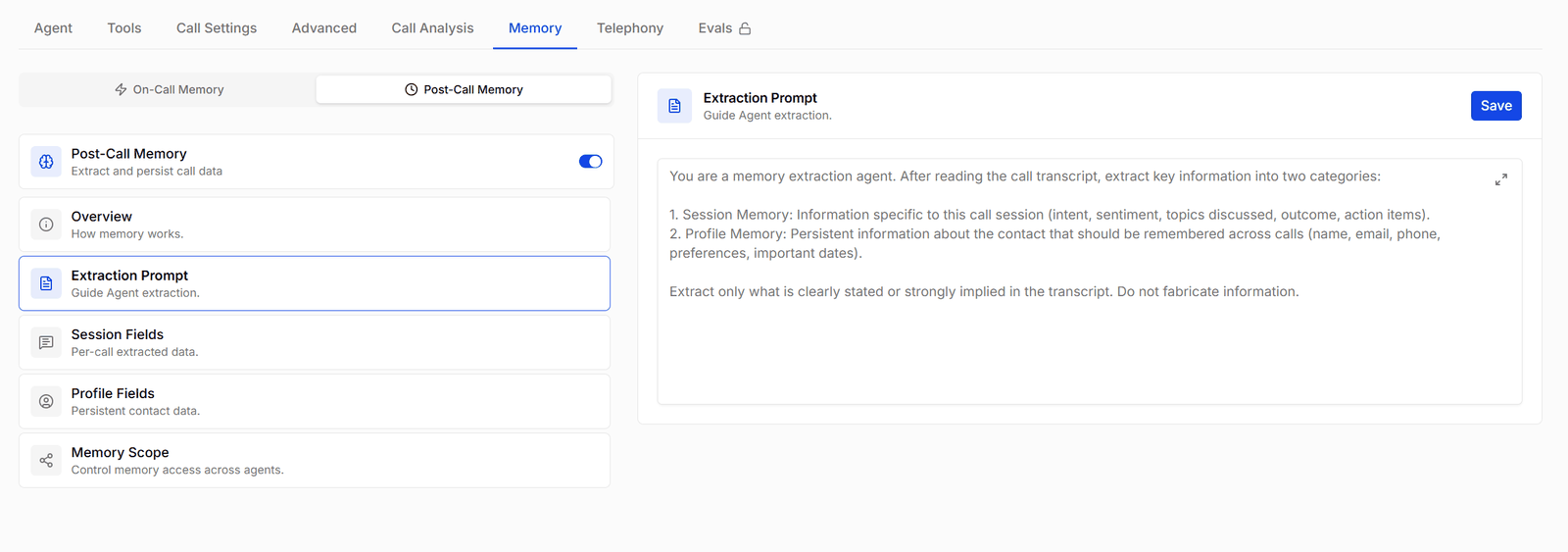
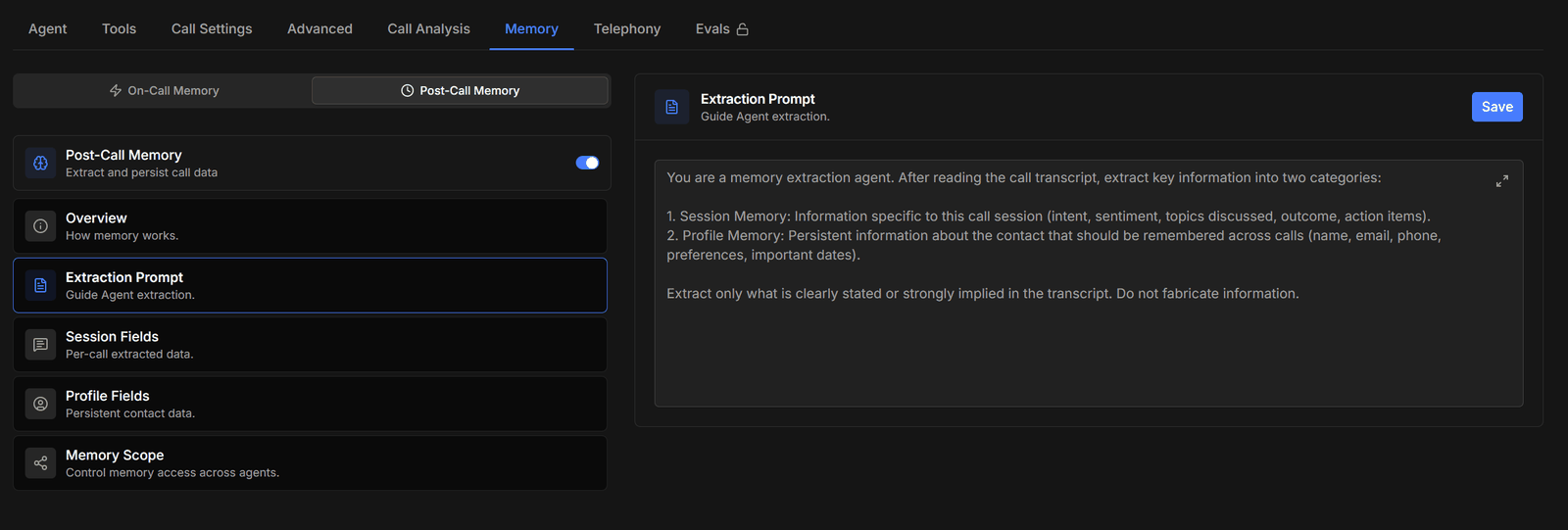
The extraction prompt that tells the agent how to pull session and profile memory from a transcriptThe extraction prompt that tells the agent how to pull session and profile memory from a transcript
The standing instruction given to the extraction model. It names the two categories — session memory for this call, profile memory to remember across calls — and sets the rule that matters most:
Extract only what is clearly stated or strongly implied in the transcript. Do not fabricate information.
Keep that last line whatever else you change. Without it the model fills gaps with plausible guesses, and a wrong value on a contact profile is worse than a missing one. Press Save after editing.

Session fields
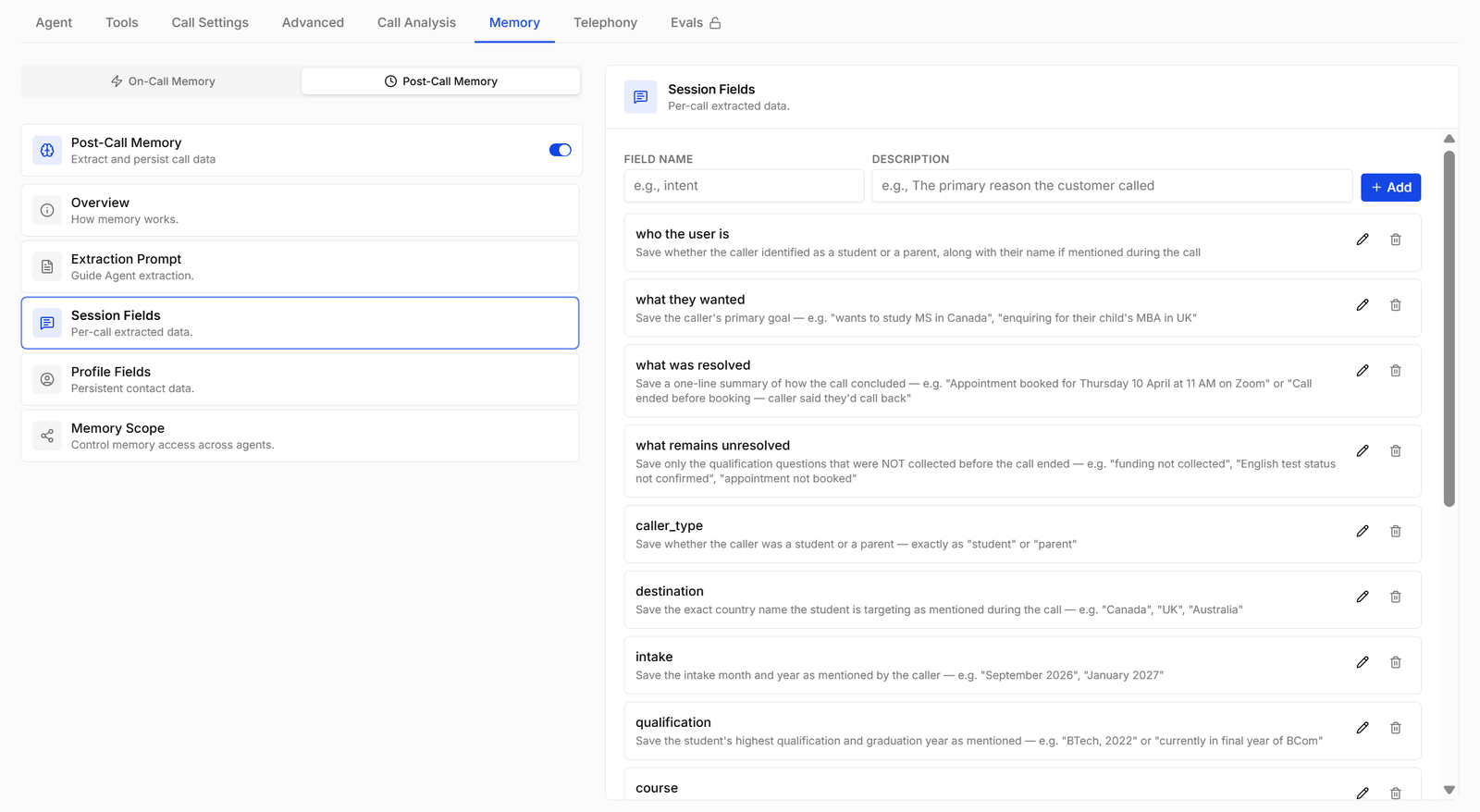
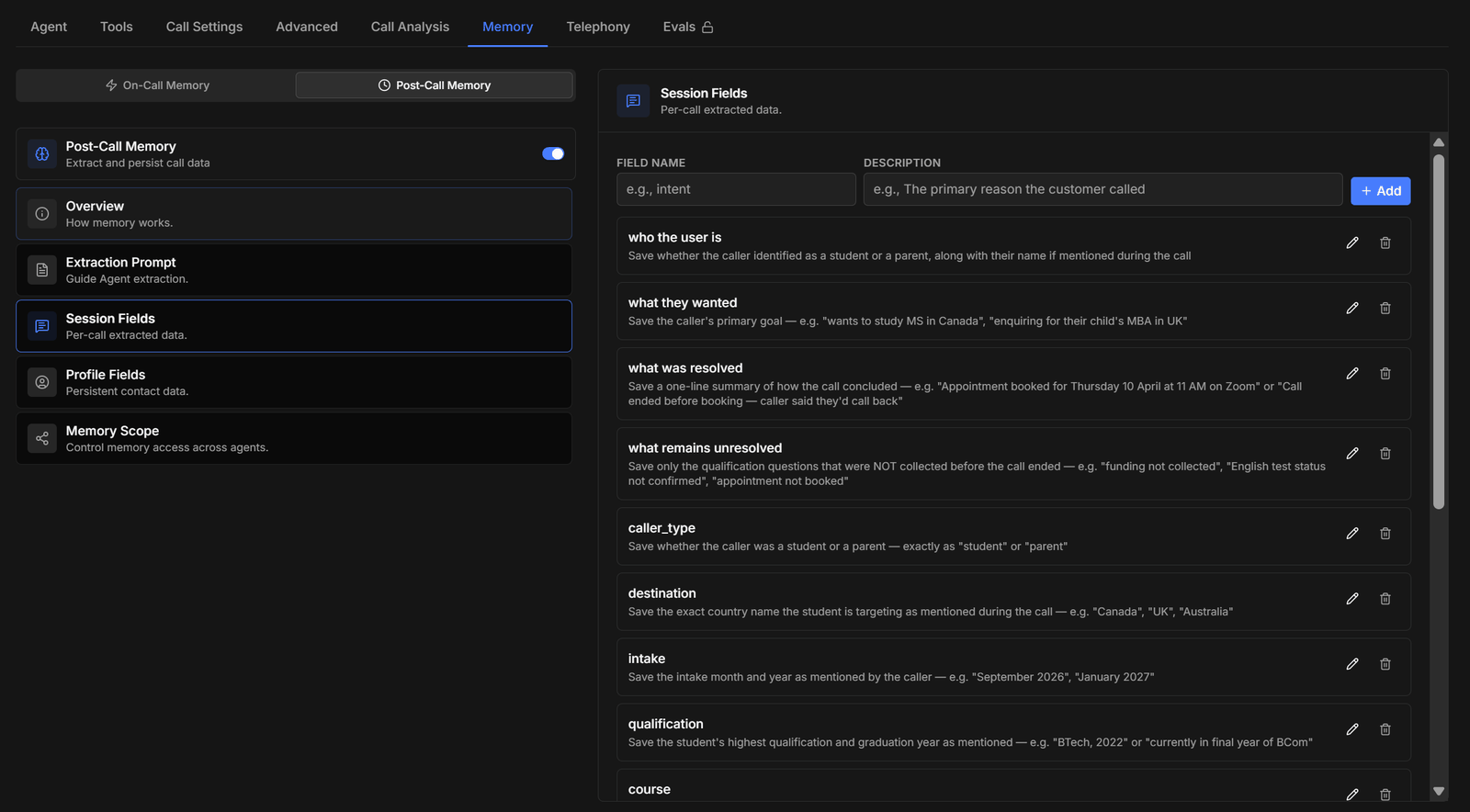
Session fields listing per-call extracted data such as who the user is and what was resolvedSession fields listing per-call extracted data such as who the user is and what was resolved
Per-call data. Each call produces a fresh set, so these are the fields that describe this conversation rather than the person: A field that records what is still missing is worth defining early: it turns the memory record into a to-do list for the next call.

Profile fields
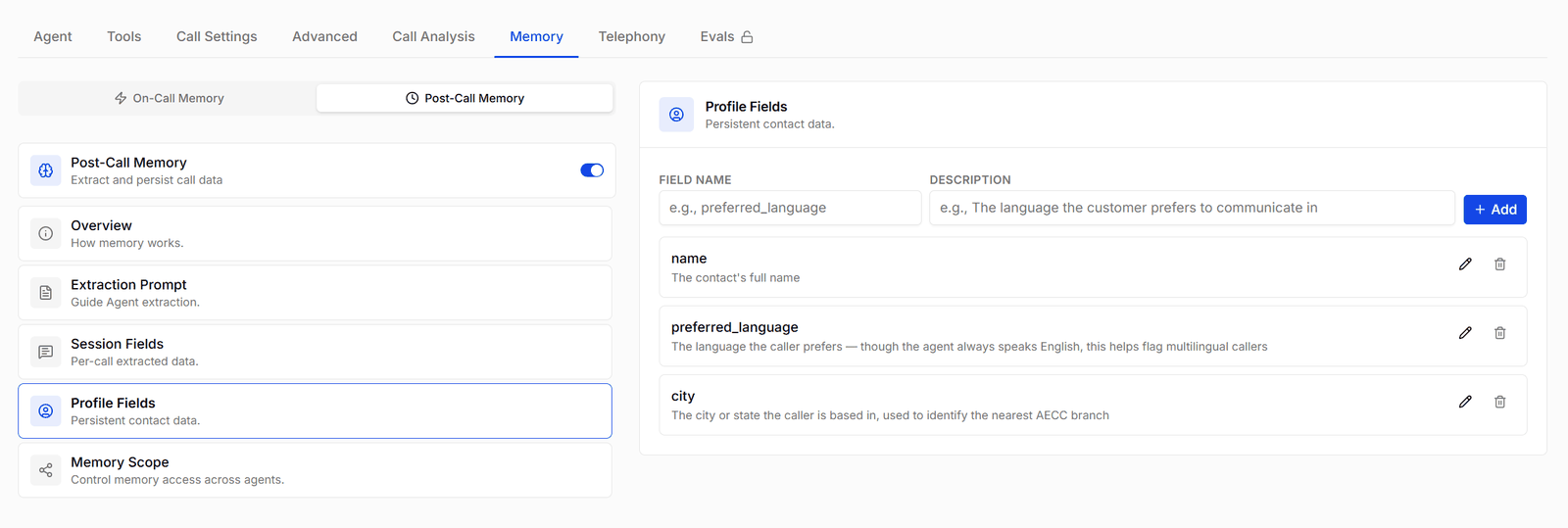
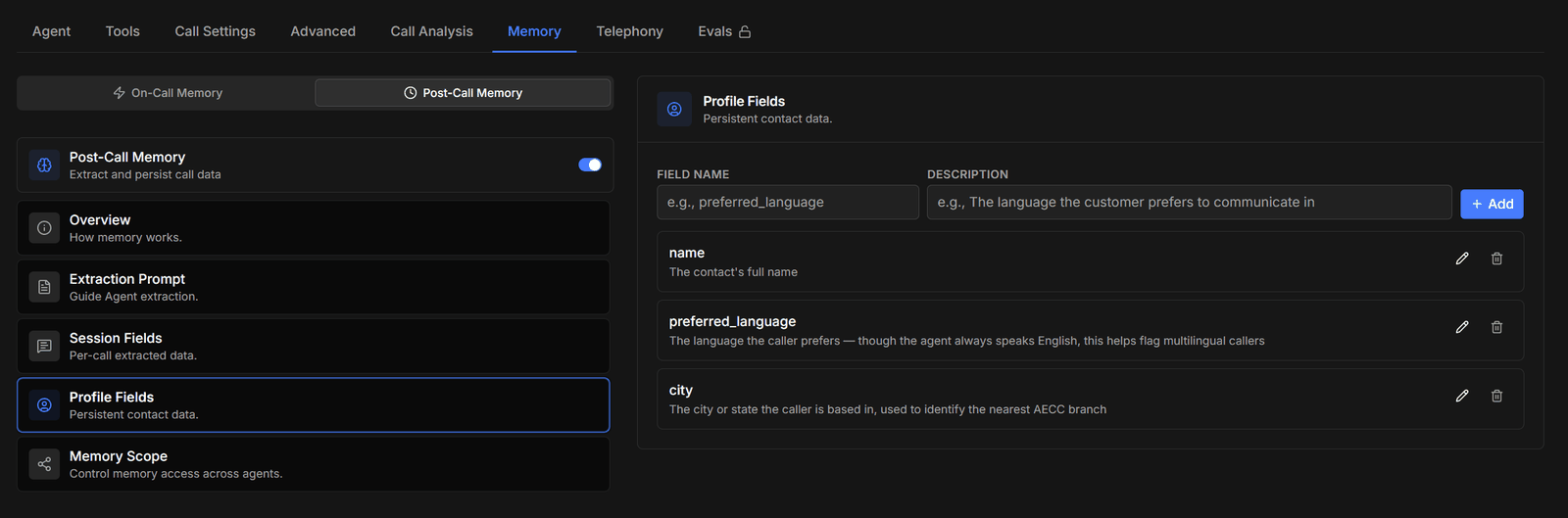
Profile fields listing persistent contact data such as name, preferred language, and cityProfile fields listing persistent contact data such as name, preferred language, and city
Persistent contact data. These attach to the contact, not the call, and new values merge into the existing profile as later calls come in — so keep them to facts that stay true between conversations:
Anything that changes call to call — mood, the reason for this call, what was agreed today — belongs in session fields. Putting it on the profile means each call overwrites the last one’s answer.

Memory scope
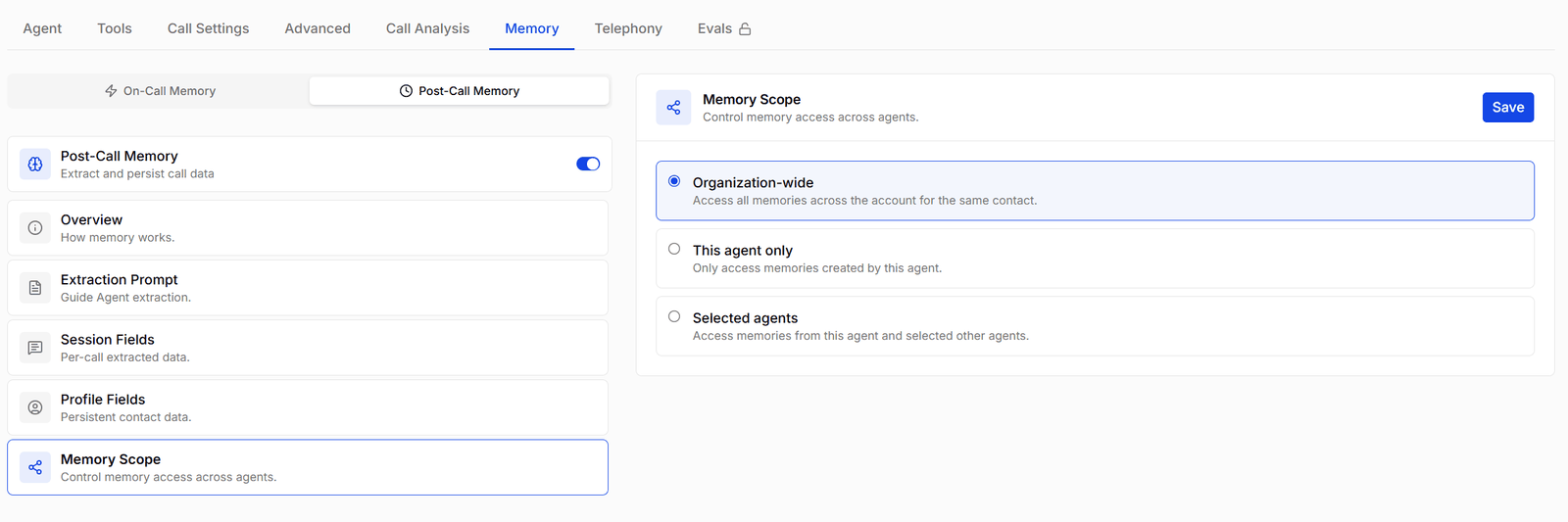
Memory scope options: organization-wide, this agent only, or selected agentsMemory scope options: organization-wide, this agent only, or selected agents
Controls which memories this agent can read back for a contact: Organization-wide suits a set of agents working the same customer base — a caller who gave their intake preference to the sales agent doesn’t repeat it to the support agent. Narrow the scope when agents serve unrelated lines of business, or when one agent handles sensitive calls whose details shouldn’t surface elsewhere. Press Save after changing it.
Post-call memory only produces a record for calls that were answered and left a transcript. If a contact’s profile looks empty, check the call actually connected before re-checking the field definitions.